
Participant
September 24, 2023

Aero is not allowing me to preview the content.

  • September 24, 2023
  • 4 replies
  • 764 views

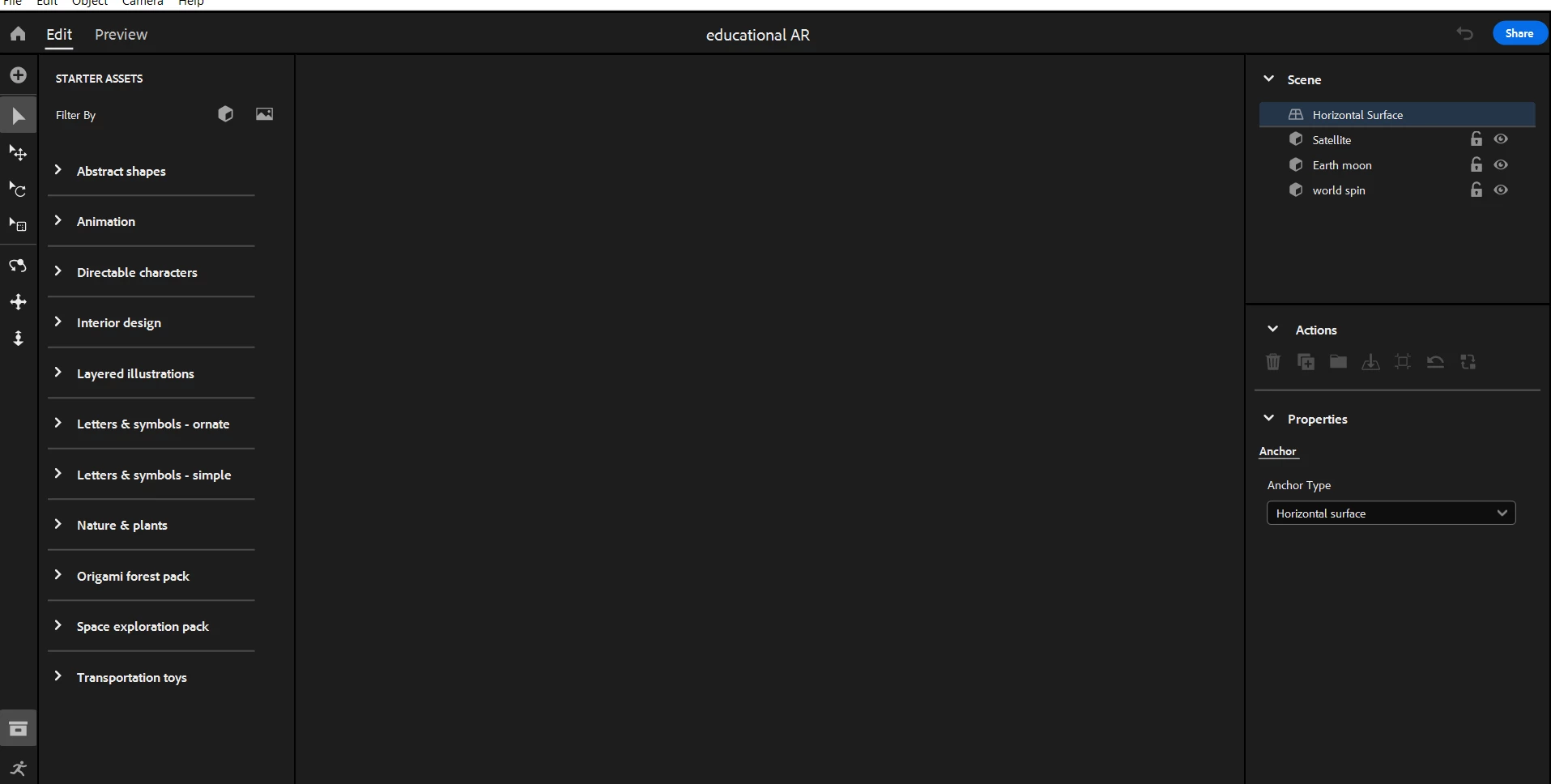
So I'm not sure as to why this is happening, since it was working fine last week, but suddenly when I open the application it shows the interface, but the content I'm supposed to work with is blank. I've tried rebooting my computer, as well as uninstalling the software 3 times. 

Has anyone else been experiencing this issue, and does anyone have a solution? 
 

4 replies

Participant
March 12, 2024

I am suddenly having the exact same issue on windows 10 home.
I uninstalled/re-installed aero.
Huge ammount of cloud space left.
Really need to use this for a job!! Please help, Adobe!

Participant
October 12, 2023

I am having the same issue. I am running Windows 11 and everything is updated. Have you been able to resolve the issue?


Cory Bramall
Adobe Employee
Adobe Employee
September 27, 2023

I'm sorry this is happening for you. A few questions...

  1. Are you on the latest version of Aero? Latest is 0.23.4 (#125)
  2. Are you sure you haven't run of cloud storage space? (On the Home screen select the cloud icon in the top right to see your storage information)
  3. The image you attached looks like you're using OSX. What OS version do you have?
jane-e
Community Expert
Community Expert
September 24, 2023

@Sir Faber 


I've moved your post from Creative Cloud Desktop to Adobe Aero for you.


Jane