


Illustrator 2026 – 3D and Materials does not update when I change the object's Fill color
Hi,
I’m having a problem with the 3D and Materials effect in Adobe Illustrator.
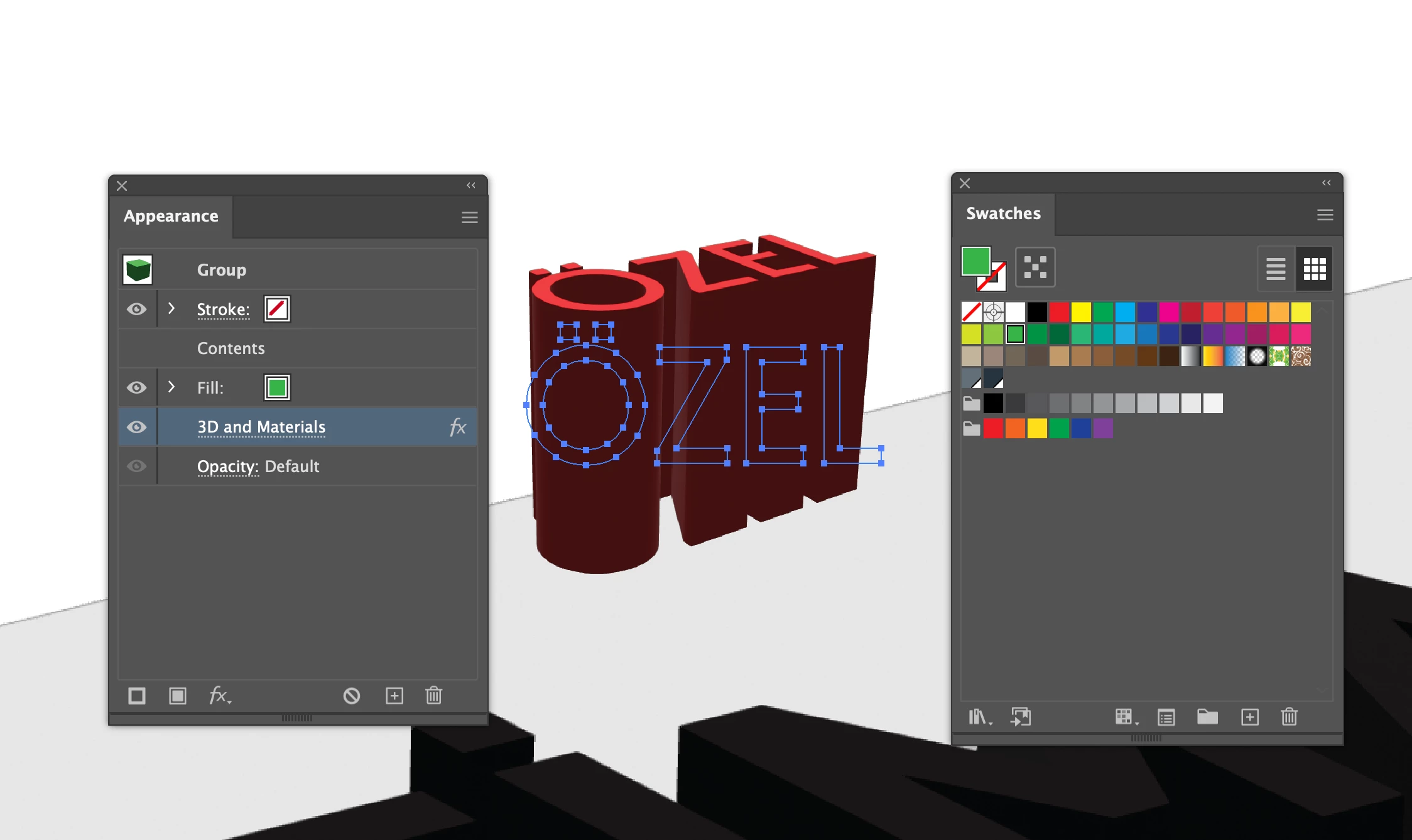
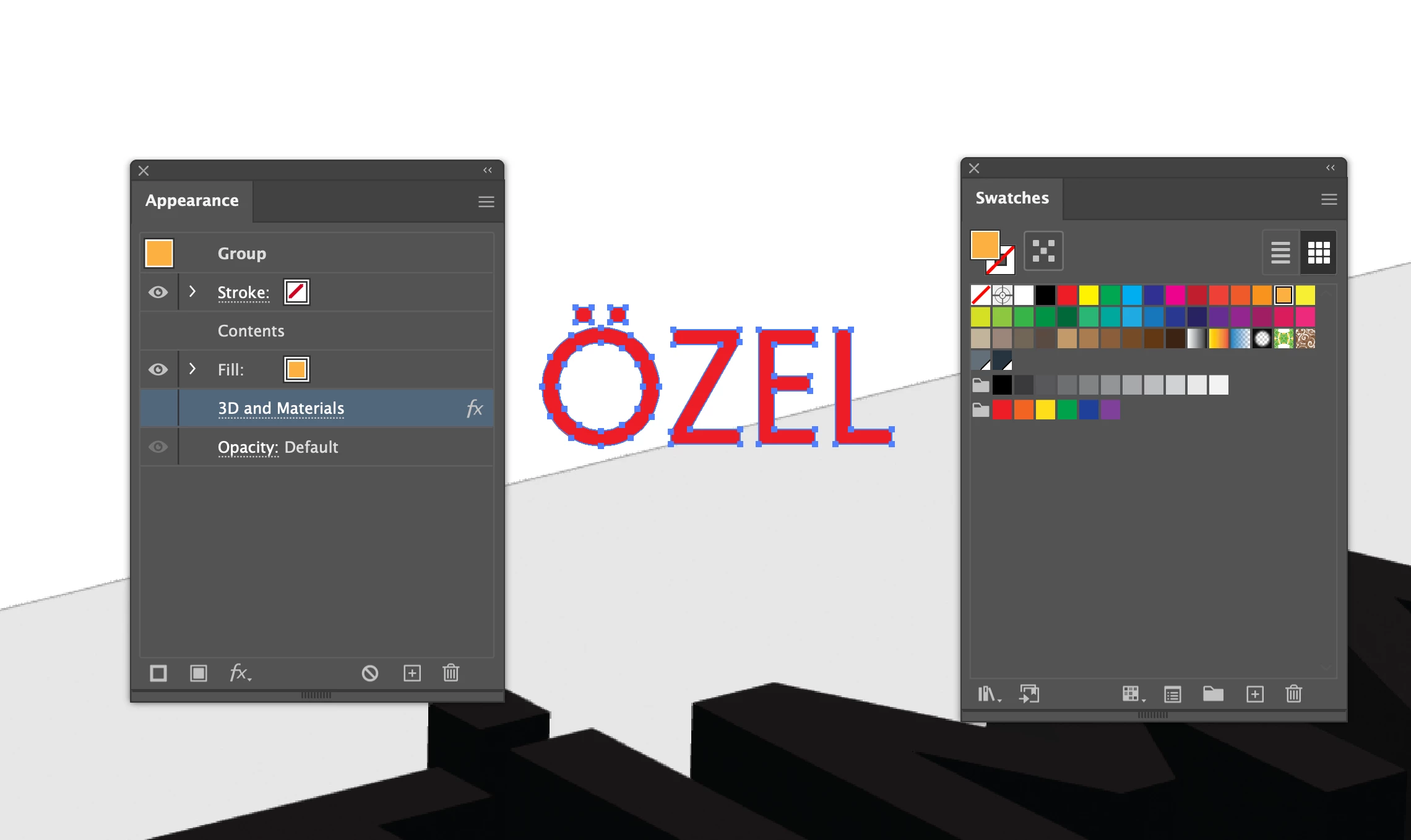
I have an object with a 3D and Materials effect applied. When I change the object's Fill color, the Fill color changes correctly in the Appearance panel and in the Swatches panel, but the 3D rendered object remains the original color.
For example:
- Original Fill color: Red
- I change the Fill to Green
- Appearance panel shows Fill: Green
- Swatches panel shows Green
- However, the 3D rendered object remains Red
I have attached two screenshots showing the problem.
I have already tried:
- Changing the Fill color from the Swatches panel
- Changing the Fill directly from the Appearance panel
- Turning the 3D and Materials effect off and on again
- Reopening the 3D and Materials settings
- Checking the material/color settings
Nothing updates the rendered 3D color.
Is this a known bug in Illustrator 2026? Is there a way to force the 3D render to update according to the object's Fill color without removing and recreating the 3D effect?
This is particularly problematic because I use 3D extrusion for signage and dimensional lettering, where I frequently need to change the color while keeping the exact same 3D settings, depth, rotation, and perspective.
Any workaround or solution would be greatly appreciated.
Illustrator version: 2026
OS: macOS
Thank you.
 AdChoices