


Participant
July 30, 2026

Images opened in Photoshop Beta all appear overexposed

  • July 30, 2026
  • 4 replies
  • 63 views

For the last couple of weeks all images opened in Photoshop Beta appear overexposed. I usually open Raw files after doing initial edits in Lightroom but the same happens if I open files directly from the computer or cloud storage. File type makes no difference, the same occurs with TIFF, PSD, JPEG etc  Images open correctly when I use Photoshop 2026. These screenshots of the same imgage show the difference:-
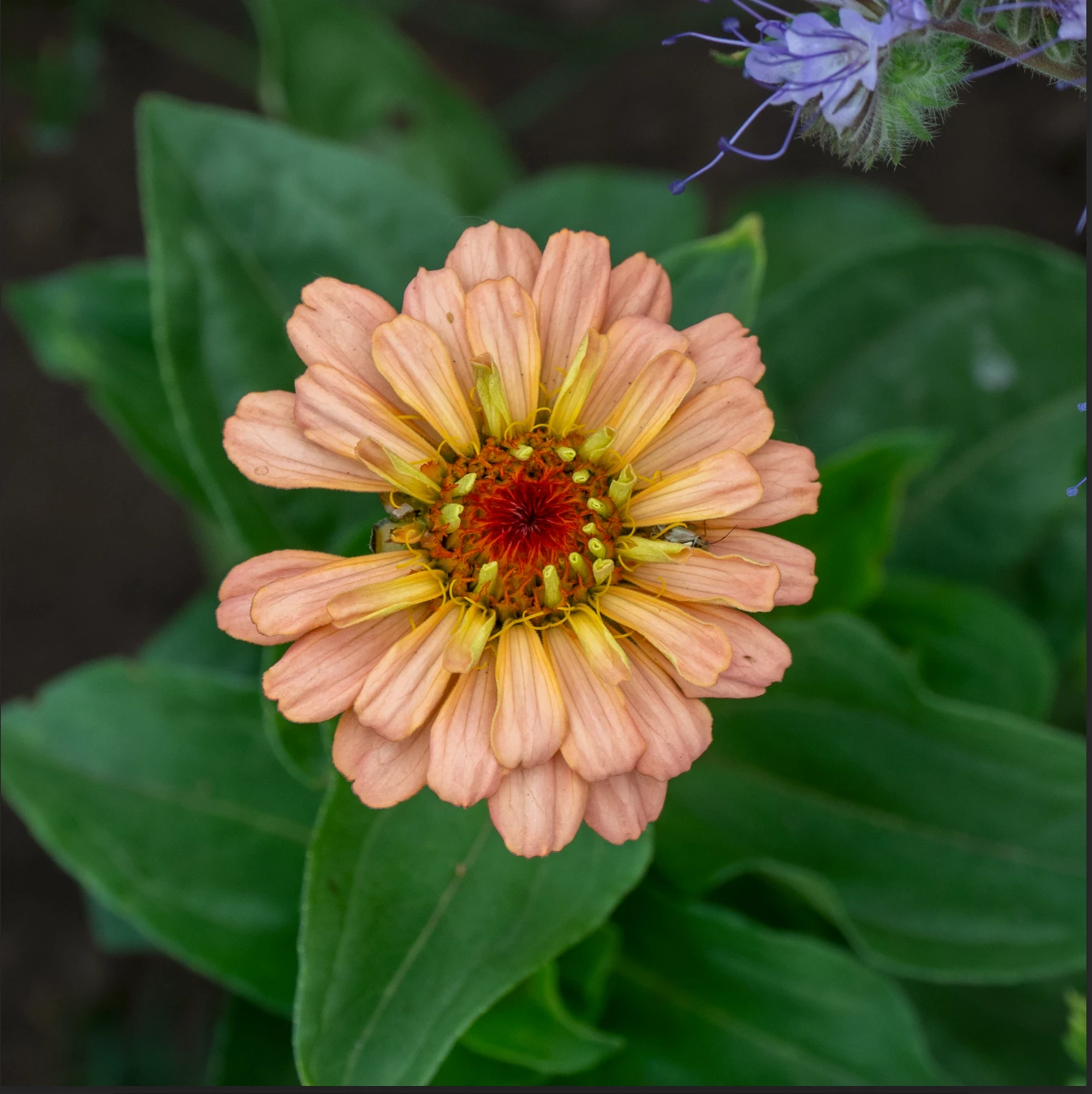
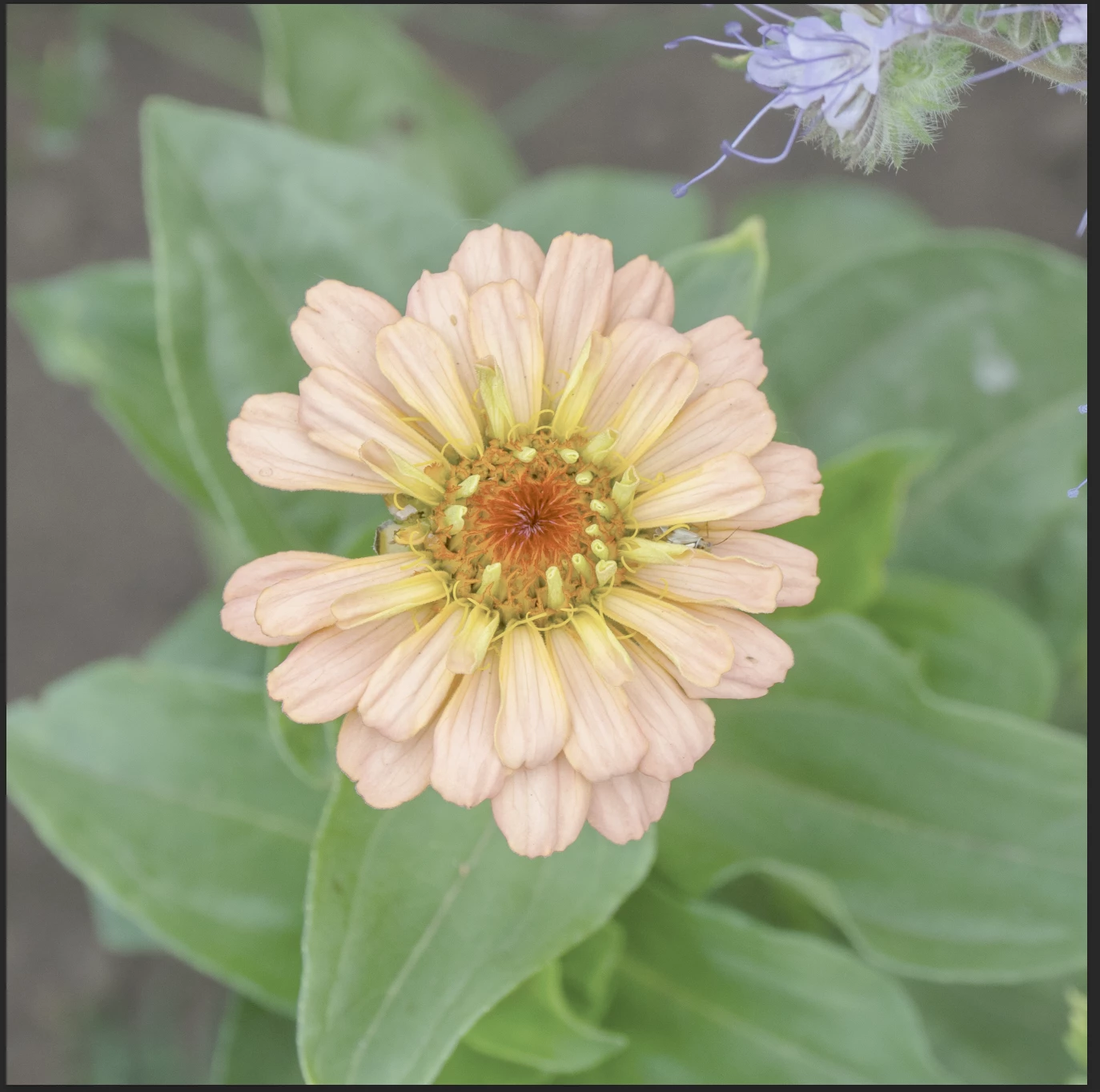
 

As Photoshop 2026 (and all other photo viewing software) shows the image as expected, the problem is clearly with Photoshop Beta.

Hopefully this can be sorted!


4 replies

jane-e
Community Expert
Community Expert
July 30, 2026

@4Eye 

Photoshop Beta has a separate forum. Please repost to PS Beta:
https://community.adobe.com/photoshop-beta-697

This is the Aero forum and we can’t help you here.


Jane

jane-e
Community Expert
Community Expert
July 30, 2026

@4Eye 

I just did a search and see that this issue has been reported on the Beta forum. Reply to this Primary Thread:

https://community.adobe.com/bug%2Dreports%2D699/p%2Dphotoshop%2Dbeta%2Ddisplays%2Dimage%2Dcolors%2Dwashed%2Dout%2Ddull%2Dwhen%2Duse%2Dgraphics%2Dprocessor%2Dis%2Denabled%2Dthe%2Dsame%2Dfile%2Ddisplays%2Dcorrectly%2Din%2Dregular%2Dphotoshop%2Dturning%2Doff%2Duse%2Dgraphics%2Dprocessor%2Dfixes%2Dthe%2Dappearance%2D1625141


Also, try turning off your graphics processor as a workaround. It’s worked for others.


Jane

4EyeAuthor
Participant
July 30, 2026

Many thanks Jane, being unfamiliar with using the forums, I’d not managed to find the Beta forum so will take a look there.


John