


Premiere Pro 25.5 – Context Menu Gets Stuck After “Create Proxies” on Mac mini M4
System Information:
- Mac: Mac mini M4
- macOS: 27.0.1
- Adobe Premiere Pro: 25.5
Issue:
I am experiencing a UI/context-menu freezing issue in Premiere Pro 25.5 on my Mac mini M4.
When I right-click a clip in the timeline or Project panel and go to:
Right-click → Proxy → Create Proxies
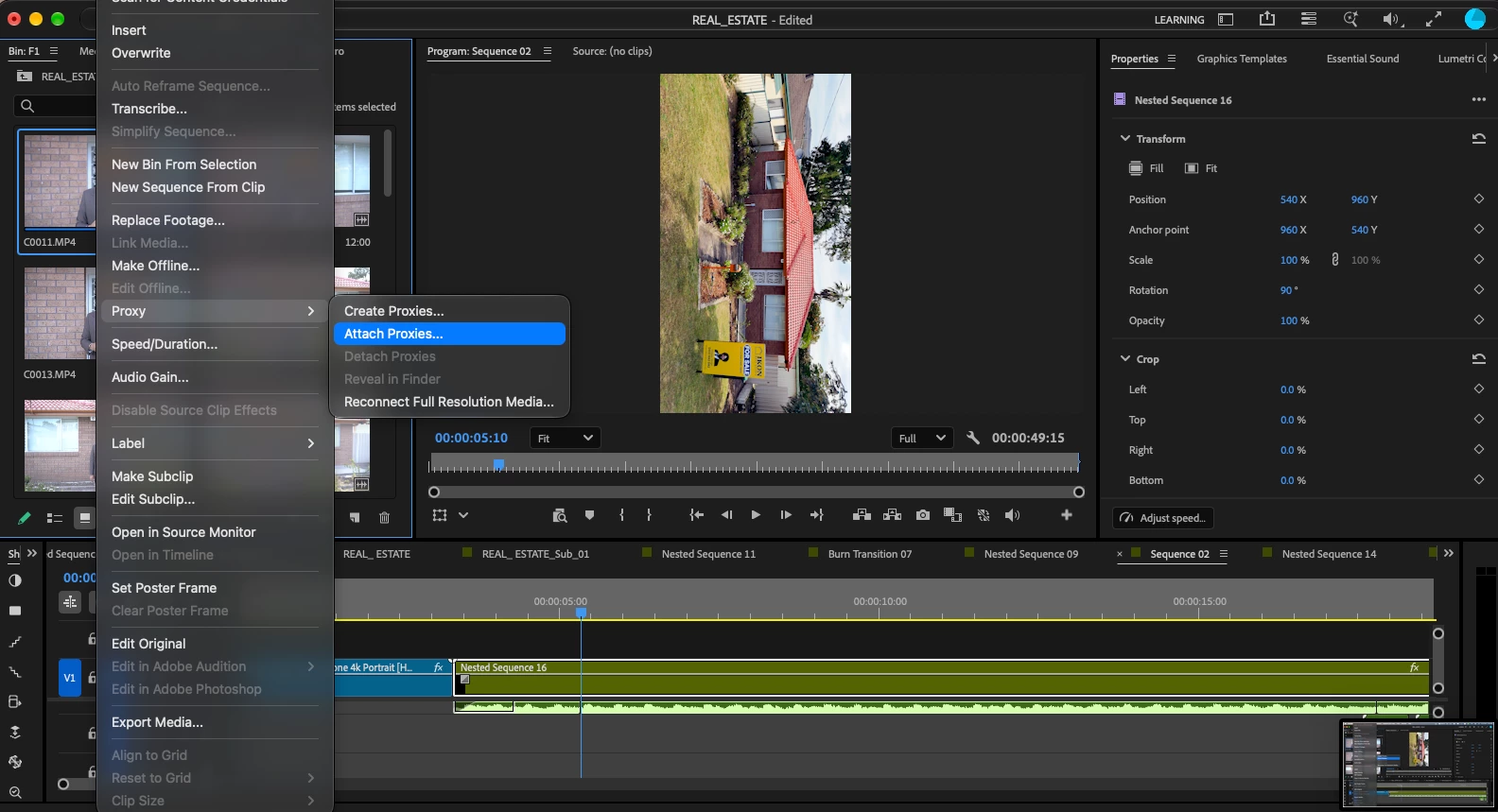
after selecting Create Proxies, the menu/context UI becomes stuck and remains visible/unresponsive.
After this happens, other right-click/context menus and menu interactions can also become stuck or behave incorrectly. Premiere Pro itself may continue running, but the menu/UI interaction is no longer functioning normally.
Steps to Reproduce:
- Open Premiere Pro 25.5.
- Import a video clip.
- Right-click the clip.
- Select Proxy.
- Select Create Proxies.
- Observe the UI after the Create Proxies action.
- Try opening another right-click/context menu.
Expected Result:
The Create Proxies menu should close normally and Premiere Pro should continue responding normally to other context menus.
Actual Result:
The context menu/UI becomes stuck after using Create Proxies. Subsequent menu interactions can also become stuck/unresponsive.
This issue appears to be related to the Premiere Pro UI/context-menu system rather than the clip itself.
I can provide screenshots and/or a screen recording showing the issue.
Hardware: Mac mini M4
Operating System: macOS 27.0.1
Premiere Pro: 25.5
 AdChoices