somerledm21623563
Participant
April 18, 2023
Open for Voting

additive iterative image generation

  • April 18, 2023
  • 2 replies
  • 503 views

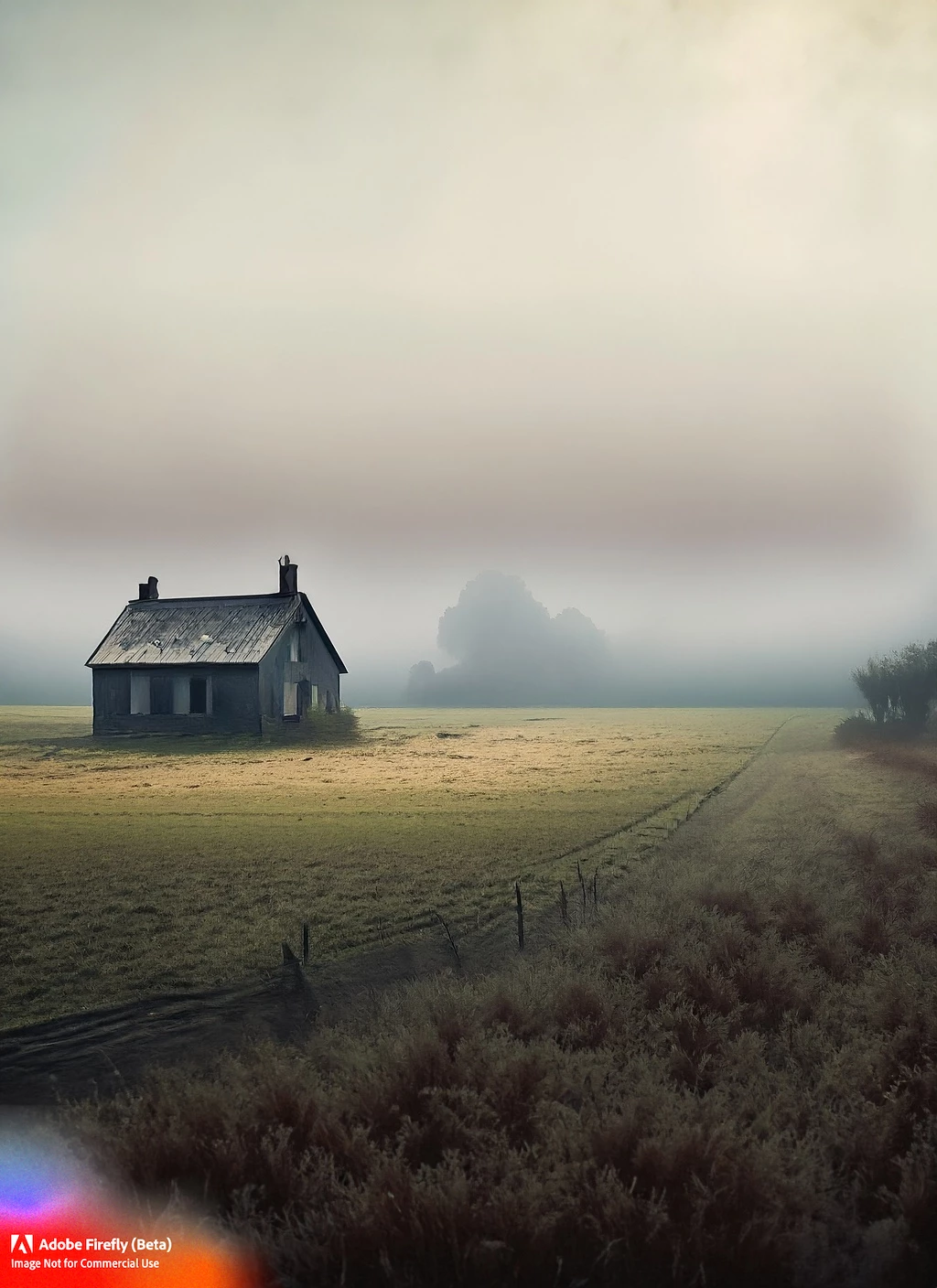
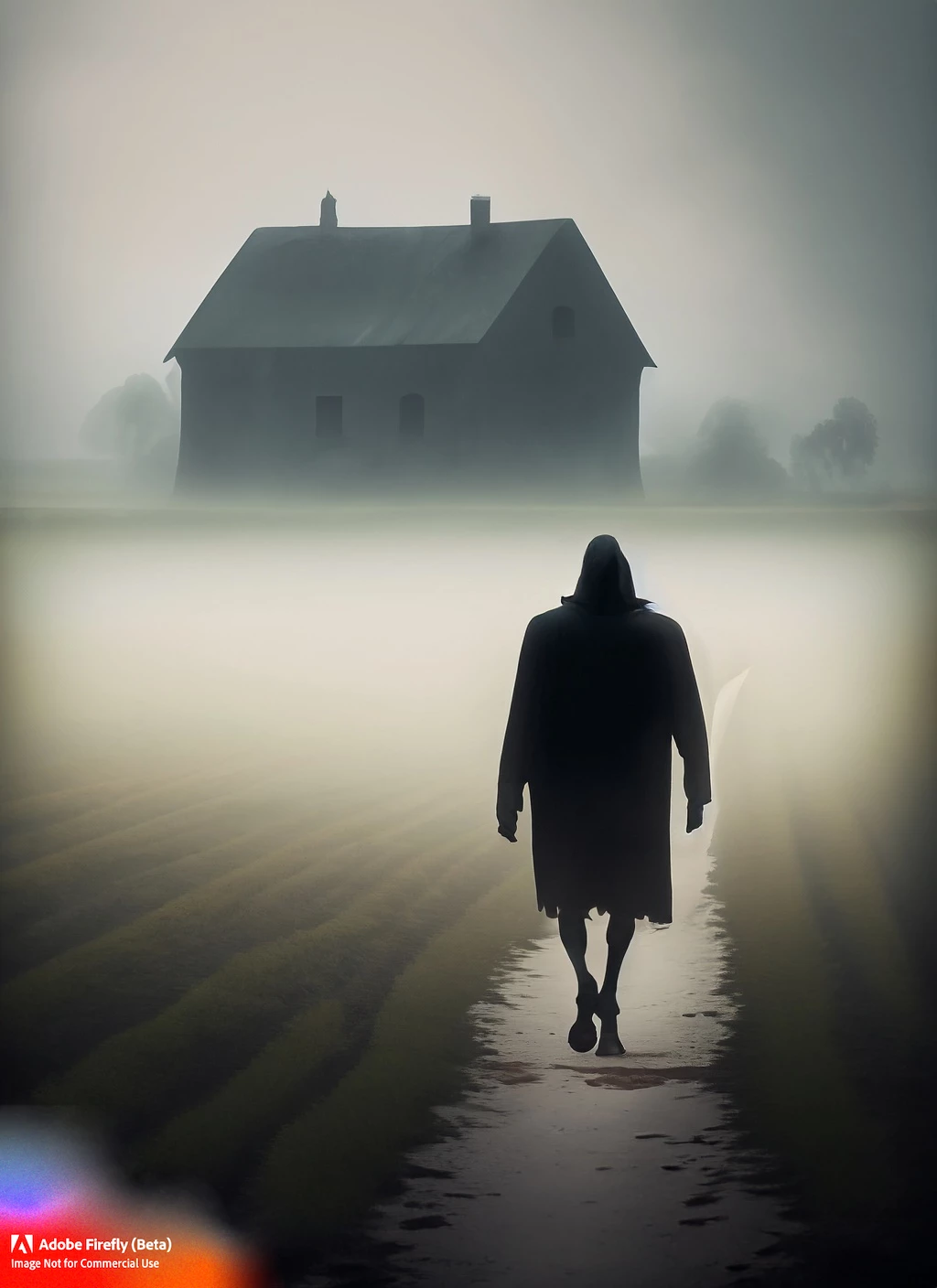
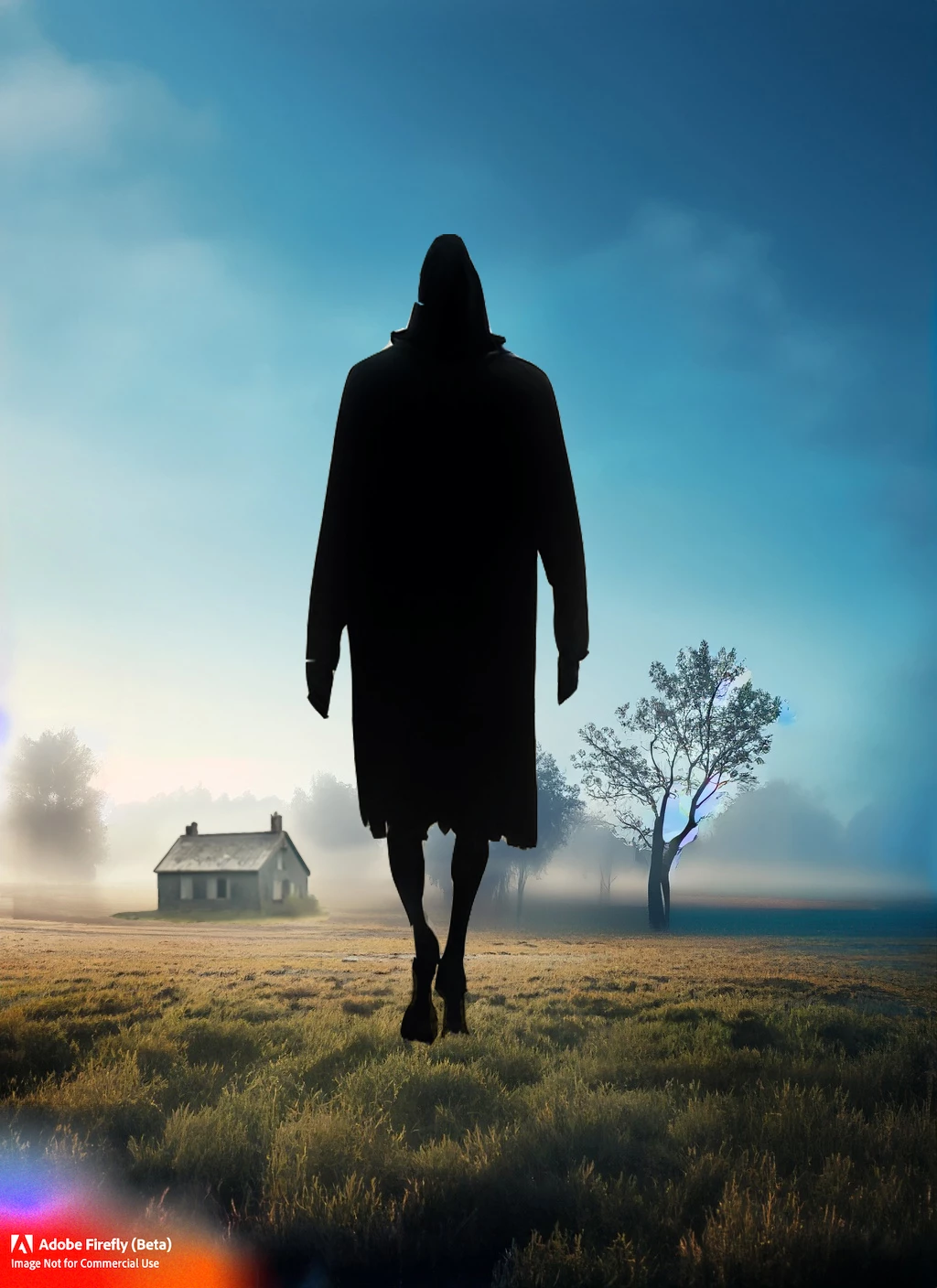
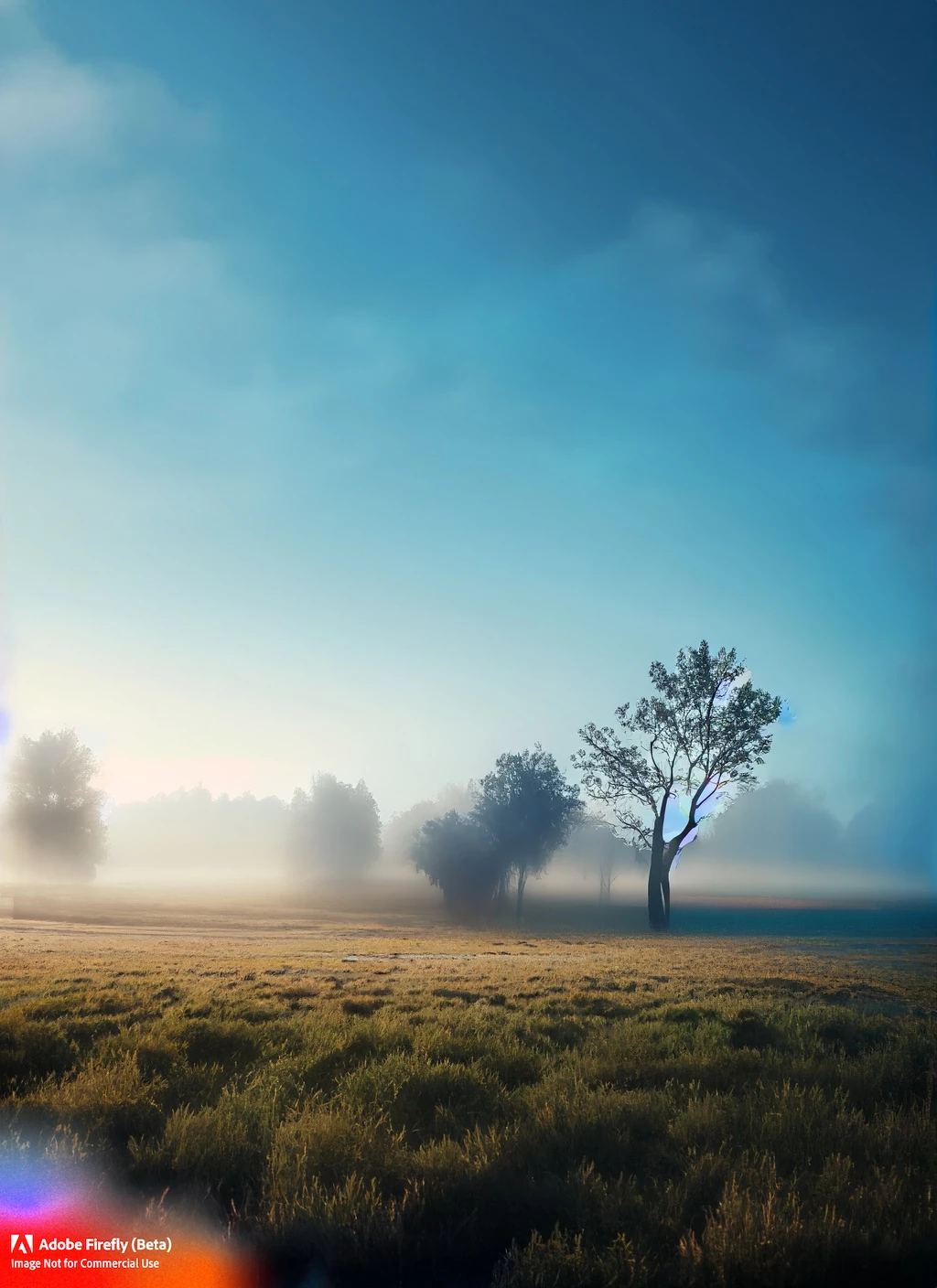
It would be a useful feature have an option to be able to start with simple prompts and add to them, and build on top of the same image, so if we find parts we like, we can keep them, instead of generating an entirely new image each time.   For example, the following images had good results for each individual element added to the prompt, but each time completely changed the composition.  The final image is the key elements arranged how I originally wanted them to appear. 
2 replies

Participant
May 4, 2023

One feature that I think would be nice is to start with an image (either an image that I upload, or an image that is generated from a prompt) and then be able to select the areas that I want to keep in the image. Something like a selection tool where I can select parts of the image either using rectangles or freehand selection like the lasso tool in Photoshop. After I have done the selection I should be able to mark the selection as KEEP or REGENERATE. If I choose REGENERATE it would be nice to have a prompt where I can describe what should be generated only for that particular selection. Also it would be nice to make many selections for the same image and have a prompt for each selection to how the selection should be regenerated. It would also be nice to have an undo/redo functionality and some kind of snaphots so that I can easily revert changes and be able to return to various versions of the image that I liked.

Tracy.H
Community Manager
Community Manager
April 18, 2023

Have you tried the "Use as reference image" feature in the "..." menu? You can then use the prompt bar to make some changes and choose how much of the original image you want to keep.