Participant
March 25, 2023
Released

P: Transparent background or layers

  • March 25, 2023
  • 114 replies
  • 12300 views

Is there a way to generate an image with a transparent background. Altrnantively, will there be a way to produce an image as file with layers so we can easily  remove the background? 

Pinned Reply By droopydog500

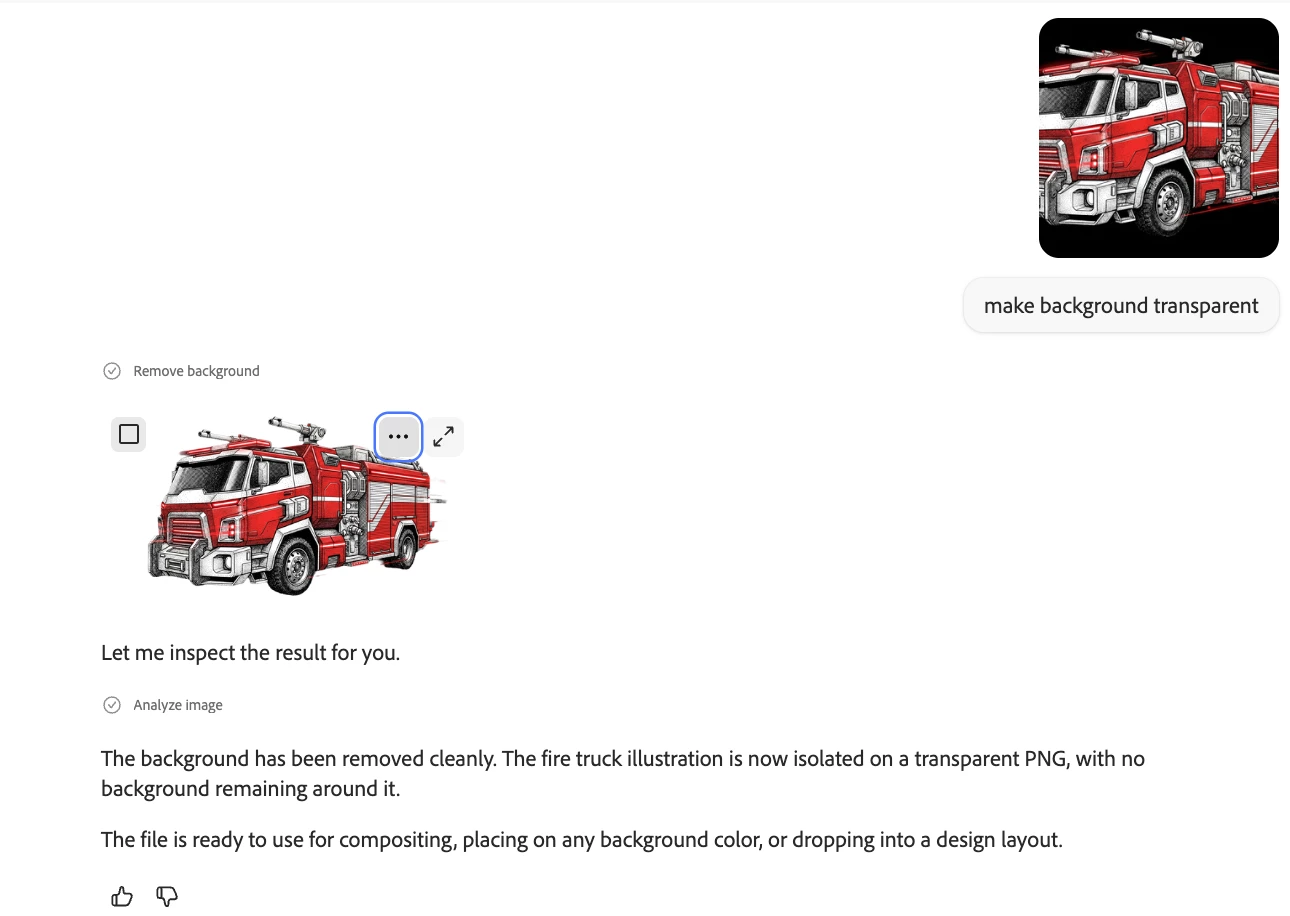
This can be done in the Firefly AI Assistant:

    droopy

114 replies

berndb50144432
Participant
April 10, 2023

Especially to stand out against midjourney, for the target group of designers it would be much better to have the option to generate assets with transparent backgrounds and let us save it as png.

Participant
April 8, 2023

give us the ability to edit art as layers when it is finally out of beta. 

Adil Khanna Personal
Participant
April 3, 2023

Hi,


My idea is basis the insight that your other products like Photoshop and Illustrator work on layers. Now Im thinking that if I could use a prompt to create a 'base' artwork but save it in layers ' diffuse' 'Global Illumination' 'Shadow' 'Highlight' etc, then I could actually work upon it further and improve my base AI generated prompt / artwork - thus speeding up my workflow and also helping me be nimble.


The analogy could be like when you export a music master - you also get the base tracks along with it thus allowing you to tweak as need be.

Just a suggestion 🙂

Adobe Employee
March 29, 2023

I would like to get .png images with transparent backgrounds when I use prompts such as "icon for investment with transparent background"
Currently, some outputs show "fake transparent background (checked background)"

Tracy.H
Community Manager
Community Manager
March 25, 2023

Thank you for your suggestion. At this moment, Firefly cannot create transparent backgrounds. This has been a highly requested feature that will be added to our backlog for discussion. (Merging all similar threads here so we can track the popularity of this feature request)