Participant
March 25, 2023
Open for Voting

P: Transparent background or layers

  • March 25, 2023
  • 89 replies
  • 11869 views

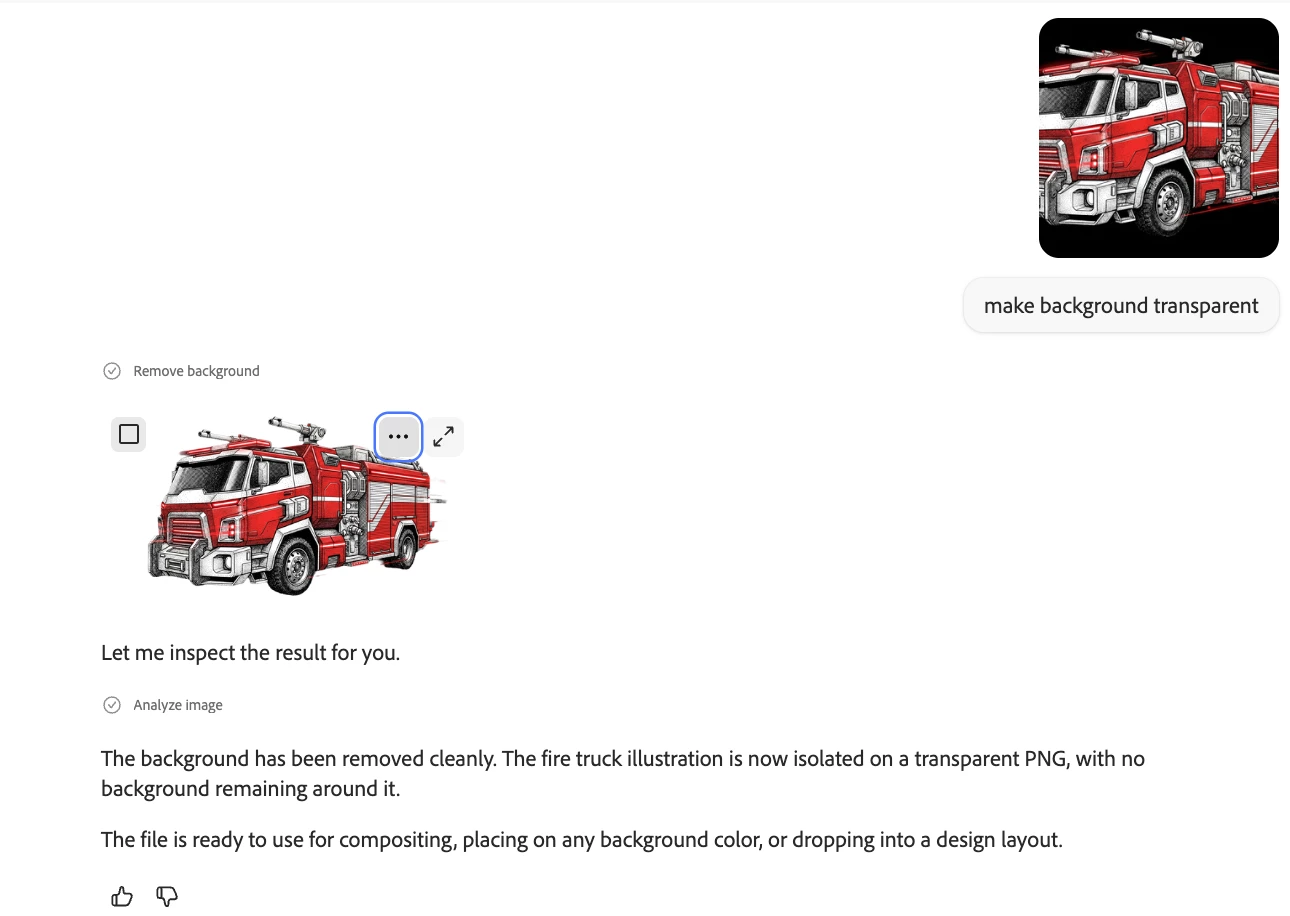
Is there a way to generate an image with a transparent background. Altrnantively, will there be a way to produce an image as file with layers so we can easily  remove the background? 

89 replies

CSI Productions
Inspiring
March 24, 2025

Nice compositing work Adam. It's not obvious these are comps (at least, it doesn't "pull my attention" to anything that doesn't look natural (I like the little eyes in the woods). You might try using ("on a seamless greenscreen backdrop") in your prompt. The result looks like the attached and from there, use this technique https://youtu.be/DGeOLJKIHRE?si=k_8FwNg_QYOVr7WS to even out the various green values to make for an easy mask. Once you have a nice even green (even for hair, leaves, grass, trees etc.) that remove.bg filter does an excellent job separating the subject from the background. Might help. Good luck.

R.CatesCSI ProductionsIf you want peace, be peaceful.
Participating Frequently
March 23, 2025

Here's another example. All the trees are rendered individually and manually isolated so they can be placed on the sceen with full freedom. Also the leaves that grow around the oak are rendered individually and then wrapped around the tree using the Transform/Warp feature in PS. So. it's possible with the white background to isolated complex images - but it takes a lot of time. But in the old days everything took time - it's ok. 🙂


Participating Frequently
March 22, 2025

Dear Cates,


Thank you for your kind response. The greatest challenges I've had is isolating rather complex images like the trees and the hut in the screenshots. The select background just won't cut it and I've had to use old fashioned techniques such as turning down saturation and playing with Levels to get a useful colour selection (black or white).  All trees and the hut are rendered individually and put together in Photoshop.


Let's hope the good people at Adobe one day implement the "render without background" feauture. 🙂


Thanks again and all the best from Copenhagen,

Adam


CSI Productions
Inspiring
March 19, 2025

Adam, there are a number of workarounds to resolve your background challenges.

You mentioned a prompt you get fairly decent success with. If you use that prompt and then the generative fill/remove background (or select subject) you should get an excellent separation between character and background.


I've built a 3D cartoon character and background (two separate images) and then composited them together in PS. Attached are the steps used. Hope this helps.

R.CatesCSI ProductionsIf you want peace, be peaceful.
Participating Frequently
March 19, 2025

Dear CSI Productions,


Thank you for your kind response. I am using the prompt "isolated on a white background" which also works pretty well. Your idea using the HEX code however is clever. But what prompt do you use. And how do you render without shadows and nuances - it's difficult to get Firefly to render the background as a solid color. Cheers and all the best, Adam

CSI Productions
Inspiring
March 18, 2025

For those requesting a no background feature. I've done the following with great success. In your prompt for a background, specify that you want a green screen background (you can even enter color #'s for the green). It can be any flat color that contrasts well with your character or subject matter. Once rendered, open it in PhotoShop and use the Generative fill/remove background feature. If this doesn't produce the effect you want try Remove.bg . Great tool that does a phenomenal job even with flyaway hair. It will create a mask with amazing qualities. After that, just place your desired background under the newly created masked layer.

R.CatesCSI ProductionsIf you want peace, be peaceful.
Participating Frequently
February 22, 2025

Dear Adobe Team,


I hope this mail finds you well. I've used Photoshop since it was released in 1990 on the Mac and would like to thank the ingeneers for this wonderful tool.


Now I've tried your newest tool Firefly and am impressed by the quality of the images one can generate. 


Sorry for this long intro. My suggestion: Generate images with transparent backgrounds


All the best from Copenhagen

Adam

Participant
February 13, 2025

Hi... I don't know if it's possible... but it would be great if there was the possibility of creating images with transparent backgrounds in Adobe Firefly.
I hope my comment helps to improve the program.


Thank you very much!

Adrian


droopydog500
Community Manager
Community Manager
February 8, 2025

@Jhon_Fragozo,


Do you mean in Firefly or Adobe Express?  In Adobe Express, you also have to remove the background colour:


Then save the image.

    droopy

Adobe Community Expert (not an Adobe employee)
Participant
February 1, 2025

Gracias, si elimina el fondo, pero lo deja totalmente blanco, no transparente.