
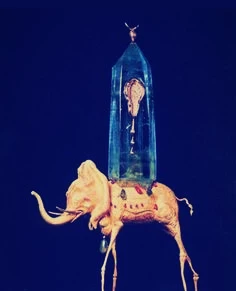
Refinement of results in "text to image".
In general, I noticed that any words written in the search box, is considered as preferences and results are shown based on that.
I would very much like to have an option to, exclude results as per my preferences as well. It really would save a lot of time to narrow the results down and refine them.
For example,
I would like a painting, impressionism style, pastel blue and rose colors used, NO faces or people included in the result.
I can simply type "aesthetic painting, impressionism, pastel blue and rose colors", to which the results are provided accordingly. But once I type "no faces" "no people" the AI doesn't seem to be able to understand that, instead, assumes I might be wanting faces or people in my results and starts including those more.
Hence, it ultimately led me to, waiting and repeating my preferences, until the AI on it's own, just randomly, starts showing results without people or faces.
So an option to exclude certain tags or words by adding "-" infront or s,ome other way to exclude certain results by exclusing keywords, would be very useful.
 AdChoices