



Open for Voting
A visual clue for idol frame caching
I think there should be a dedicated button somewhere on the bottom array of button of the composition window depicting whether the idol frame caching is on or off because when you use a shorctut you can't tell immediately whether you've pressed it or not as the defult hotkeys are alt shift I is rather long and you really could have missed some of the keys sometimes...
The clear button state would make a so much better UX here.
Currently I stick to an option for rightclicking on the empty space of the timeline and going to preview>cache frames when idol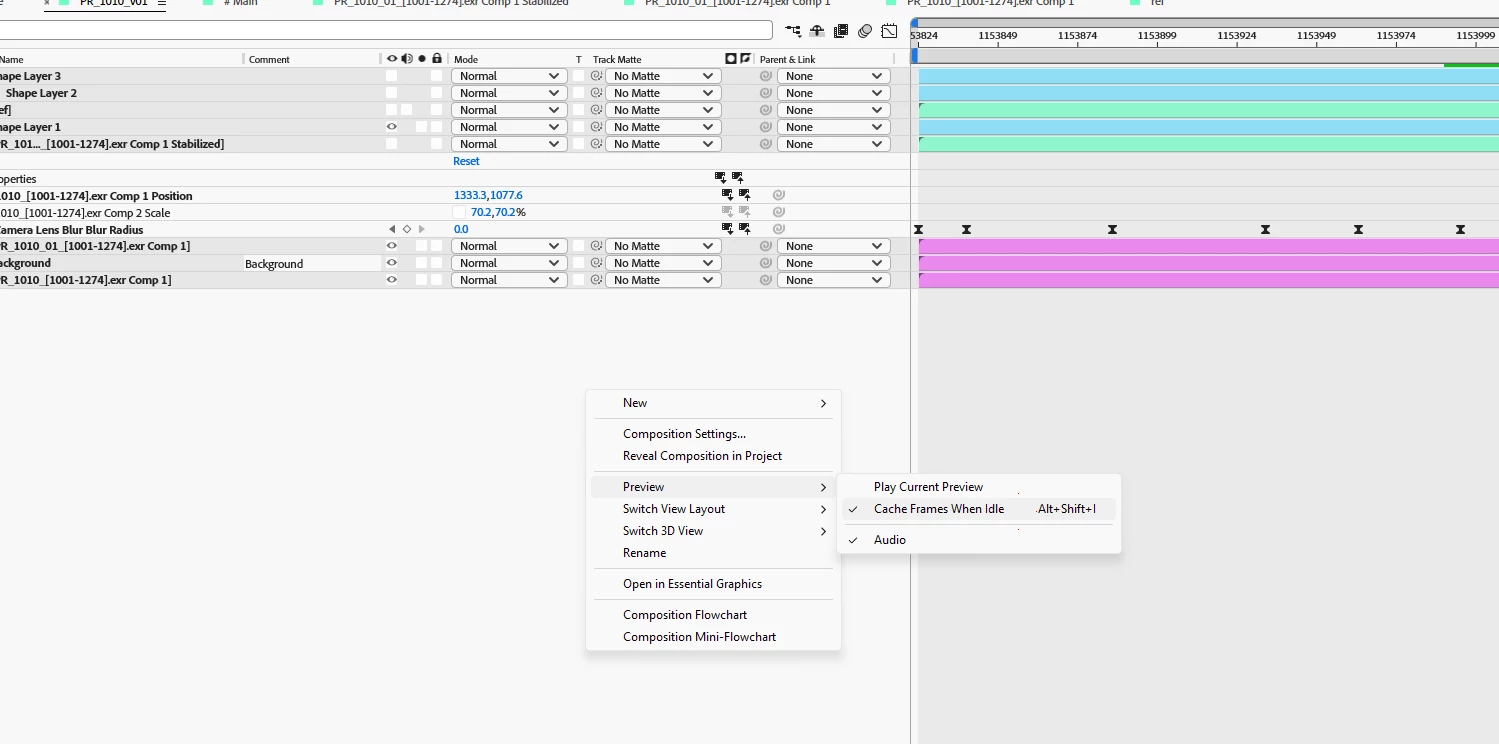
 AdChoices