


Known Participant
May 1, 2023
Open for Voting

Work outside the workarea - reference animation / movie

  • May 1, 2023
  • 6 replies
  • 549 views

I often have to make versions of the same animation in different formats.

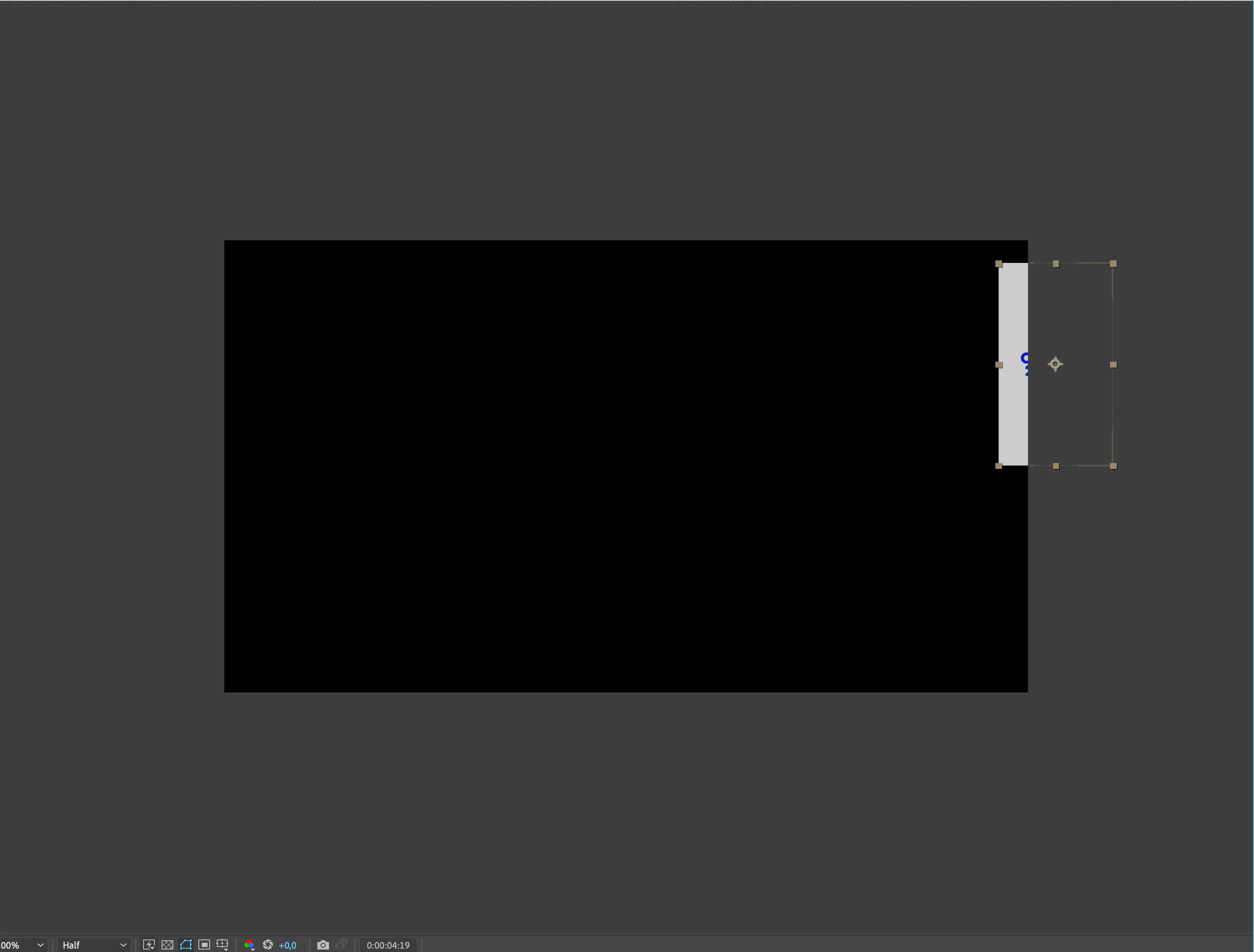
I then place the reference movie in the comp. Only problem it’s in the way...

It would be amazing if I was allowed to drag it outside the work area and still see the reference movie 🙏
 

6 replies

Known Participant
May 3, 2023

@jenkmeister17177426 

Just tried the feature, it works but stops as soon as you preview your animation. What i was wishing for was a preview of the extended area during playback, since this is often the place I see if my animation is matching the reference.

Known Participant
May 2, 2023

Known Participant
May 2, 2023

Ah i Will try that :).

The other approach with "just" being able to view stuff outside the work area would still be a nice little feature. You would think it was a basic feature.
Since you often work outside and slide stuff into view.

I used to work a lot in Flash... erm...Animate...

and it could do it.

May 2, 2023

There is a recent feature called Extended Viewer that is accessible if you make any layer in the comp 3D, then enable Draft 3D and then click the icon shown in the image below. That will enable the area outside of the comp window to be shown. If you click and hold on the Extender Viewer icon, you can set the opacity of the area outside the comp window. 


Known Participant
May 2, 2023

Agreed. Indesigns approch is simple, we could use something like that in AE.

Warren Heaton
Community Expert
Community Expert
May 1, 2023

It would be great to be able to view Layers outside the visible area of the Composition.  I voted.

I'd actually love to see something that matches Adobe InDesign's Screen Mode benavior (View > Screen Mode > Normal, Preview) where users can use "Normal" to see what's in the scratch rea and "Preview" to hide it.  Maybe it would be paired up with After Effects' Show Layer Controls: Showing what's outside the work area when Layer Controls are showing and hiding it when Layer Controls are not.