



NormanStormin
Known Participant
May 14, 2025
Open for Voting

Adobe website needs to display our current website region

  • May 14, 2025
  • 3 replies
  • 503 views

(This is actually primarily a Adobe website issue, but there is no place to make those requests. So this is the closest.)

There are significant annoyances on the Adobe Help website where a popup comes up if we are not in the USA region. 


There is some information available in forums for changing our region, but it doesn't always work. 


Changing website region, option 1

This is a common option:

change your country on adobe.com, https://www.adobe.com/international/selector/


But this page does not tell us what region it is currently set to.
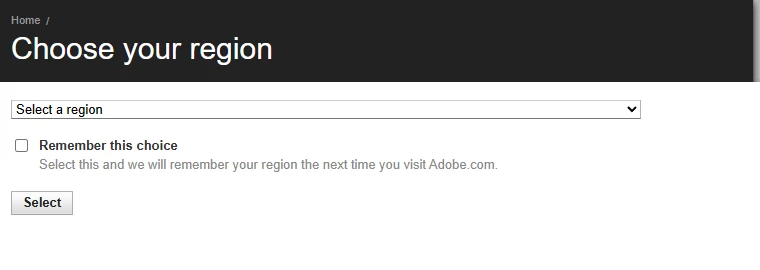
So we have no way of confirming if any change has stuck, or indeed what region Adobe thinks we are set to.

Changing website region, option 2

On many pages there is a link at the bottom like this:
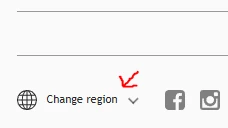
Clicking on that gives a large popup with a list of countries we can select. 

However, neither the link at the bottom, nor the popup give ANY indication of what region is actually currently set. 
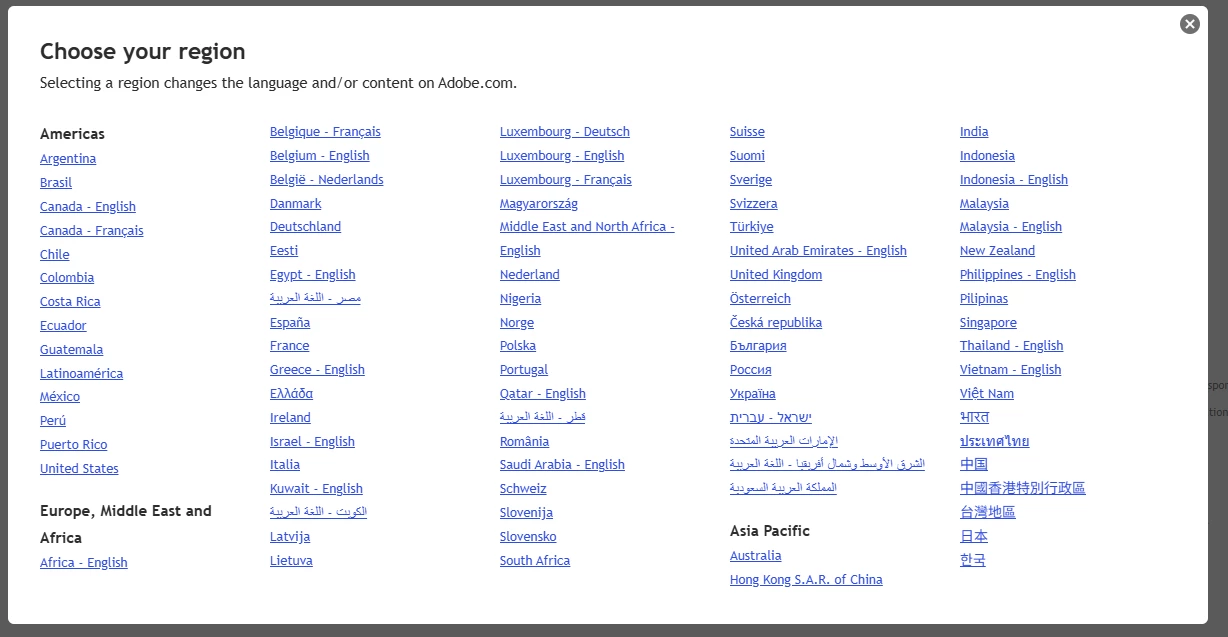
 

It also appears that in order for the popup on the Help sections of the Adobe website to not annoy us by always appearing, that BOTH of these region selections need to be set to USA. If only one is set, then the website assumes we are not in the USA.


Call to Action for Adobe

Please give us indicators on each of the above tools which region is CURRENTLY selected. 


For Option 1, just print the current region into the box, or into the dropdown as the selected option.

And populate the tick box if we have elected to keep this setting.


For Option 2, just print the region where it says Change Region >


eg

New Zealand (change) >


That would give is instant feedback on what's going on. 


This is all very easy to implement.

3 replies

NormanStormin
Known Participant
May 31, 2025

@kglad  I stated in my post WHY I'm asking for this information to be displayed. Go and read it again.


I am being very terse with you because you seem to think that your answers solve the problem that I and many other people outside the USA are having with the Adobe website.

Your answers ALSO contradict each other. Or many are mutually exclusive.

Also https://forums.adobe.com/ does not exist.


And I have no idea why you think I might want to change my age, but regardless the link you gave goes to no such place.


So NO, your answer is NOT correct for my request and its not even marginally helpful.


kglad
Community Expert
Community Expert
May 29, 2025

The country associated with your adobe id must match the store you purchase from and must match the payment address. otherwise, change what's necessary:


change your country on adobe.com, https://www.adobe.com/international/selector/


change country associated with adobe id - https://helpx.adobe.com/x-productkb/policy-pricing/change-country-associated-with-adobe-id.html


change credit card and/or billing address, https://helpx.adobe.com/manage-account/using/update-billing-information.html


change currency - https://forums.adobe.com/thread/1999694


change store - http://www.adobe.com/store_selector/storeselector.html


change adobe.com website language - https://forums.adobe.com/thread/1999693


change age - https://helpx.adobe.com/nz/creative-cloud/kb/you-eligible-cc.html

NormanStormin
Known Participant
May 14, 2025

(This is actually primarily a Adobe website issue, but there is no place to make those requests. So this is the closest.)

Currently, Adobe do not display ANYWHERE (that I can find) what region / country our Adobe account is linked to. eg. If I am in New Zealand, then I have a New Zealand Adobe account. For the purposes of payments, taxes etc. 

However, the ONLY place I can find any reference to my country is on the invoices.

So this is a request for Adobe to display on our account page / profile what Country our Adobe account is linked to.