



Incompatible Updates
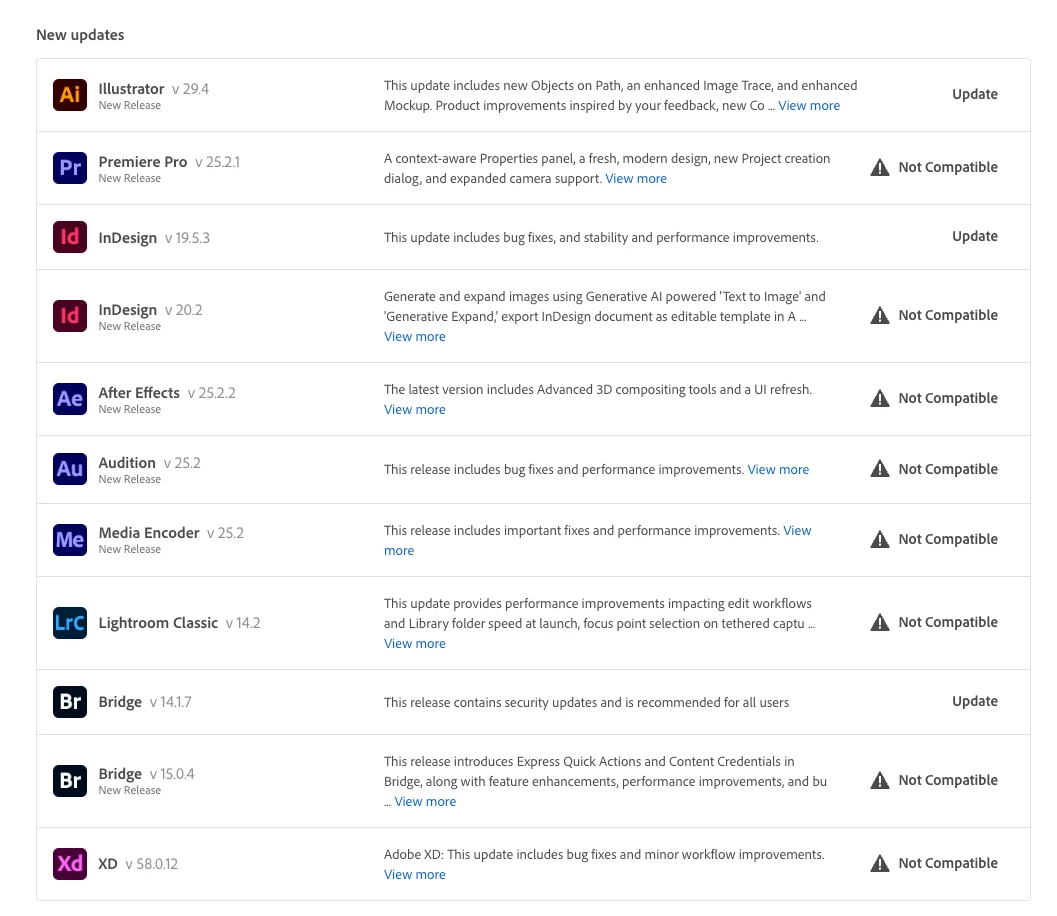
My system was deprecated by Apple a year and a half after I bought it new in 2019 (on clearance from the Apple store). When the AVX2 extensions came out for Intel processors the Adobe team decided to abandon customers with a lot of investment in hardware.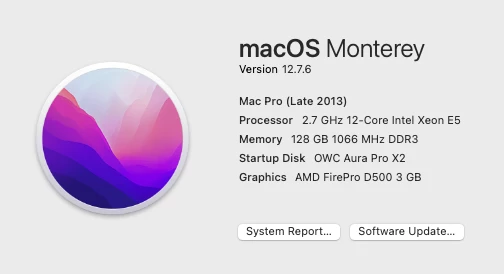 My machine's got 24 threads and 128gb of RAM and I get notices that the new versions of the software are "Not Compatible." I know this. I've got a PC that is compatible with the fastest processor I could buy at the time. My Mac still shows all of these notices.
The Point
It would awesome if there was a way to "hide incompatible updates." Maybe when a person starts an Adobe account on an old computer you can let them know that they're a pariah on the gods of tech for not trusting Apple then. As for the rest of us, the ones who would not pay $7k for a base rack mount system that was almost comparable to the system we just bought, we don't need to know that Apple doesn't support us.
We also don't need to know that Adobe developer's have the latest greatest machines on the market and don't design for existing hardware. Just let us turn off the "incompatible" version in the interface. For years there have been features only available to people with Nvidia cards that were not physically compatible with the systems that Apple made but they were still being tested by Adobe devs and they included warnings about "this feature is not compatible with your video card."
Just go back to making Adobe Apps user friendly and intuitive please.
 AdChoices