


Community Manager
September 20, 2023
Open for Voting

Lightroom Photos in Creative Cloud Desktop app feedback

  • September 20, 2023
  • 3 replies
  • 824 views

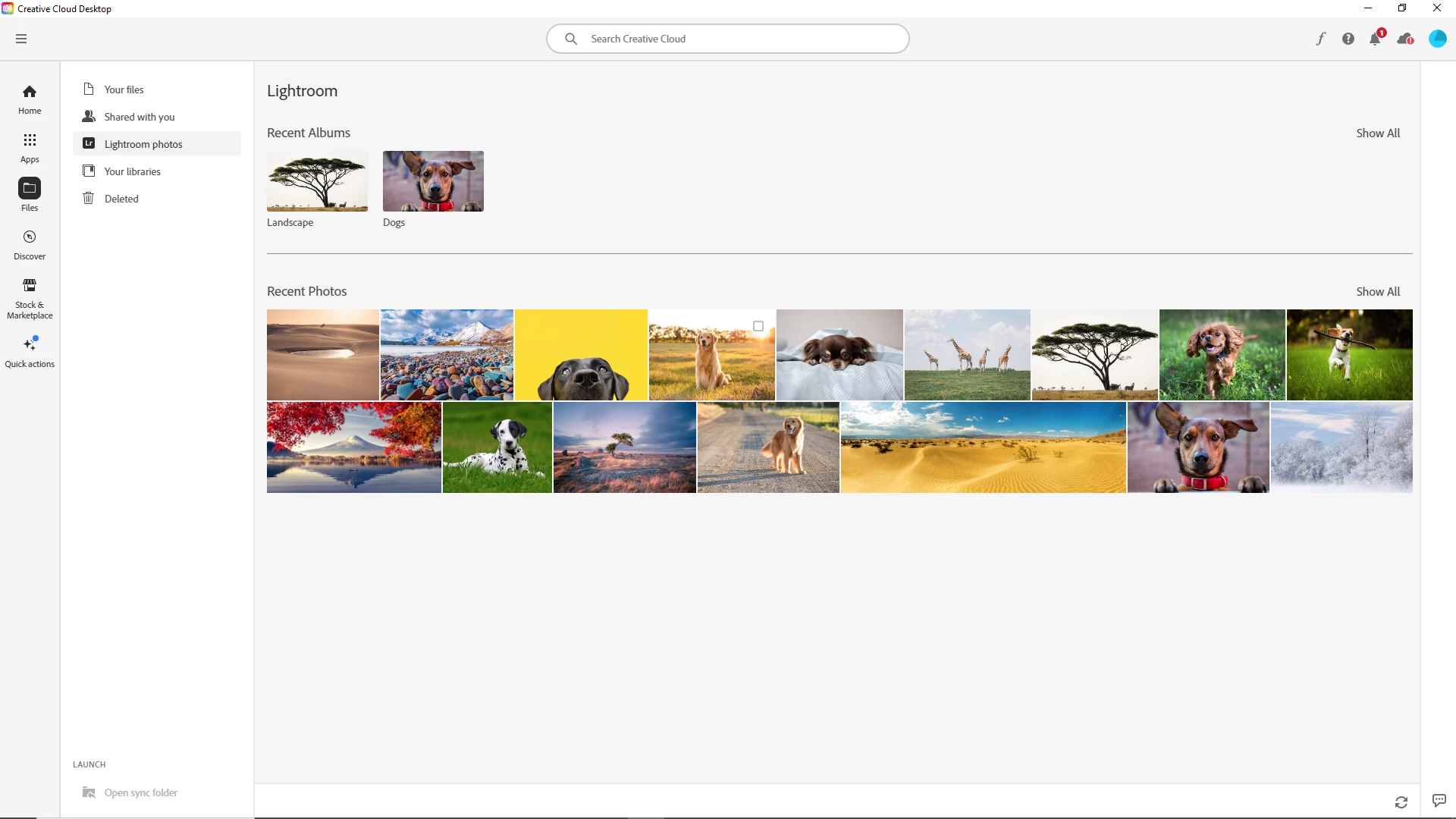
To improve the Creative Cloud app, we're working to provide a unified view of your assets across the Adobe ecosystem. To start, you can now easily access your Lightroom photos in the Files tab of Creative Cloud Desktop. You can then take actions on your photos like opening them in Lightroom web or editing them in Photoshop. 


We would love to hear your ideas on how to improve this feature.  To provide feedback simply post your suggestion on this thread or upvote to any existing suggestion.  


3 replies

Kalvyn Rasquinha
Community Manager
Community Manager
November 29, 2023

@davida56929459 , there should be an option to delete the photo when you click on the 3-dots

kglad
Community Expert
Community Expert
November 29, 2023

use a web browser to navigate to the following locations. at each location there are several folders/link to check.:


https://assets.adobe.com

https://lightroom.adobe.com

https://documentcloud.adobe.com

https://spark.adobe.com


if you delete anything from any of these locations, check for a deleted folder where your file(s) was (were) moved. if you want to clear space you must delete files in the deleted folder. the used storage shown at each of those four sites (when totaled), should match the space shown used by your cc files.


if not use your mobile cc app to check for mobile generated saves.

Participant
November 28, 2023

Why cant i delete my photos out of this CC Lightroom photos in the CC portal? I dont want them there.