


igorduga
Participant
May 9, 2023
Open for Voting

Option to clear/delete Recents on the Home page on CC desktop app

  • May 9, 2023
  • 2 replies
  • 385 views

Hello, 
 

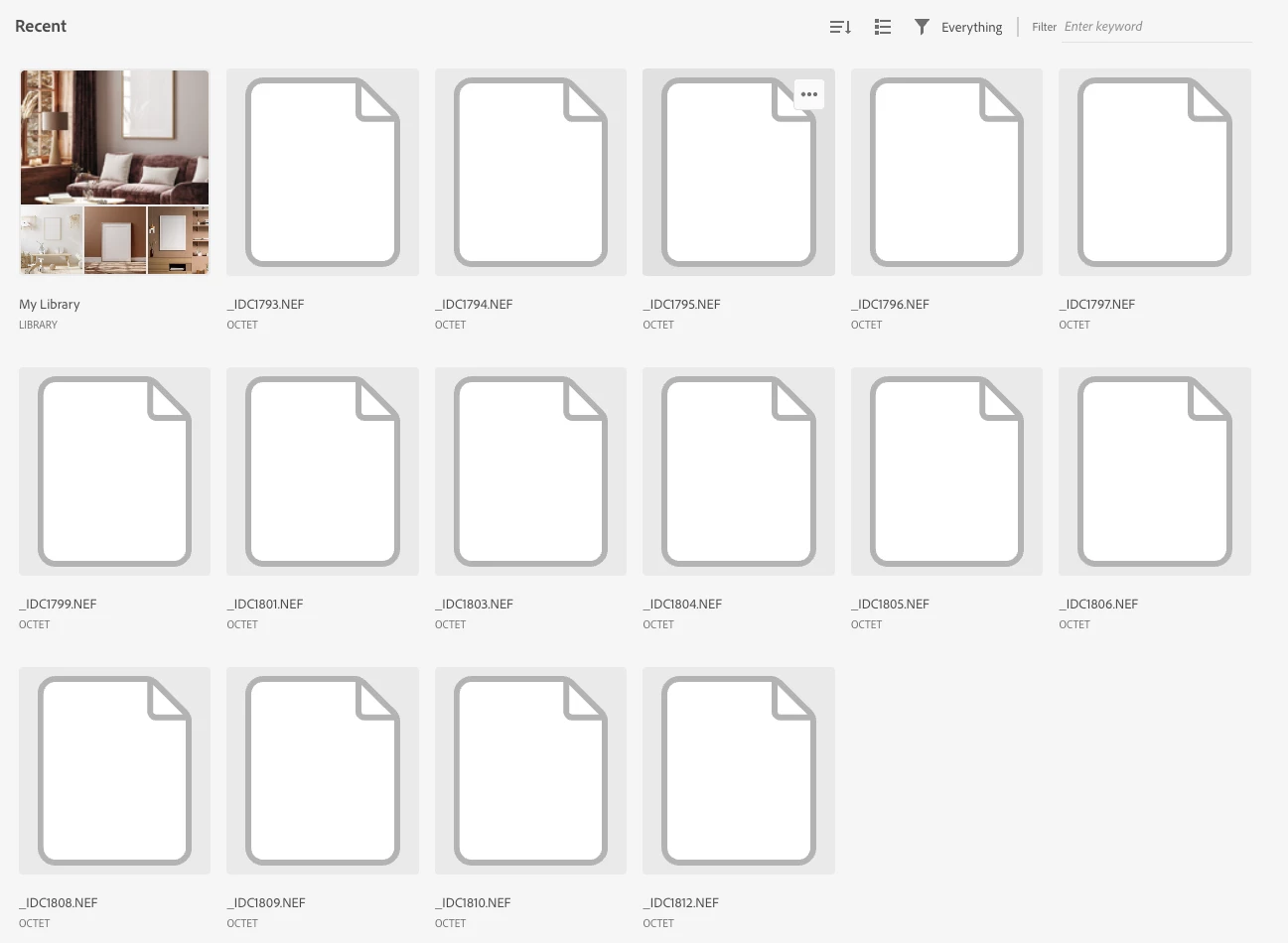
wish that there is an option to remove protos or even completelly turn off recent photos in CC dektop app. I opened it and for some reason i was shown images from 2021 which i edited on my iPhone in Lightroom. Even though i deleted those photos, now i am having bunch of white thumbnails from photos i don't even know where the are and i cannot remove them.

Best regards 


2 replies

igorduga
igordugaAuthor
Participant
May 9, 2023

Hello,


i spoke with the customer support earlier today and i deleted some of the "recent" pictures, all from early 2022 an 2021. I found them when i opened Lightroom on my iPhone.

When i open photoshop i can see the last 20 pictures i retoucher and thats OK but sometimes other people use my computer and i do not want for some random photos poping up for no reason in CC home page. I shoot some delicate stuff sometimes and i repesct my clients so you can see where i am going with this.

Kalvyn Rasquinha
Community Manager
Community Manager
May 9, 2023

Thanks for the feedback, @igorduga . We'll look into what's going on here. If you're ok with it, could you DM me the email address used for your Adobe ID so we can look at what's being returned for your account?


Just so I better understand your experience, were you expecting to see more recent assets in place of the deleted Lightroom photos being listed? Do you see these deleted assets show up within Lightroom?