


Add a straight line feature to Liquify
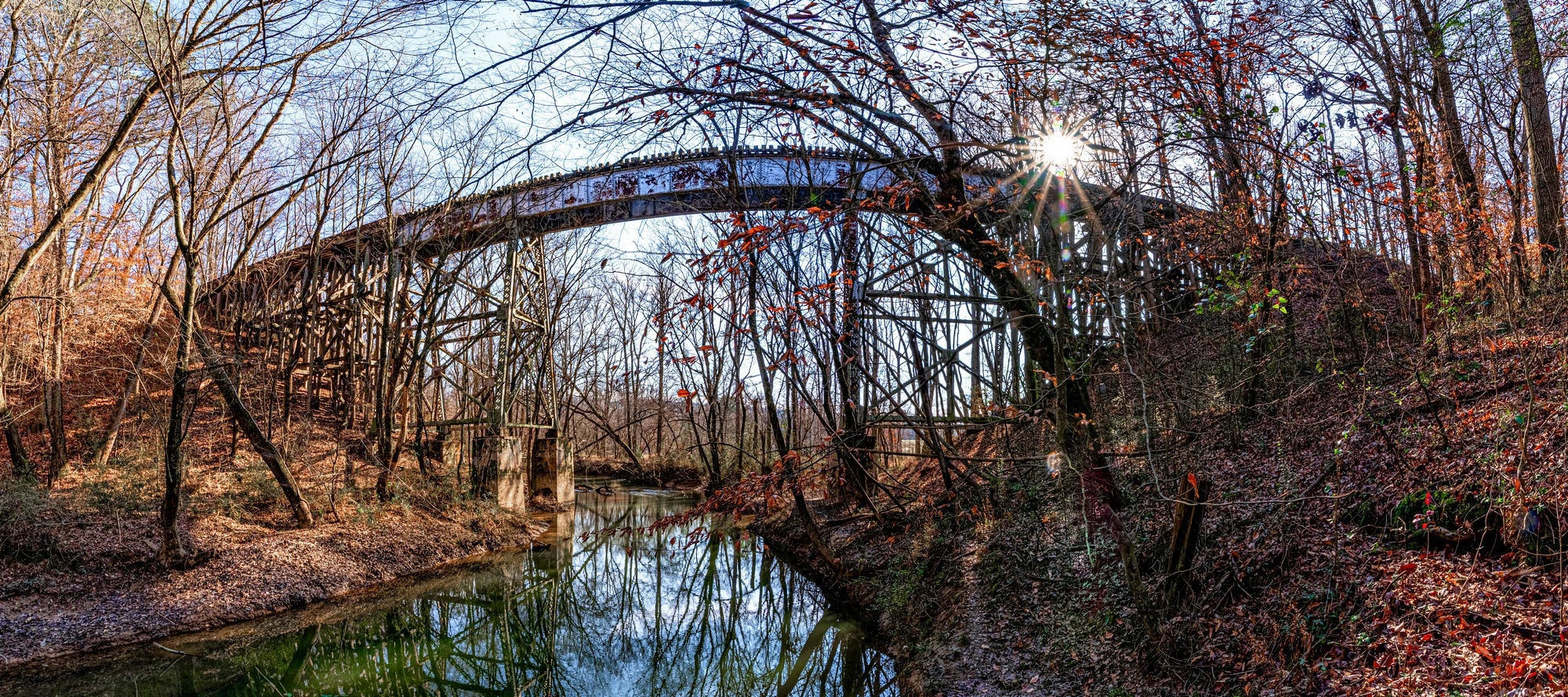
I shot a long bridge in a rural part of my state. Since I was using a wide angle lens, I shot the left side and the right side with overlap to create a panorama. I could not stand in the middle because there’s a big creek so I shot from the right bank as close to the middle as I could get. When I edited the pano, the end result was a noticeable curve of the bridge. The only way to fix this is either Puppet Warp which is quite tedious or use Liquify which is pretty much Puppet Warp Lite. So my thought is this. Would it be possible to change Liquify’s circle to a straight line kind of like a linear gradient? Have it so that line could be set at any length to flatten one thing or the width of the image to flatten a long curve?
Or, if anyone could offer another way to make this happen, I would appreciate it.
 AdChoices