


Participant
July 10, 2025
Open for Voting

AI Powered Select Subject? Product Photography
  • July 10, 2025
  • 2 replies
  • 219 views

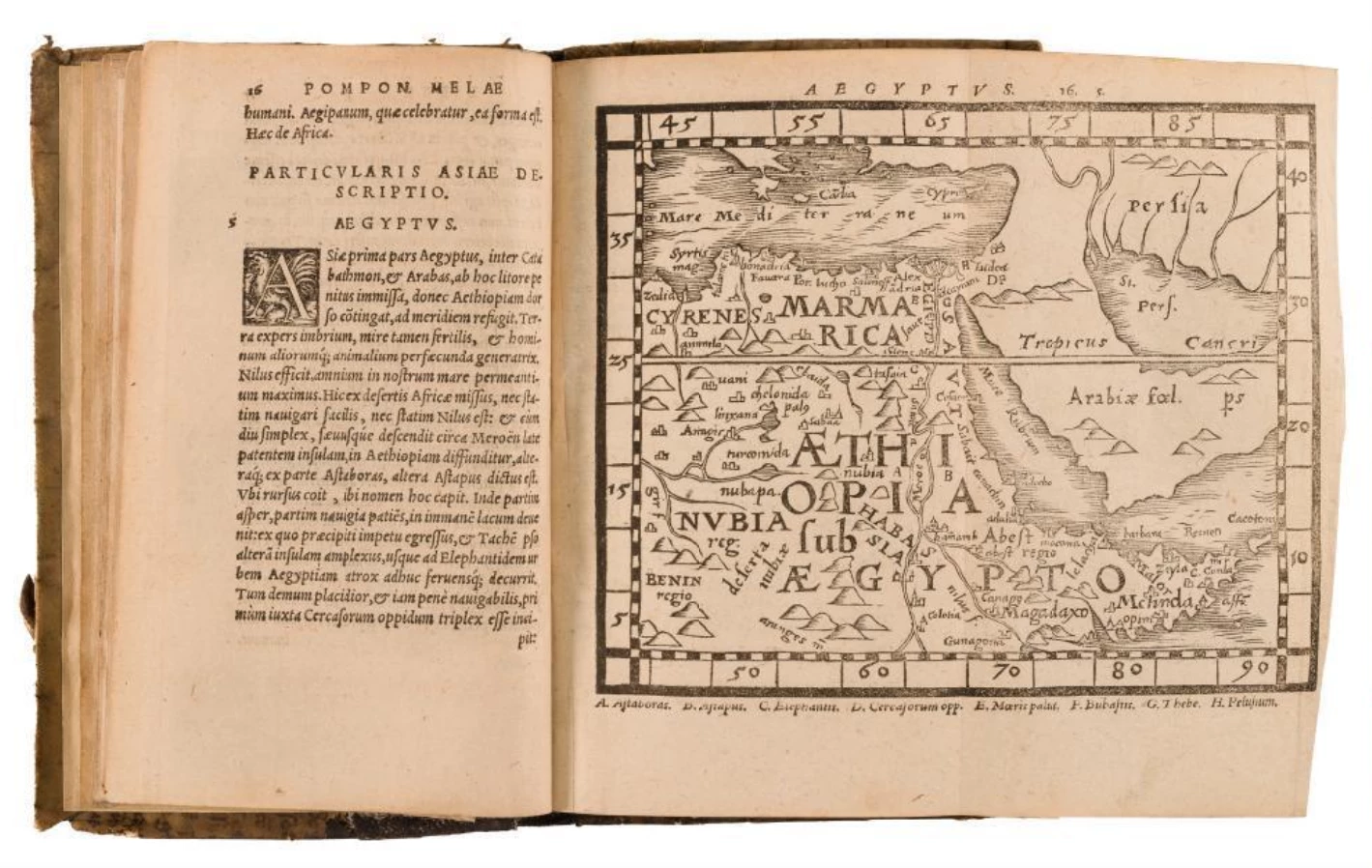
My company photographs antique books everyday. We do 80-200 images per day where we need to "Select Subject" the seemingly simple rectangular shape of a book to put it on a false white BG.  However,  the selections aren't perfect enough to batch/automate.


Yes, we sometimes use the new Mask tool in Bridge, but it doesn't always work. Yes, we've tried diff color paper back drops to improve the contrast/selection sensing. Still annoying, we end up hand refining the simple selection of a book. Every page sometimes. 


  I imagine it can't sense our objects because  "Select Subject" was trained for humans/landscapes? This could be a good improvement for Product Photographers?


Perhaps you guys could expand your AI work to create a "Select *AI Command*" ? That way we could give the AI clues on what we need it to see/select in the image? Ex. "Select *Separate the cream colored book with dark brown edges from the white paper backdrop" 


Let's make product photograpy easier, VOTE THIS POST, if you agree!

2 replies

Participant
July 10, 2025

@Pete.Green Thank you, Pete! The image you ran already has a false white BG (making it easier to select). We find that books with dark covers/toned paper select nicely from our white paper backdrop. But when we have books with creamy vellum (lamb skin) colored covers/or lighter toned paper, the select struggles. 


We just installed the 26.8.1 update, we will enable cloud as you say and let you know after a week or two of daily trial, if it seems to make a difference for our work. 


Talk soon, Thank you very much. 

Pete.Green
Community Manager
Community Manager
July 10, 2025

Hi @barry_0788 ,


Curious which version of Photoshop you're working with? 

The June release (26.8) added new cloud processing for Select subject and Remove background that should help with exactly what you're describing. I ran your image through it and it seemed to do a nice job of the background removal.


Have you given this updated model a try yet?


https://helpx.adobe.com/photoshop/using/whats-new/2025-6.html