



Canvas vs. Selection Alignment Standardization
Request: Standardize the Align tool in Photoshop with other CC Programs such as Illustrator & After Effects.
Current Behavior, Photoshop:
When aligning layers, a user must manually toggle alignment between “Canvas” or “Selection”
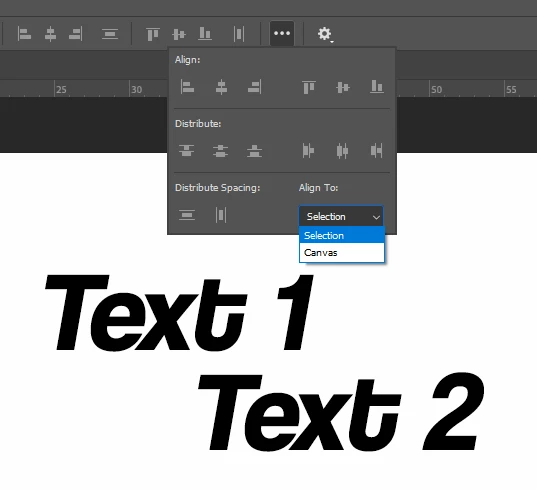
Requested Behavior, Illustrator/After Effects Example:
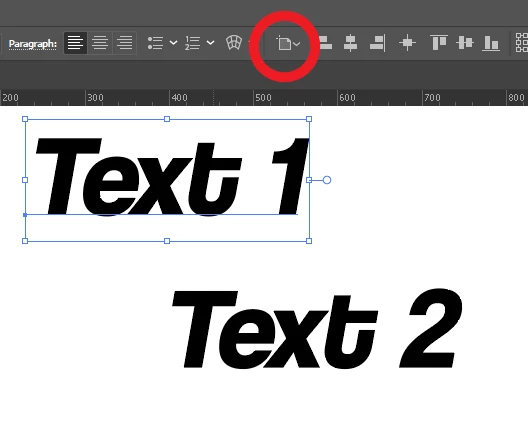
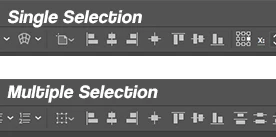
In Illustrator, selecting a single object/layer auto-assumes “Align to Artboard” (with other options available via the drop-down).
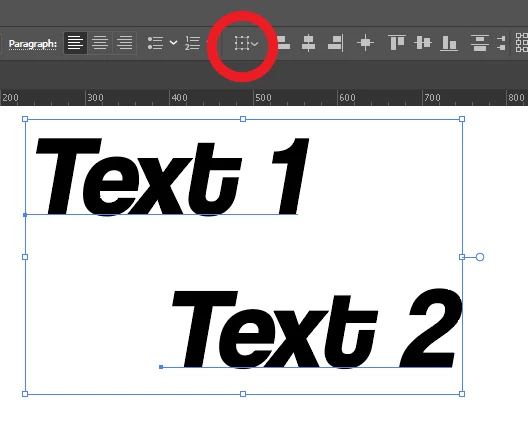
When multiple objects/layers are selected in Illustrator, the align tool auto-assumes “Align to Selection” (with other options available via the drop-down).
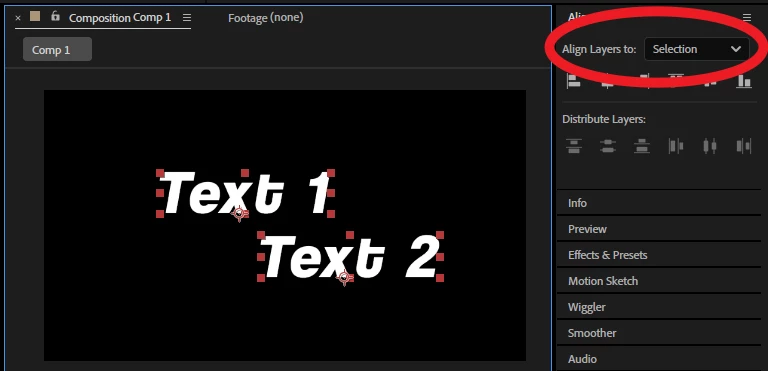
Likewise, in After Effects, selecting one layer auto-assumes alignment to “Composition” (with other options available via the drop-down).
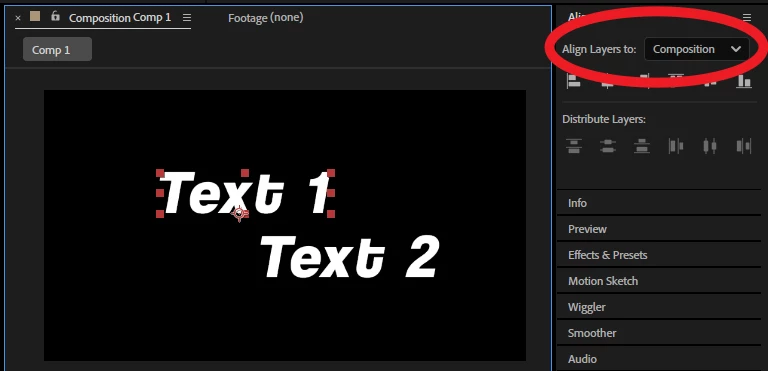
When multiple layers are selected in After Effects, the align tool auto-assumes alignment to “Selection” (with other options available via the drop-down).
How could this look in Photoshop?
The precident has already been set with Illustrator, specifically. In my opinion, the UI should be very similar to standardize the tools across apps.
 AdChoices