
Open for Voting
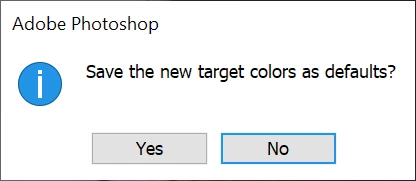
Don't show the "save the new target colors as defaults" dialog
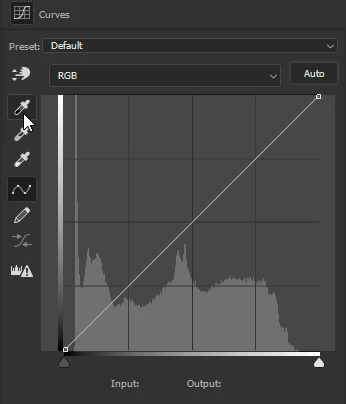
Is there a way to disable the "save the new target colors as defaults" dialog, that appears every time I set a target color for curves adjustments?
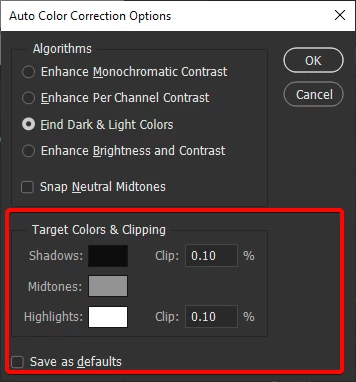
I really don't want to modify the defaults, never ever. If I do, I'm happy with opening the Auto Color Correction Options and using the checkbox "Save as defaults" from there. No need to nag me about changing the defaults every time I sample a target color.
 AdChoices