
Open for Voting
Export psd to SVG in Mac photoshop or missing svg option in export panel (solved)
Recently i using Macbook Air to have an issue with SVG export.
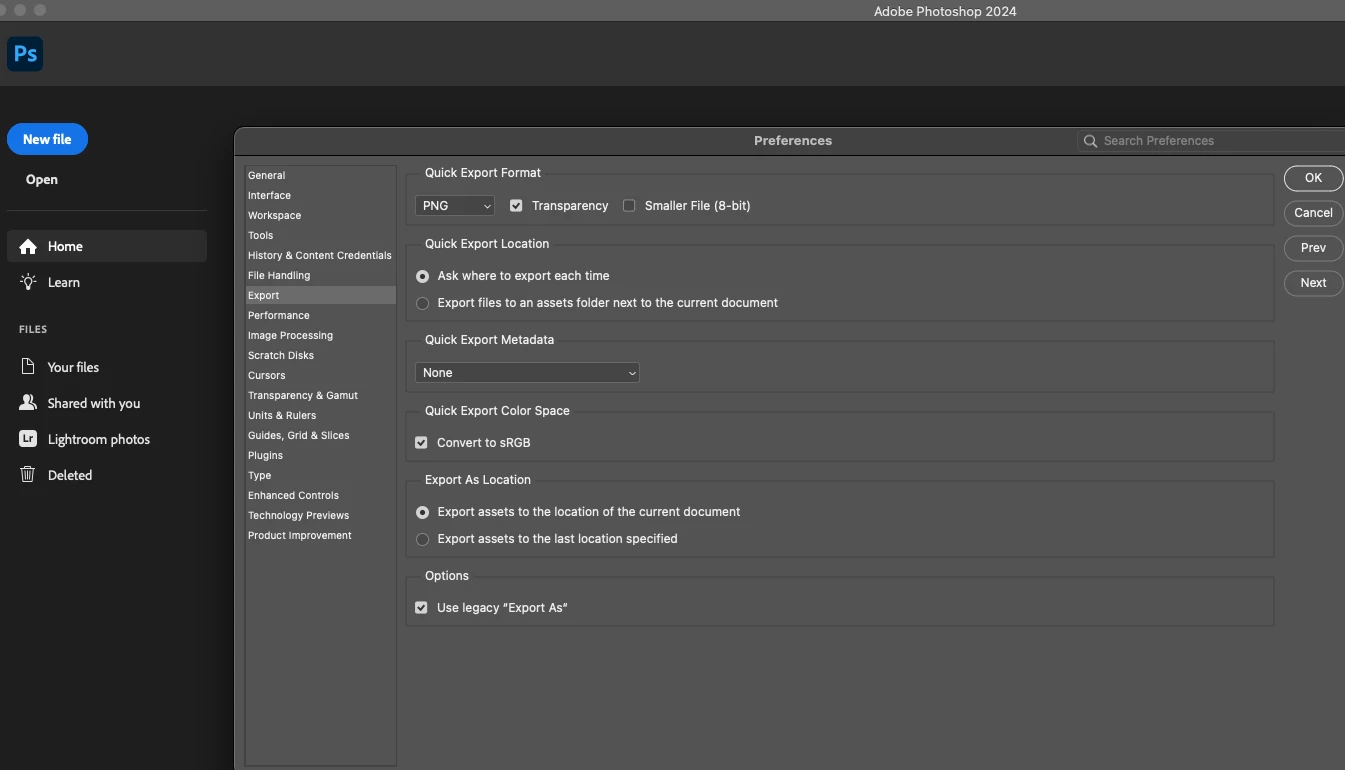
in my first image, you can see no export section option there is no SVG option to select.
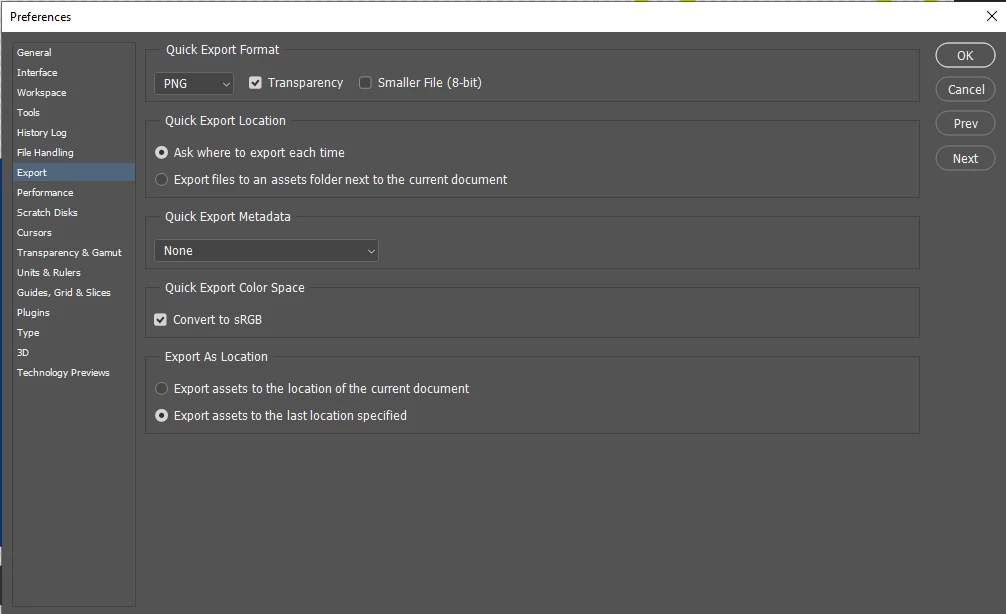
now I have the solution is.
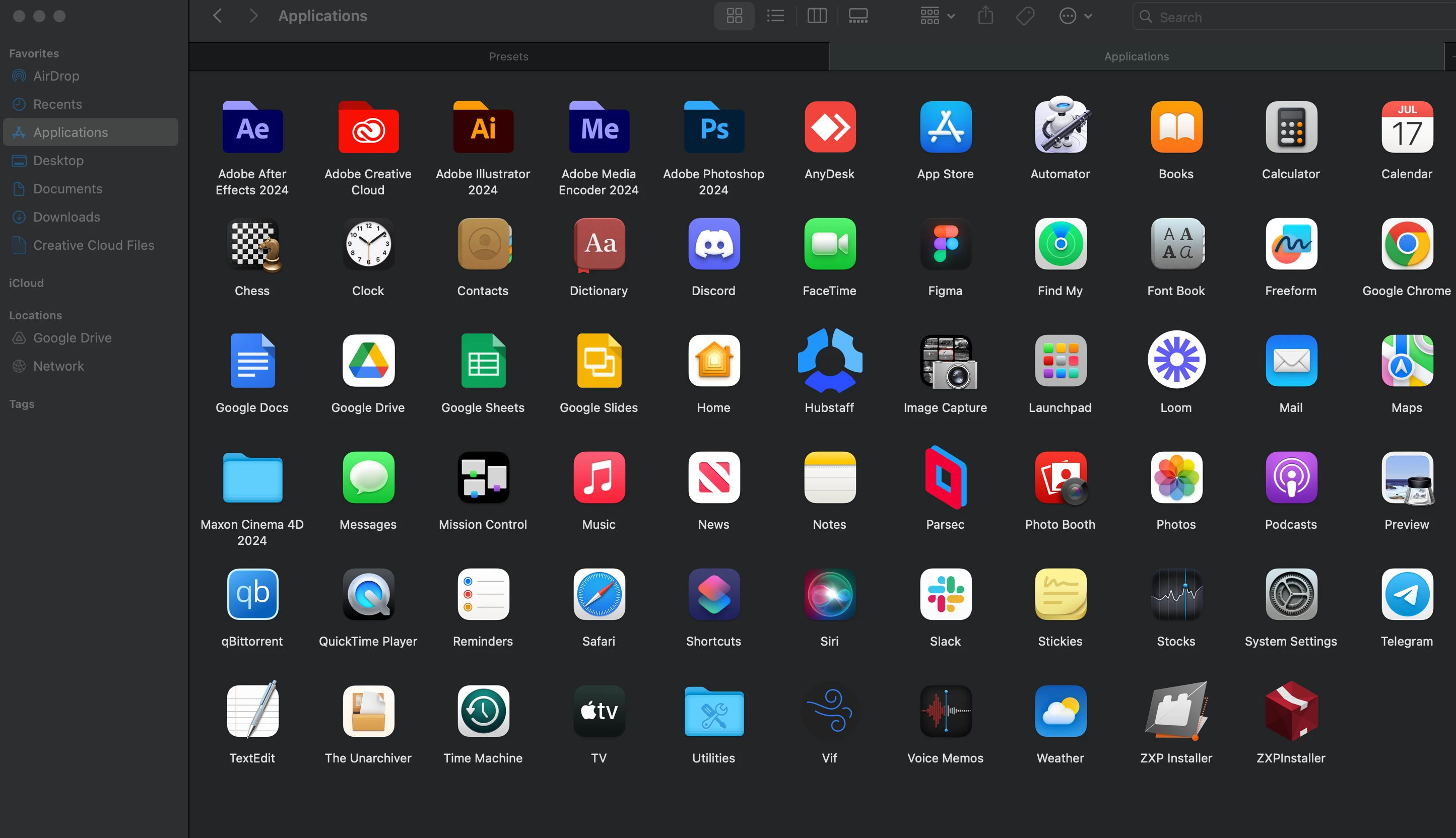
1. simply go to the application folder and go to Adobe Photoshop
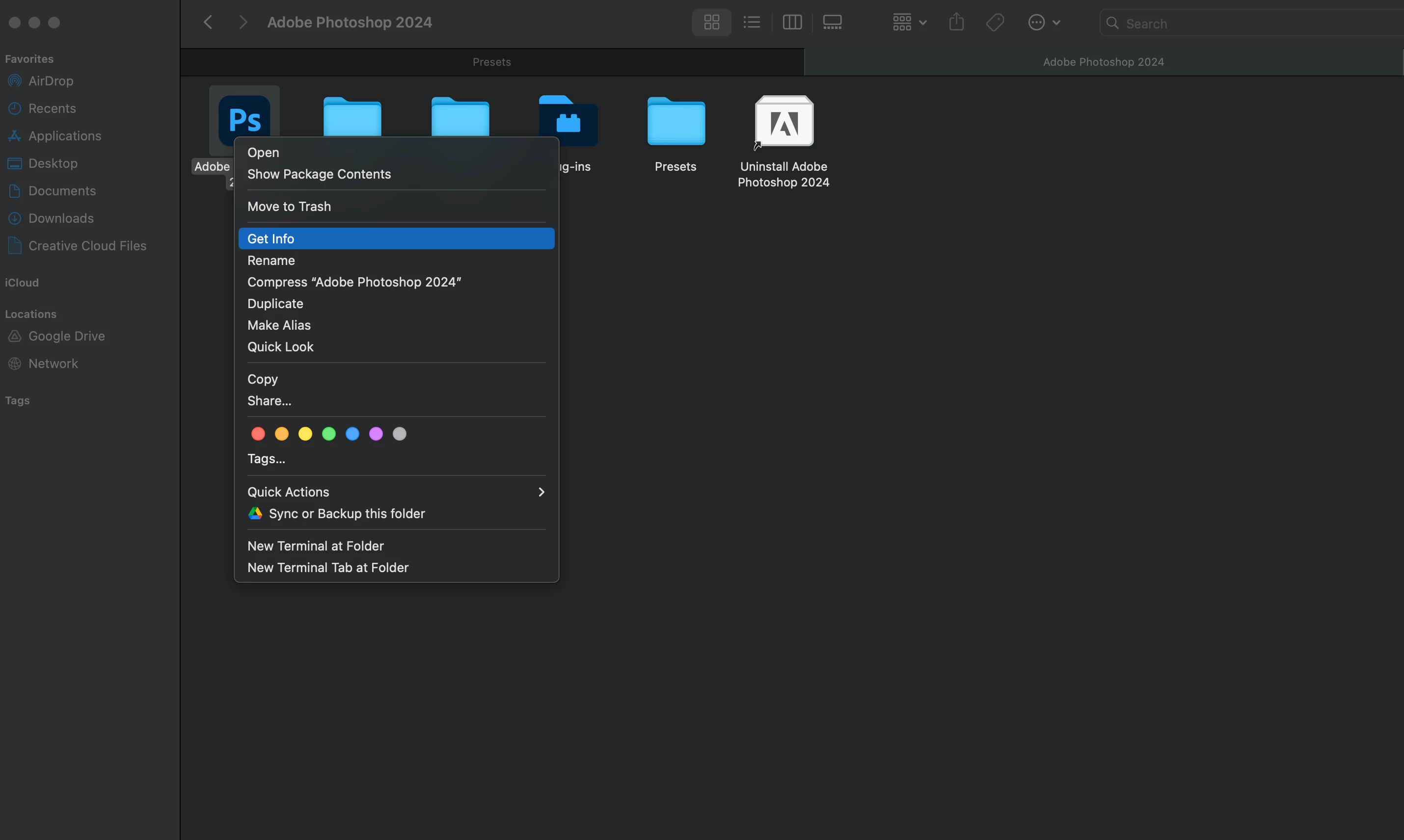
2. after going to the Photoshop folder right-click on Photoshop and click get info.
3. and select the - "open using rosetta"
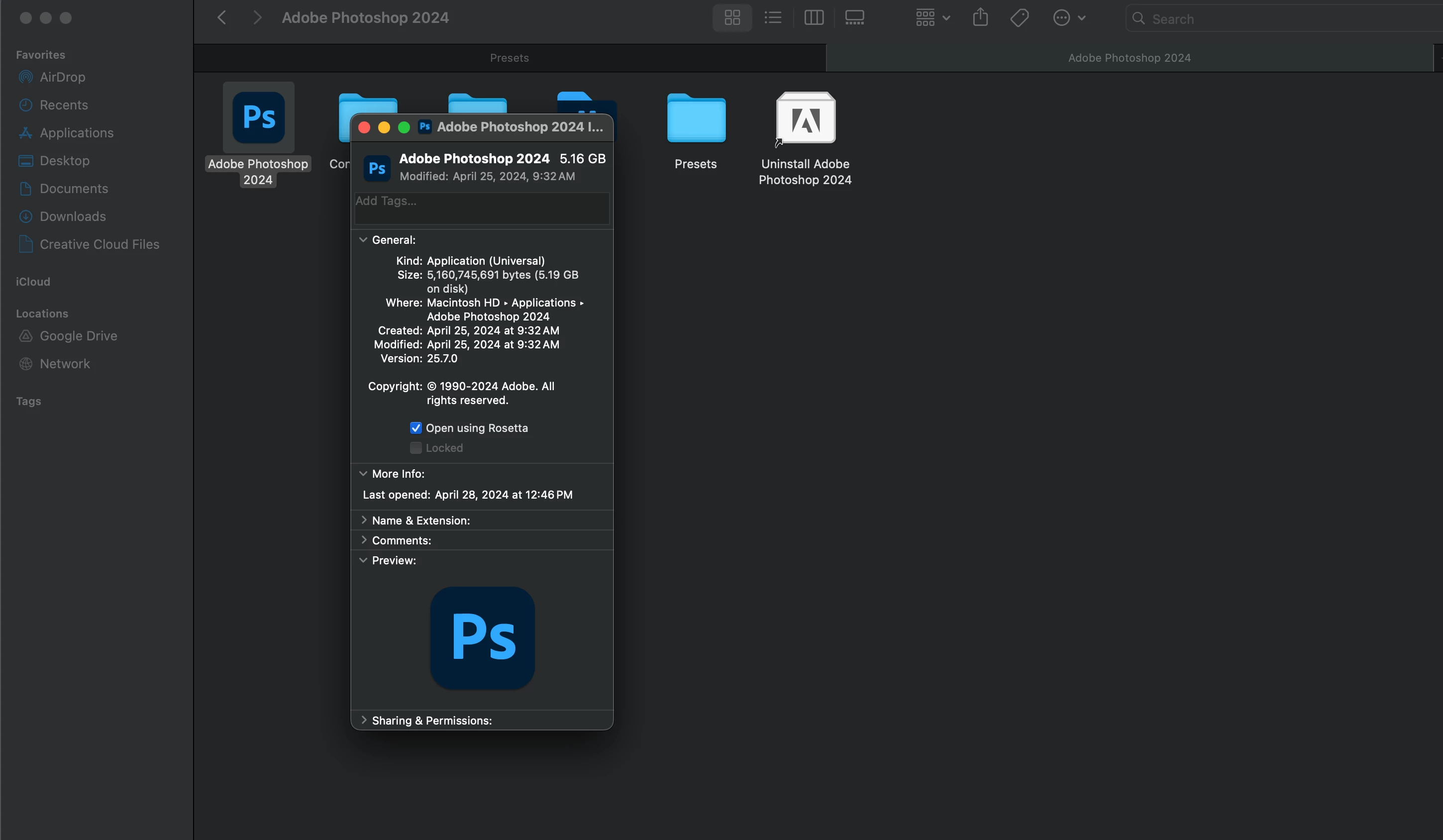
finally, after restart your photoshop and when opening the app it will take some time. after opening boom, you can use SVG export.


 AdChoices