


TenTin
Known Participant
November 6, 2022
Open for Voting

Favourite Font List Export

  • November 6, 2022
  • 2 replies
  • 730 views

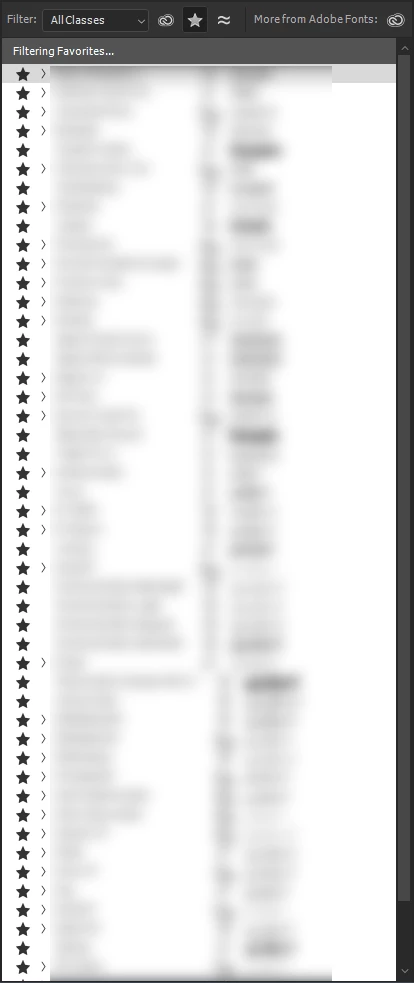
Is there a way to back up the favourite fonts list in Ps or Ai. They manage font lists in their character panel differently. How can export and import the favourite font list in Photoshop or illustrator?

 

2 replies

TenTin
TenTinAuthor
Known Participant
November 6, 2022

Thanks. But this is the most awful method I have seen yet! I won't go for this one! What if Adobe add FavFonts to Preset Manager (Edit>Presets>Export/Import Presets...)?!!

Myra Ferguson
Community Expert
Community Expert
November 6, 2022

I would recommend using your Creative Cloud Libraries to store your character styles. Here's how:

  1. Go to the Libraries panel in either Photoshop or Illustrator (Window > Libraries) and click Create a new library (if you don't already have a CC Library for your styles).
  2. Apply the character styles to text in either a Photoshop or Illustrator document.
  3. Select the text (you can only select one style at a time though for CC Libraries to recognize it).
  4. With your CC Library open, go to the bottom of your Libraries panel and click the +.
  5. Select Character Style.
  6. Repeat for any other Character Styles that you'd like to add.


Once they've been added to your CC Library, you can apply them in either application.