




Feature Idea: Apply Different "Select & Mask" Settings to Different Parts of a Selection
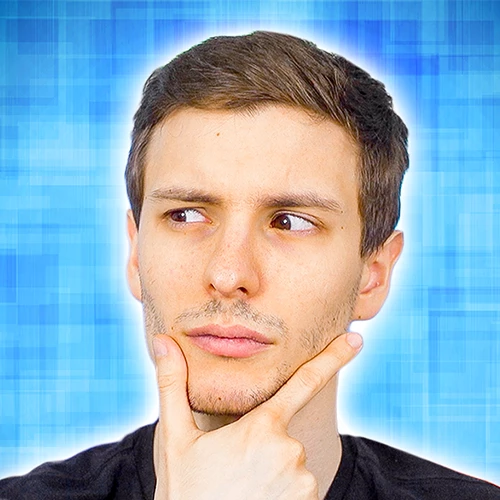
Say I have a chest-up portrait of a person that I want to cut out from the background, so I use the select and mask tool. A problem I run into frequently is that the settings I want to use on the hair differs from the rest of the person.
For example, the hair selects better if I use no smoothing and high contrast, even before using the refine edge brush. But this makes the rest of the selection (around their face, neck, shoulders) jaggy. On the other hand, if I increase the smoothing to get a decent selection, the hair selection looks bad, and the refine edge tool isn't perfect either.
Idea: Allow different parts of the selection's edge to have different settings applied. So I could specify any selection on the hair would have some settings, the rest others.
I know this is probably a very complicated feature to implement, but figured I'd throw it out there.
 AdChoices