


Idea: Enhancing Perspective Crop Tool with curved surfaces.
Perspective Crop is a great tool for correcting the perspective of an image that is inside another image like a poster on the wall. You select the four corners of the poster and the tool returns the poster in a flat, no perspective image that matches the original poster to what it is possible from the source picture.
But what if the image you want to straighten is on a curved surface?
Think about a publicity poster in a subway tunnel or a sign on a cylindrical column. or even a logo on a football ball.
In those cases, Perspective Crop Tool can't straighten the image.
but all those cases could be solved if the straight edges of the trapezoid could be pulled in a curve to adapt to the situation.
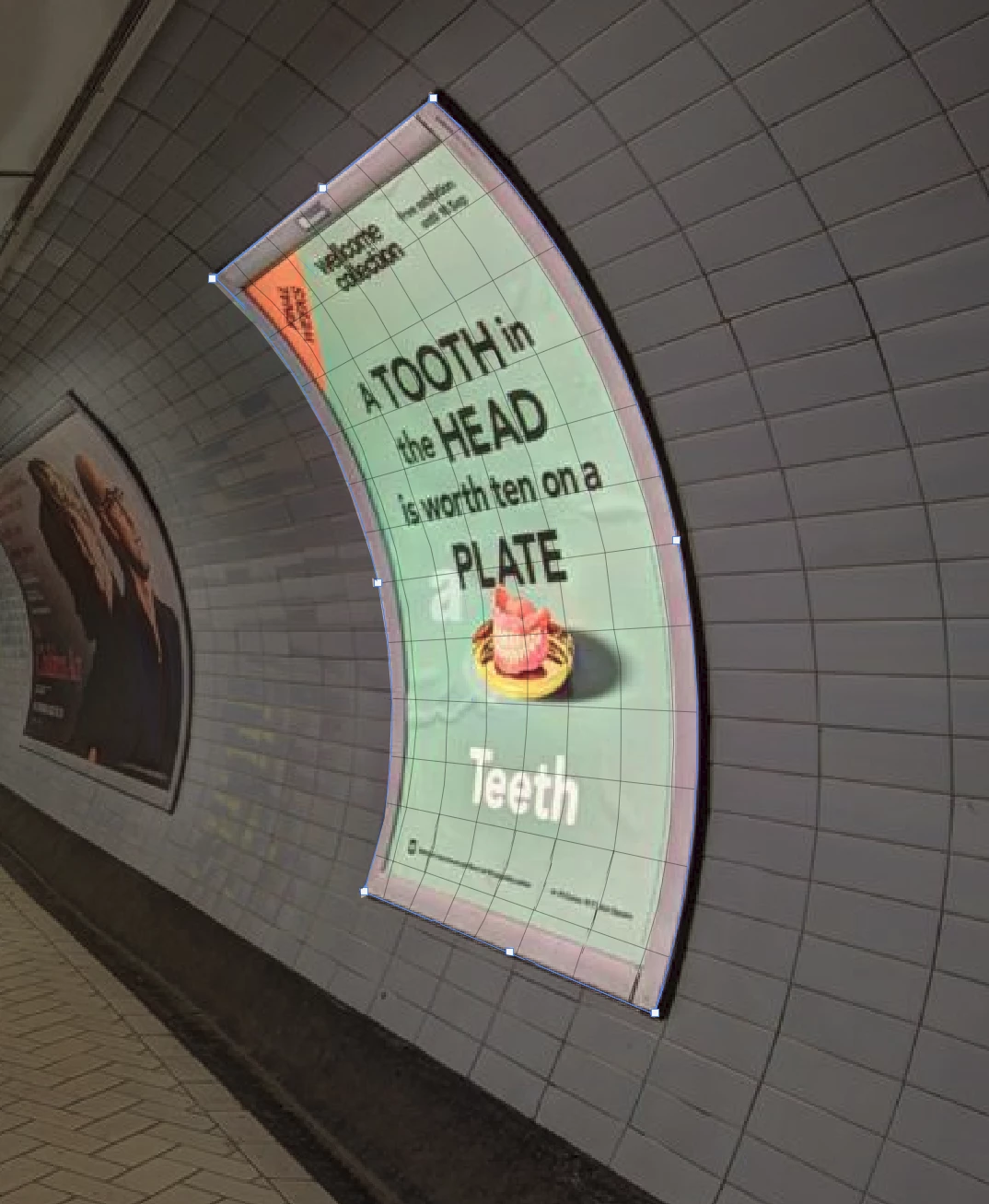
This would be something similar to the Warp Mode in the Free Transform where you have the transform rectangle subdivided in a 3x3 grid and you can curve the sides but instead of curving the image, you are curving the cropping frame to adapt to the curved image.
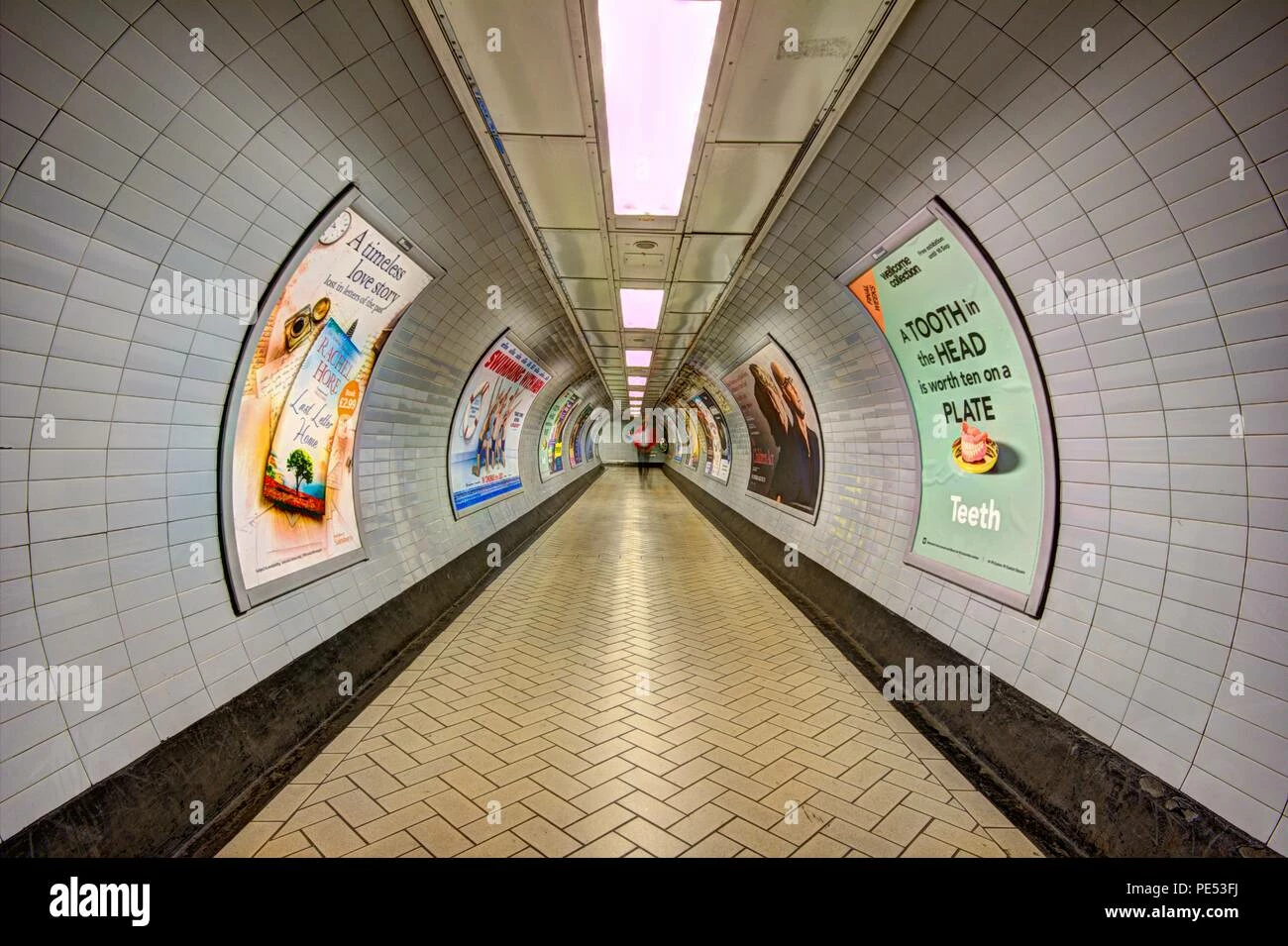
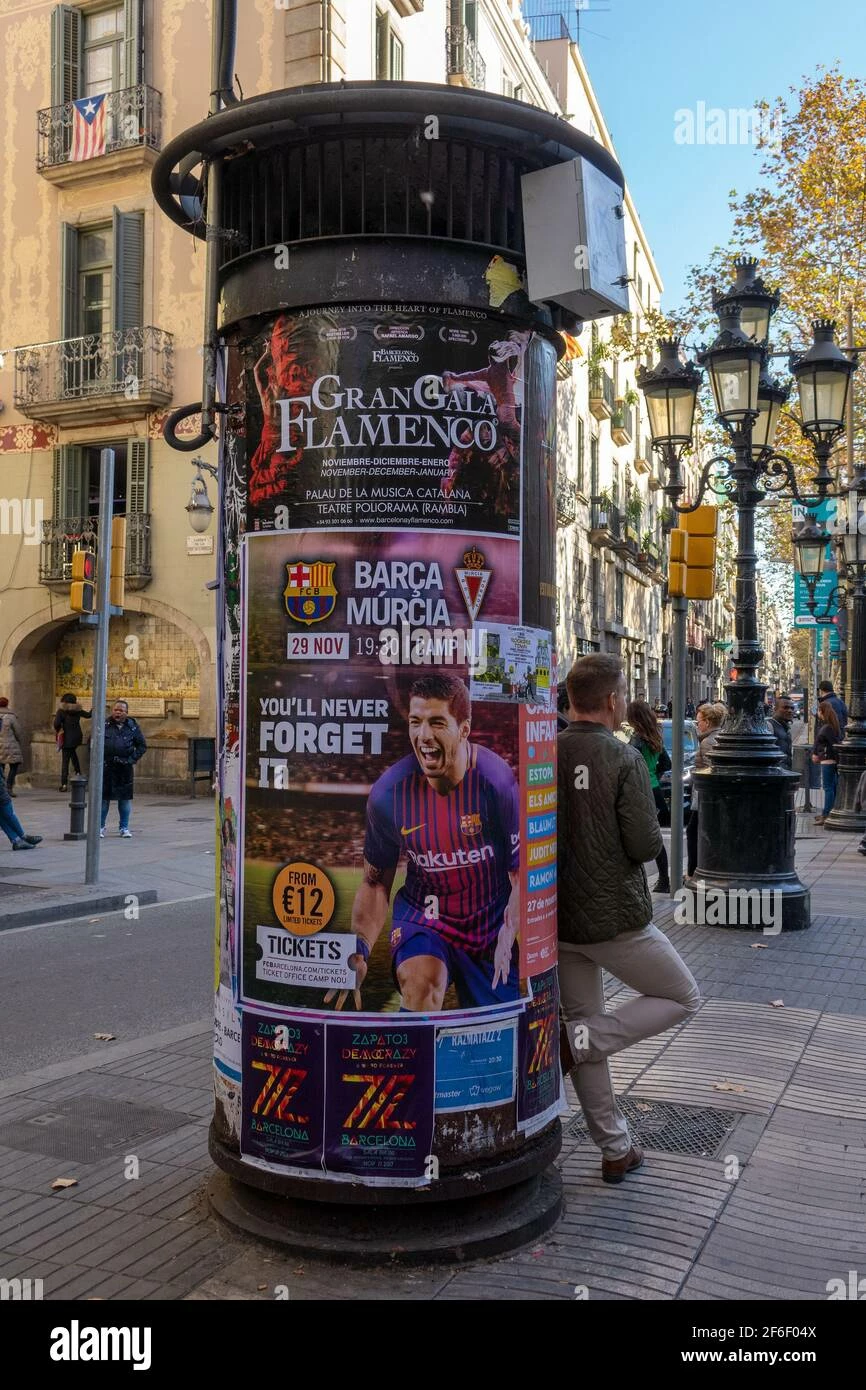
Here is a mockup of how the improved Perspective Warp Tool would look (Please, be aware that the grid was drawn by hand so don't expect mathematical accuracy 😅). When the curved perspective is active, four new square handlers appear in the middle of the lines and you would curve the lines adapting them to the image:
 AdChoices