

Participant
February 20, 2025
Open for Voting

mask density control

  • February 20, 2025
  • 1 reply
  • 241 views

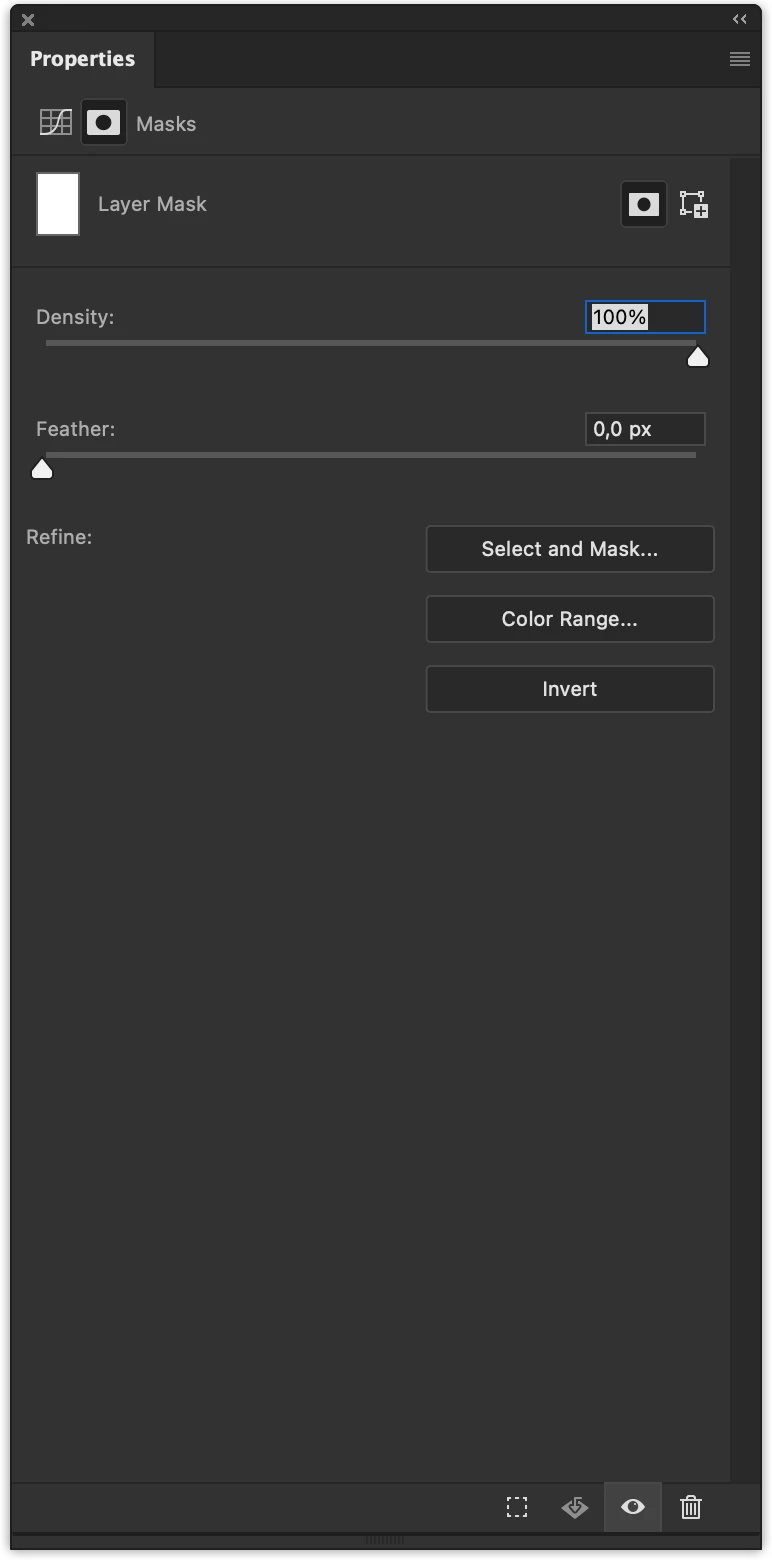
It would be cool to adjust the density of the curve mask from this window)

1 reply

davescm
Community Expert
Community Expert
February 20, 2025

Your mask is pure white so there effectively is no mask in place for the density slider to control. Click on the mask in the layers panel and use Ctrl+I to invert it to black. Now the density control in properties will adjust the strength of that mask.


Dave


Participant
July 15, 2025

Dave,

Yes, of course, but masks can be different) And it would be useful, leaving the original, to set the mask as a full black and white picture.


Thanks!

davescm
Community Expert
Community Expert
July 15, 2025

At present, Photoshop's mask density control can only fade the mask, not increase its density. Whilst that ability would be useful, what would even more useful would be the ability to add, non-destructive, curves or levels adjustment controls to the mask (separately from the layer) as can be done in other applications such as Adobe Substance 3D Painter. The example below shows a levels control applying only to a mask in that application.


I'll move this discussion to 'ideas'.

Dave