


Released
P: Avoid using two different warnings when editing Smart Objects
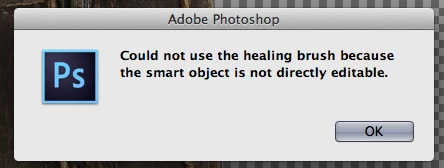
Its nice that Photoshop warns me that I cant make changes to a smart object with the clone stamp tool and asks if id like to rasterize it, but why does it pop up yet another warning I have to click threw to confirm that I do not want to rasterize my smart object. Could we limit the amount of pop u warnings to just one? Just a thought. 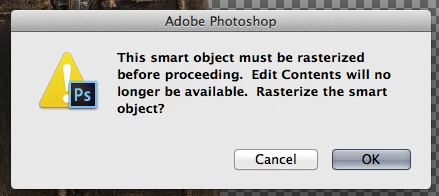
 AdChoices