



DuckDuckNo
Participant
June 23, 2026
Open for Voting

PEAK IDEA: HEX code in Color Window

  • June 23, 2026
  • 1 reply
  • 0 views

I am sorry, I don't have much experience (have been designing only since 2001), but have an idea: How about we put a HEX CODE value in the COLOR window? That might be very handy since sometimes some designers work with hex codes because we could paste, remember, type them. Imagine? Might help with the dwindling user base too.. 
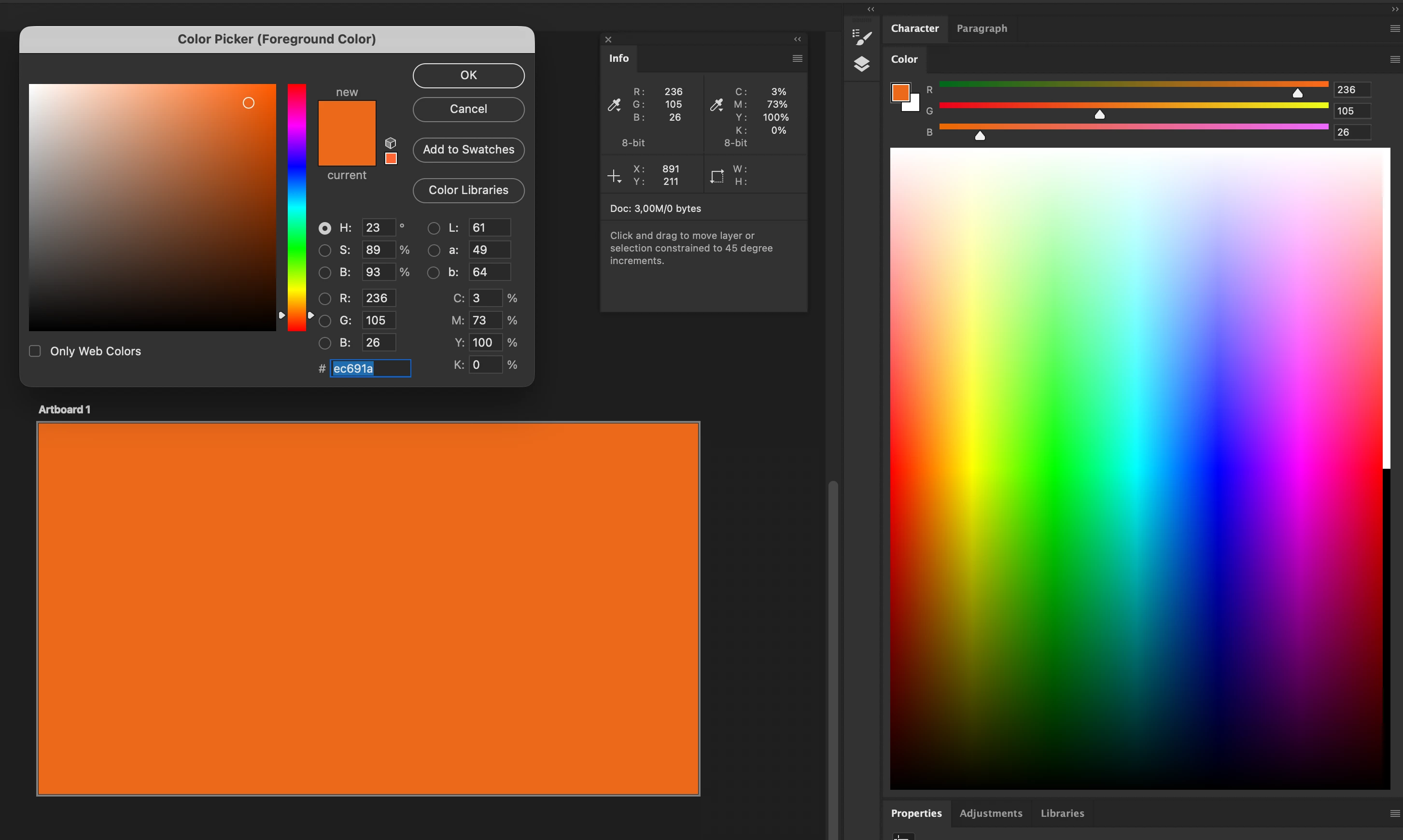
Info window displays RGB Values. I can copy the HEX code, so it is there.. Why do i need to have the friction to open a Color picker? 


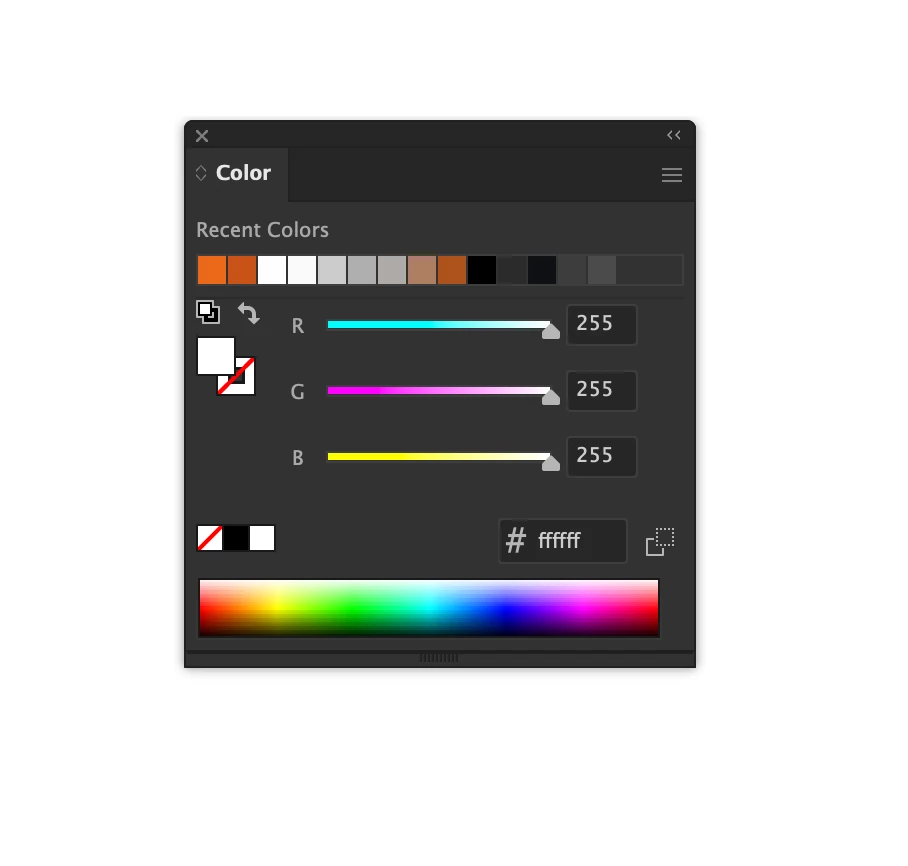
I used to use this lesser known app that masks its name as A.I. but it actually means Adobe Illustrator. It has a working example of this function. Take a look, maybe your devs can take the same idea into Photoshop. 
 

    1 reply

    D Fosse
    Community Expert
    Community Expert
    June 23, 2026

    Hex has its origin in a time before modern color management, and historically, it's been used to represent colors in sRGB, which is  all that existed back then.


    The problem with that is that the way hex is most often used, the assumption is that it represents actual colors. It doesn't, it's just base 16 notation for RGB numbers. As such, the numbers depend on the color space they refer to.


    The point is, hex is a bit obsolete, and widely misused and misunderstood. It can be convenient, yes, but it's important to understand what the numbers mean and don't mean.