


Open for Voting
Photoshop Tools - Horizontal Orientation
I spend decades using Photoshop. When can we have the horizontal version of tools? I think it is more efficient when the tools are floating under our canvas. Our mouse cursor are always in the middle or center of our screen. What do you think guys?
If you know someone who can make this changes for future updates. Please share this to them. I am hyped about this and dreaming. 😅 This is a request from a person using adobe suites since I started being a Graphic Designer. Thank you guys!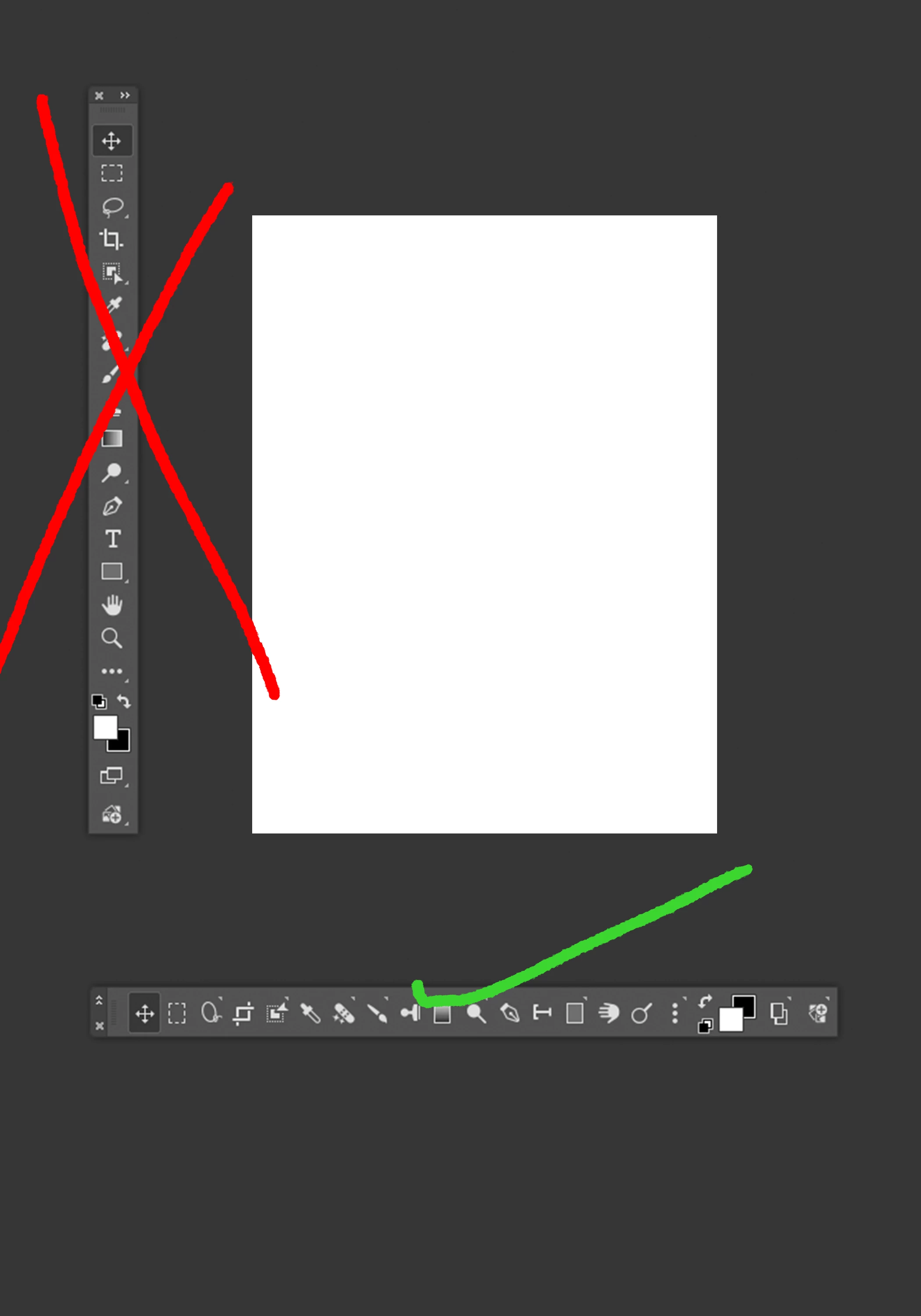
 AdChoices