



Open for Voting
Replace color - make it a smart filter
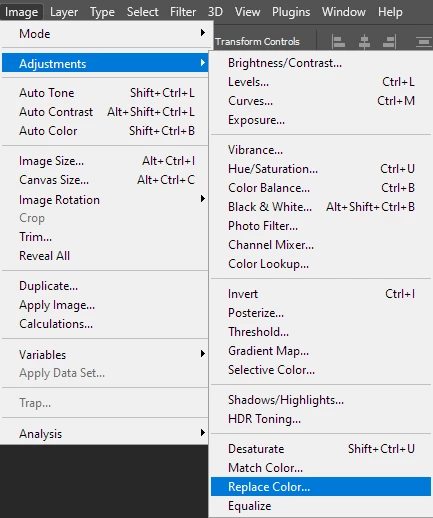
This is a great feature, but unfortunately it works only with rasterized layers.
For a non-destructive workflow it should work with Smart objects (as a smart filter).
So that we could just double click & adjust the selected area or/and the applied color.
Alternatively, it could be transformed into an Adjustment layer. 🙂
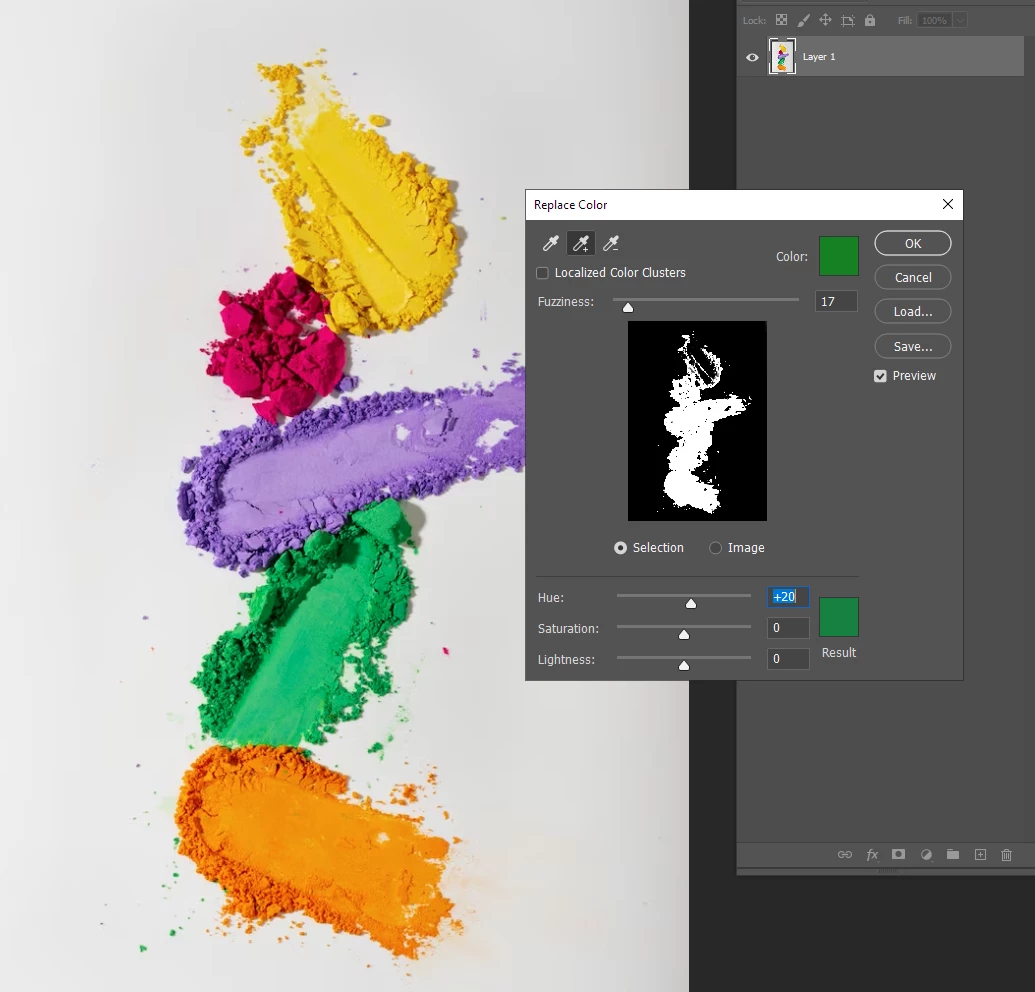
sample image from freepik.com
 AdChoices