


Mathias17
Inspiring
October 27, 2023
Open for Voting

Restore previous session

  • October 27, 2023
  • 10 replies
  • 2327 views

A feature I've wanted for a long time in Photoshop is session restore, which some other image editing programs have.
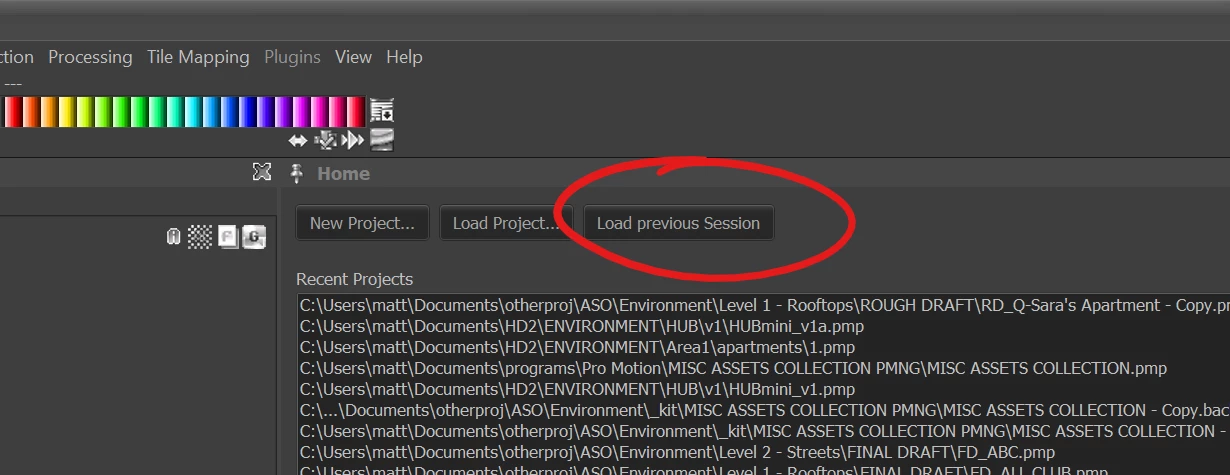
 

More than just a list of recent files opened, this feature would attempt to re-open files that were open when Photoshop was last closed, and also try to position each file's window/tab like they were when Photoshop was closed. This enables a user to stop work for the day, close Photoshop, even restart their computer, then seamlessly resume work later when Photoshop is reopened.


This can be big QoL for users that often work with a lot of files open at the same time.

Of course, files would still need to be saved before Photoshop could successfully close.


For example, this test Photoshop session depicted below could potentially be restored if Photoshop was closed then reopened (all files would of course need be saved first):


🙏

10 replies

Stephen Marsh
Community Expert
Community Expert
October 27, 2024
Stephen Marsh
Community Expert
Community Expert
October 27, 2024
quote

How would your script handle embedded smart object documents?


By @Mathias17


If the parent document is open without any embedded smart object layers being edited, then it behaves exactly like any other open document.


If an embedded child smart object layer is being edited, the temporary smart object document will be opened as another document. You will then be asked to save the file as a new document when the script is run, which will "break" the path to the original embedded smart object document.


So:


1) Don't have an embedded smart object document open for editing when saving the session, or save/close it beforehand... or:


2) Copy/paste or duplicate the contents of the saved smart object back to the edited smart object layer after restoring the session.


Stephen Marsh
Community Expert
Community Expert
November 17, 2023
Stephen Marsh
Community Expert
Community Expert
November 11, 2023

I have a first draft of the session save/restore scripts.


The script now works correctly with docs opened through the Adobe Camera Raw plug-in (either as a standard or Smart Object), in addition to previously saved docs and unsaved docs.


Known limitations:


Window sizes and positions, pan, zoom levels and other properties are not restored, the docs will simply re-open "as is".


All the script does is save and close all open files, logging them to a text file. Once you have finished being interrupted by another Photoshop task/project, you can then run the second restore script to reopen all of the files from the previous session and continue. Update: The active document from the previous session is now recalled!


Stephen Marsh
Community Expert
Community Expert
October 27, 2023

So far the only wrinkle is raw camera renders into Photoshop.


They are essentially unsaved docs as far as I am concerned, but Photoshop remembers the original raw file format and path and they are also flagged as being saved - which isn't useful for scripting sessions.


It would have been better if Adobe had designed them to be treated as an unsaved document with no backing path.

Known Participant
October 27, 2023

Would love this across all the apps as something you can set/choose before closing especially if it allowed me to avoid the cascade of blue buttons that I don't want to click because “for the love of god adobe please let me open my project and stop bugging me about updates, tips, did you knows and any other thing that is better addressed by someone else in a YouTube tutorial.”

Mathias17
Mathias17Author
Inspiring
October 27, 2023

(sorry that was me in previous reply, wrong login)


I tend to work with PSDs mostly, but yes, will sometimes have various other image formats open as well.


How would your script handle embedded smart object documents?

Stephen Marsh
Community Expert
Community Expert
October 27, 2023

The scripts work fine if there are no images open from ACR.


It's ACR images that are the problem due to how Adobe designed things.


So if your session doesn't include any raw camera files opened through ACR it's simple.


I'm still working out if it's worth rewriting everything just in case there's an image open from ACR.


Would that affect you?


This is just about restoring previously open files, it's not specifically about the order or position of windows etc.

Participant
October 27, 2023

Oh really. Ok nice. Good luck on the script!


Stephen Marsh
Community Expert
Community Expert
October 27, 2023

This recently came up here:


I have already started work on a script to save the files and log the location and a script to open the files from the log.
 
The biggest challenge is working with rendered raw files opened into Photoshop via the Adobe Camera Raw plugin.