


Open for Voting
Sharpen text in a photo image
I have a lot of images consisting primarily of light text, on a dark background, for example:
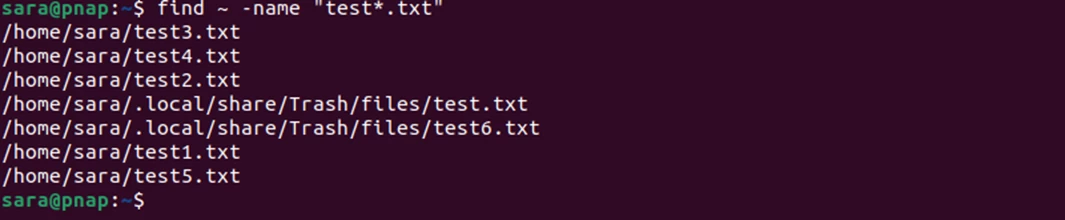
I write programs in Linux. Linux has lots of commands, and most commands have LOTS of options (parameters) -- too much for my old brain to retain, so I copy and print articles from the web, which typically contain images like that shown above. I have tried various filters to clarify the text, plus selection tools on enlarged images then painting the selections and inverses with the paintbrush, but with only limited improvements in the readability of the text. It would be great if an AI tool could recognize and sharpen the text.
 AdChoices