


use remove background mask layer to create a correct cutting path by "Create work path from selection"
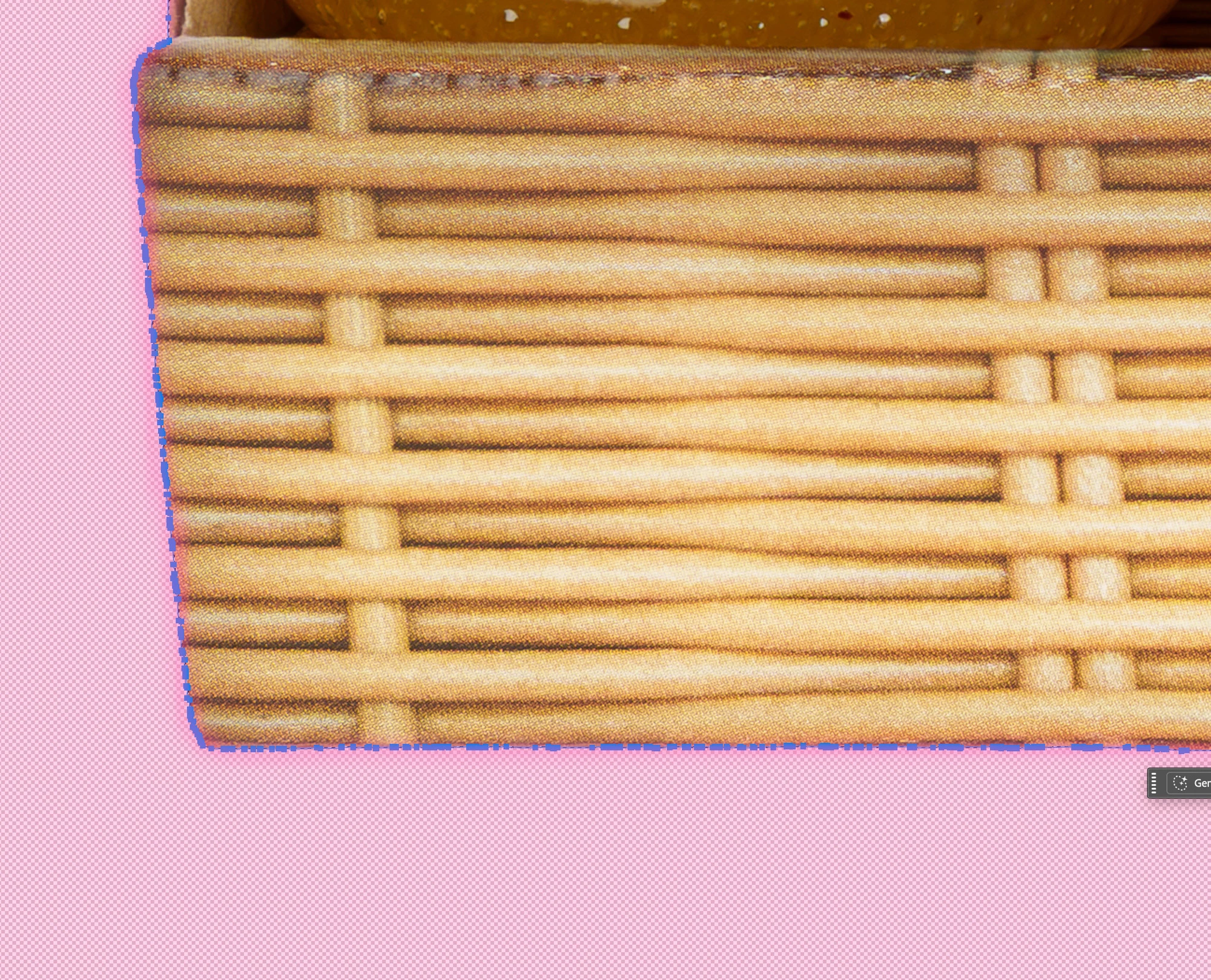
Your background removal tool has seen significant improvements over the past month. However, why is the quality of the path generated by the „Arbeitspfad aus Auswahl erstellen“ in German Photoshop <<Make Work Path from Selection>> function so poor?
In my daily workflow, creating clipping paths for stock agencies and product libraries remains extremely time-consuming. Even in 2026, such clipping paths are still required. Yet, the current automatic path generation produces flawed angles and far too many anchor points. The resulting clipping path is useless and is rejected by database systems!
Please help me speed up the manual creation of clipping paths in Photoshop 2026 by modernizing the "Make Work Path from Selection" function and fully leveraging the background removal engine. It is crucial that the process doesn't place thousands of points—using perhaps only 10–15% would suffice—while still delivering a satisfactory result. Humans are capable of this; it would be great if the AI could do it, too.
 AdChoices