


Open for Voting
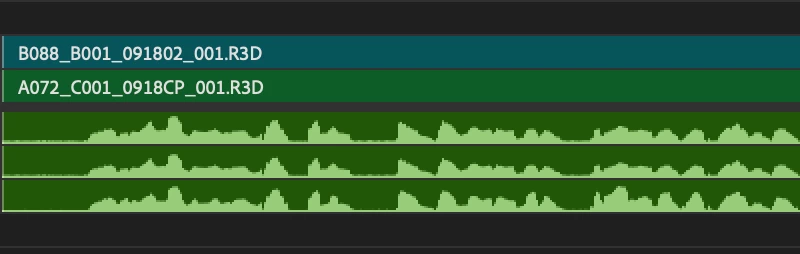
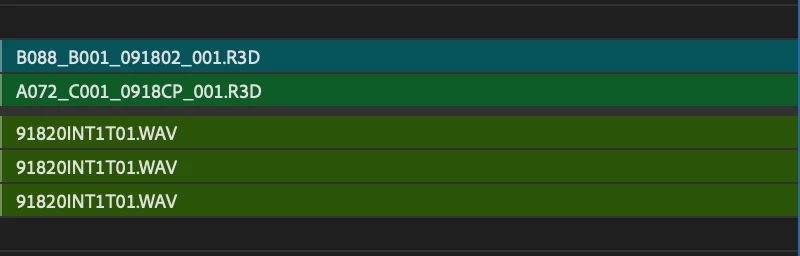
24.5.0 Collapsed audio tracks - can't see waveform AND audio file name
With 24.5.0 I can no longer see both waveforms AND audio file names if the audio track is collapsed all the way down. Is there a work around I am unaware about? Working with so many audio tracks means I usually collapse them to save space, but now I can no longer make accurate edits with this update.
 AdChoices