


Open for Voting
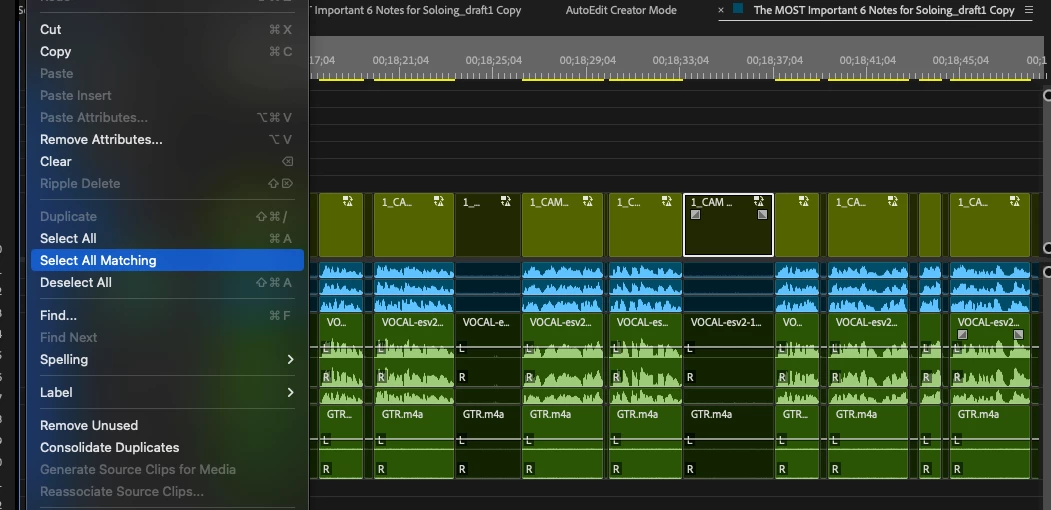
A new "Select All Matching" feature that selects only the Disabled or Enable clips within the timeline
When clicking the “Select All Matching” tool - it would be awesome to have a filter where you can only select the Enabled/Disabled clips. In my case I would like to select all “Disabled” clips so I can ripple delete (instead of going through the timeline and manually selecting all the Disabled clips). However when I press “Select All Matching” (after selecting a clip) it will just select the matching SEQ/Footage/etc.
Also if there’s a way of doing this I would love to know thank you!
 AdChoices