


Bennett6767
Participant
June 5, 2026
Open for Voting

Ability to lower source preview volume

  • June 5, 2026
  • 2 replies
  • 27 views

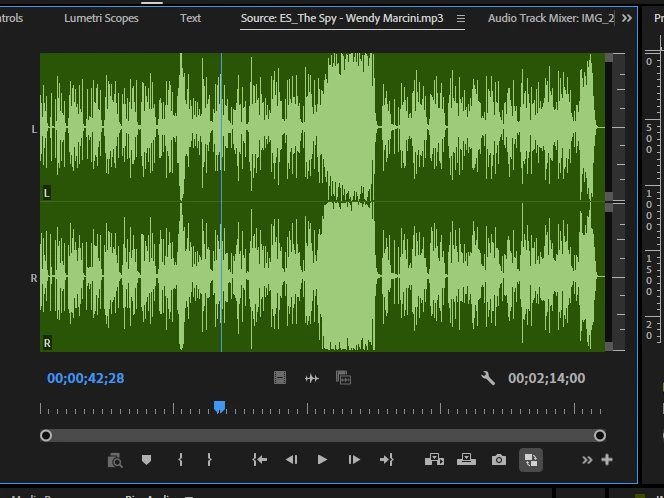
Whenever I go to add music to my project, and I listen through my music from the source preview screen. Even though my project audio is leveled. Premiere always blasts my music at the highest full volume, and I always have to turn my computer audio down just to pick a song. If we can add an option in the source preview screen to turn down the volume while I preview songs and audios, that would be amazing
 

    2 replies

    Warren Heaton
    Community Expert
    Community Expert
    June 8, 2026

    @Bennett6767 

    Premiere plays source audio at the levels at which it’s already mixed.

    To set that to something lower, use Clip > Audio Options > Gain (or press G) and use the Adjust Gain By text field to reduce the source clip’s gain.

    If it’s important to work with the Clip’s original gain later, add the Clip to a Timeline instead and use the Audio Clip Mixer or the Effect Controls or import it again to the project.

    Inspiring
    June 7, 2026

    Hello! You can use Audio clip mixer and volume down your audio level in source monitor.