
Open for Voting
Add a way to generate peak files for specific clips.
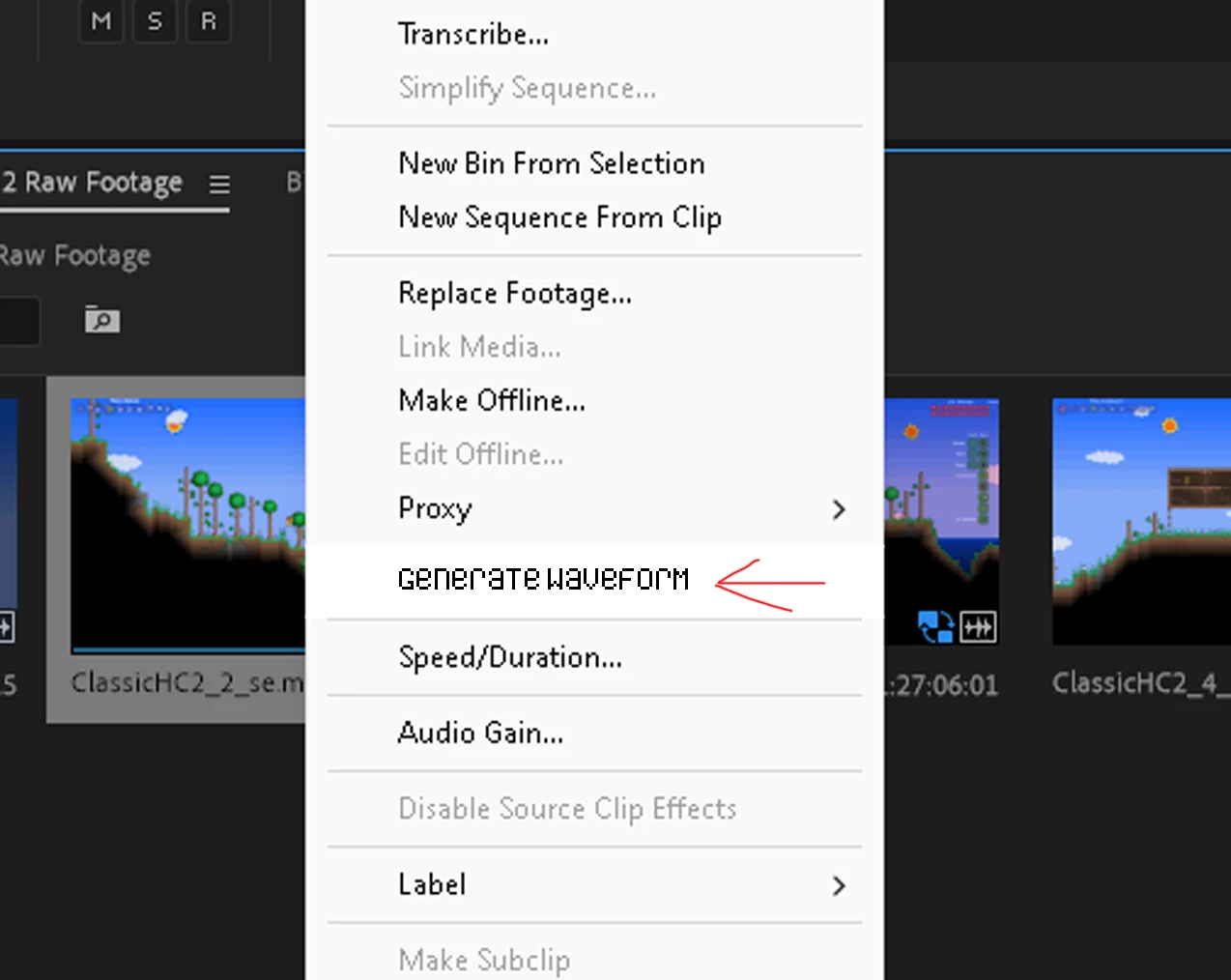
I think it'd be nice if you could turn off automatic peak file generation, and instead choose specific clips to generate them for. Also, being able to choose the order of clips you want to generate waveforms for would be awesome. It's annoying to have to wait for every peak file to generate before I start editing because I need the waveforms. It takes really long for them to generate with the footage I work with and it lowers the performance of Pr Pro which makes it even harder to edit while they are generating.


 AdChoices