


Adobe Applications Adapt to System Display Text Sizes?
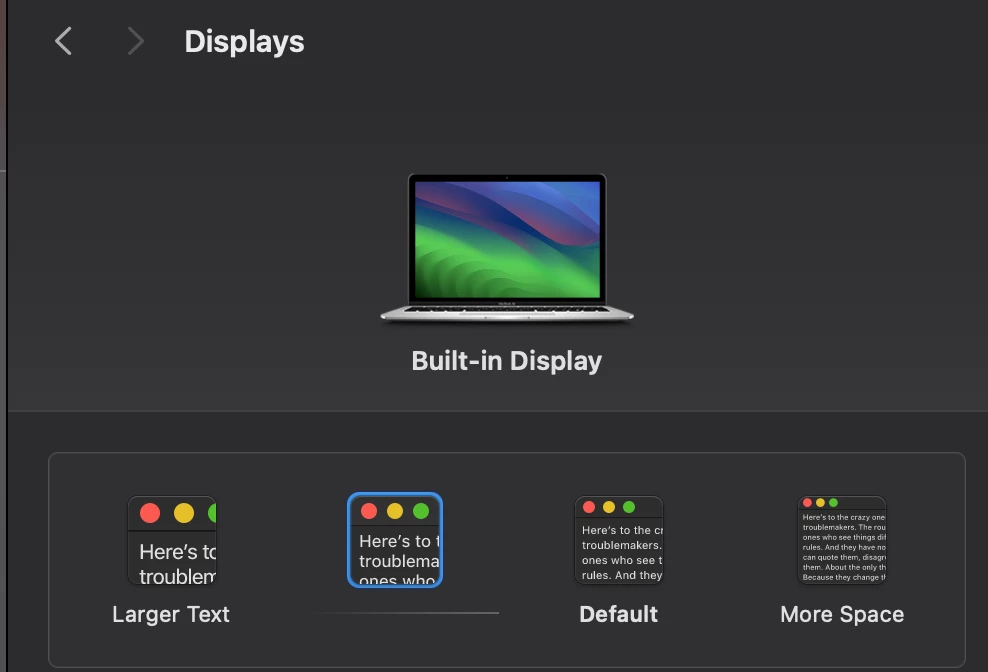
I generally work on a pretty small laptop screen so I finally changed my display settings on my MacBook to view slightly larger text so I would be squinting less and have less overall eye strain. In many of my other programs this isn't an issue, however when using Adobe systems I immediately noticed that many windows cannot cope with this change and the size change results in many items being cut off partially. In most applications this is annoying but ultimately fine, as I can still click the edge of many of my most used features, but I recently began using Premiere Pro and it's just plain frustrating. I haven't been able to find a solution other than painstakingly reconfiguring my entire workspace (which would not fix it in all cases) so I'm assuming this is an accessibility issue but please let me know if there is something I missed! Screenshots attached.
 AdChoices