3 replies

RAD2GOODAuthor
Inspiring
June 18, 2024

Ok, thank you guys for the ideas.

Community Expert
June 18, 2024

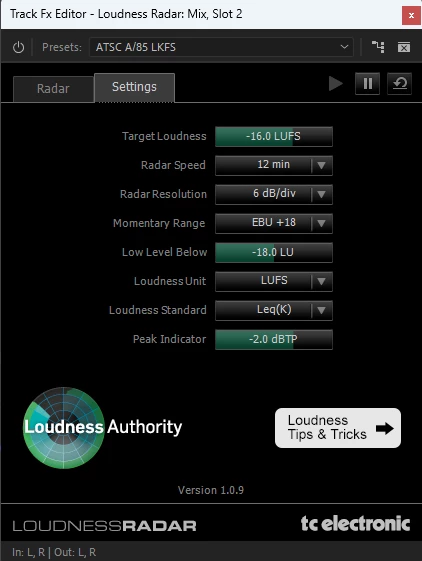
You can add the Loudness Radar to a clip and then save it as an effect preset by right-clicking the effect in the Effect Controls panel and choosing Save Preset. However, this preset can only be added to clips, and usually with the Loudness Radar, you'll want to add it to a track in the Audio Track Mixer.

For all the progress made with Premiere's Audio Track Mixer over the years, it's frustrating that something as simple as creating presets is still not possible.

Here are a few workarounds:

1. Create a Project Template: Create a project template with a sequence that already has the Loudness Radar effect added and set to your liking.
2. Nest Your Sequence: Nest your sequence into another sequence, and add the Loudness Radar preset to the nest.
3. Use Adobe Audition: Open your Premiere project in Audition and apply the Loudness Radar there. Adobe Audition allows you to create presets for Loudness Radar and other track effects.

Cheers,
Paul

Joost van der Hoeven
Community Expert
Community Expert
June 18, 2024

Unfortuately you can't save audio effect presets. You can however copy an paste audio effects on the Track Mixer, so you can set it up in a template project.  Or if you use the effect on a clip you  can save a normal effect preset.

But do file a: Feature Request