
Open for Voting
Can you auto-resize captions?
I am currently editing about 3/4 short videos per day and I am running into this issue that is causing me a little bit of headache. I auto-transcribe the footage, create captions out of it and style it like so:
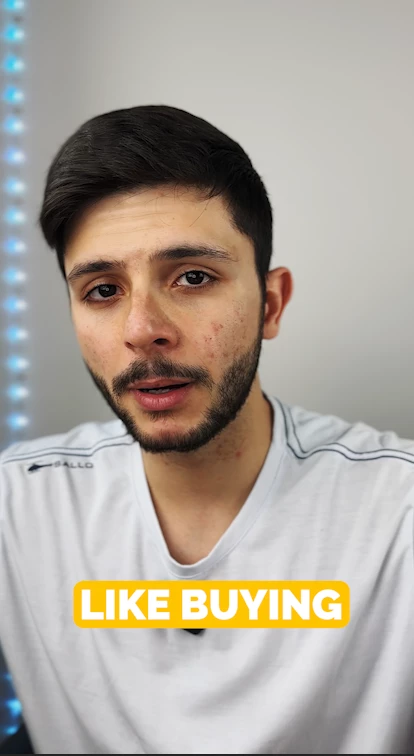
But for bigger words, since the captions are quite large, it ends up breaking in two lines:
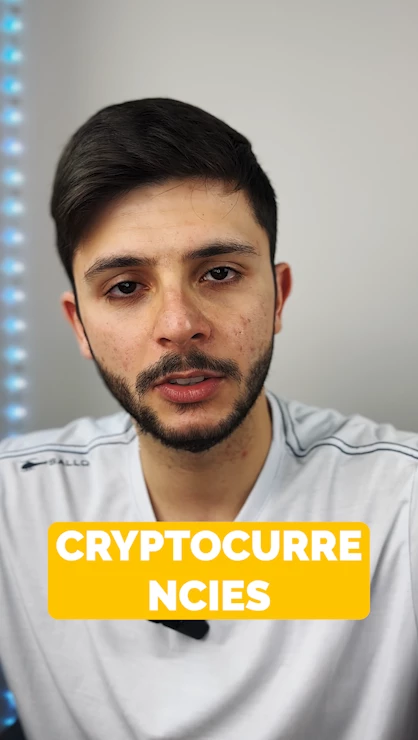
I know that the fix is pretty simple, I just make the font size smaller, but is there any option inside Premiere to auto-adjust the font size to fit the text box? I've seen mobile apps doing that for captions but couldn't find it inside premiere.
Any ideas/opinions are much appreciated!


 AdChoices