Known Participant
June 29, 2025
Open for Voting

Change the text style of several text boxes at once

  • June 29, 2025
  • 3 replies
  • 290 views

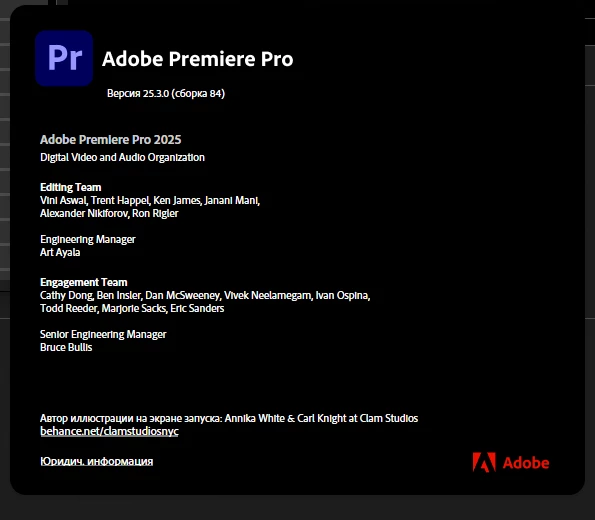
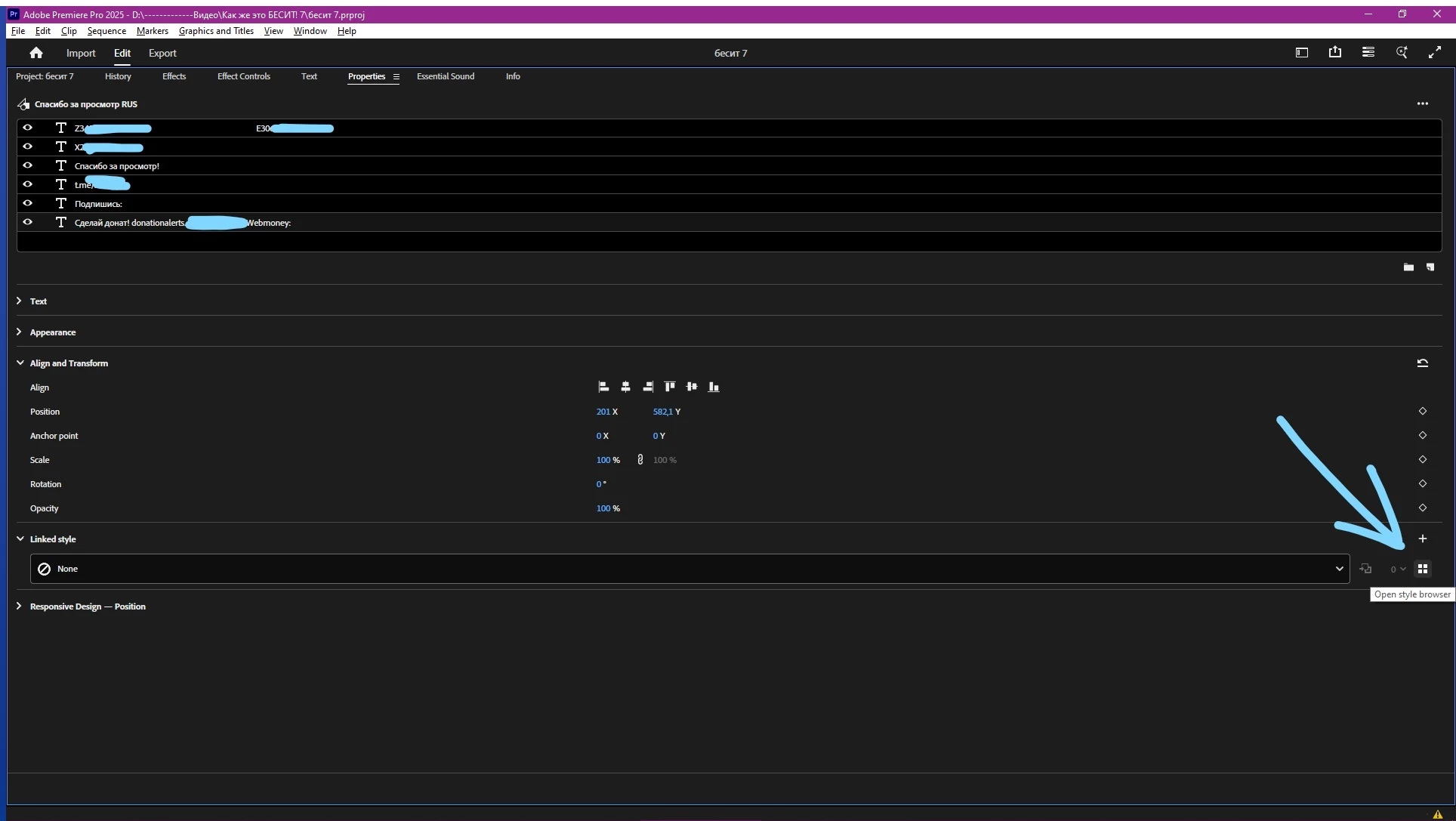
I can't select several separate inscriptions in one chart plate at once and change the layer style for all of them at once, you need to select one at a time and click the button at the bottom. You need to make it so that it doesn't disappear when multiple selections are made and you can change the text style for all 6 inscriptions at once (they are on different layers)

Premiere Pro 25.3.0

Additionally: It is necessary to delete the text styles from the premiere (I already wrote about this)
3 replies

Stan Jones
Community Expert
Community Expert
July 1, 2025

> it changes the size, the width between the letters and other properties.


I suspect this only works if all the properties are to be the same.


Stan


Known Participant
June 29, 2025

Okay, I tried dragging the style from the My Styles window to the timeline on the graphic where there are many layers and it works, but it changes the size, the width between the letters and other properties.

Stan Jones
Community Expert
Community Expert
June 29, 2025

Upvoted. I agree that more flexibility is needed.


It does not fix the problem of selecting multiple, but not all layers, but if you drag the style from the project panel to the text graphics item in the timeline, it will apply it to all layers without regard to whether no layers, one or more layers, or all layers are selected.


The same is true for applying a style to multiple graphics text instances - select multiples in the timeline, and drag the style from the project panel to one of the selected items.


Stan