



Open for Voting
Clip Instance Labeling and Flexible Metadata Display
In many editing workflows, especially interviews, clips need to carry both persistent identity information (e.g., speaker name and title) and context-specific notes (e.g., what is being said in that moment).
For example, a clip might need to show:
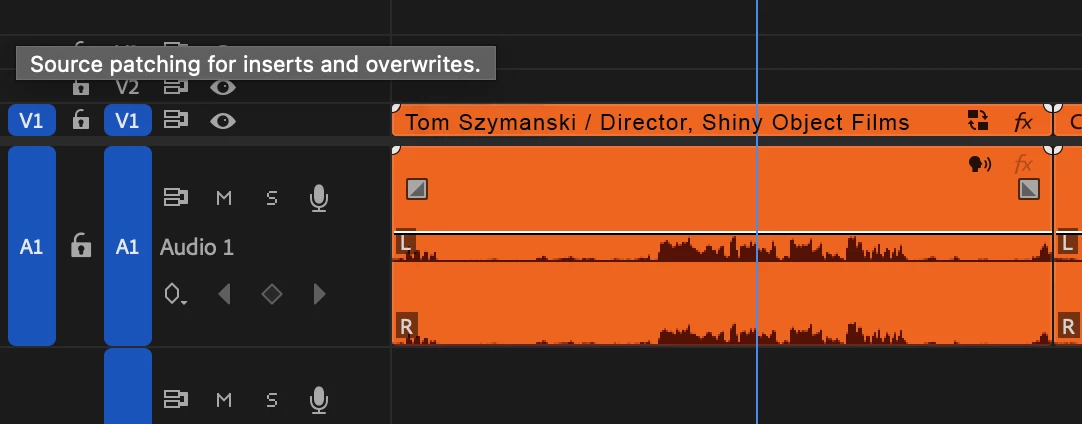
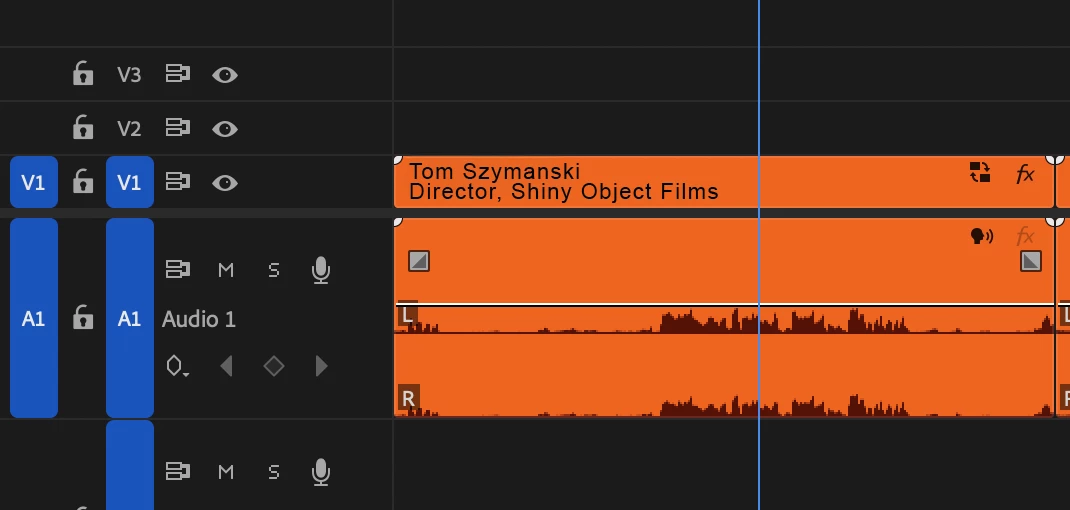
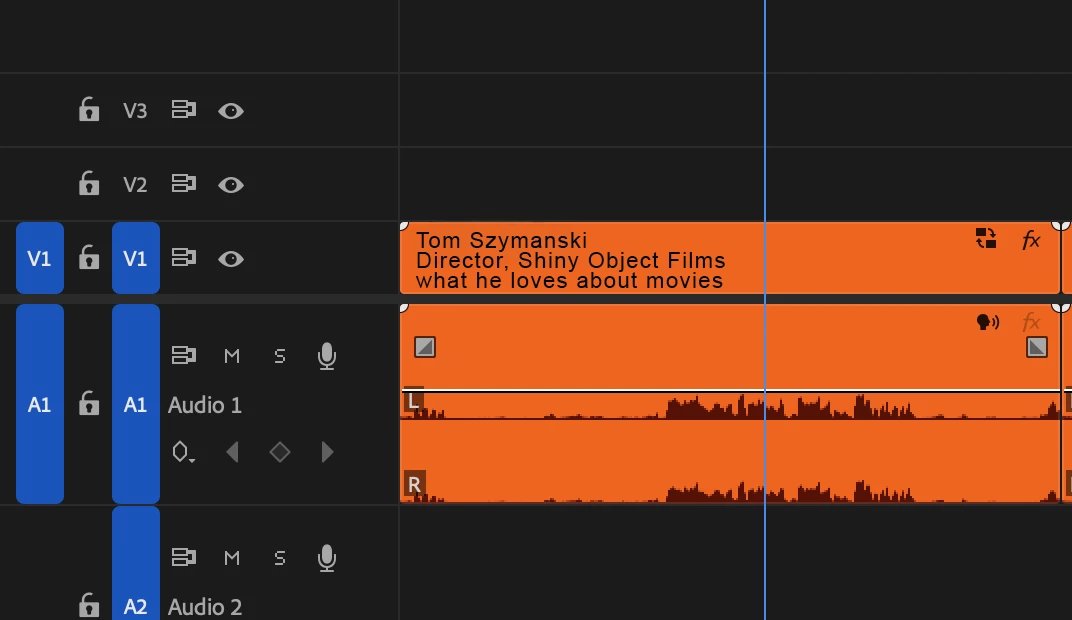
- "John Smith / Director, Company Name" (who is speaking)
- "Explanation of the process" (what this moment is about)
Currently, renaming clips in the timeline replaces the visible name, making it difficult to retain both types of information at once.
Requested improvements:
- Separate clip instance labeling from source naming (allow both to exist simultaneously)
- Ability to display multiple fields (e.g., name/title + description) on clips
- Toggle or customize what metadata is visible (similar to After Effects’ ability to switch between source and instance names)
- Allow this information to be visible in bins, timelines, and optionally overlaid on screen
- Adjustable display based on zoom level or user preference (more detail when expanded, less when zoomed out)
This would make it easier to track who is speaking while also organizing content within longer interviews, without sacrificing clarity or requiring workarounds.
Thanks for considering this request!
Tom
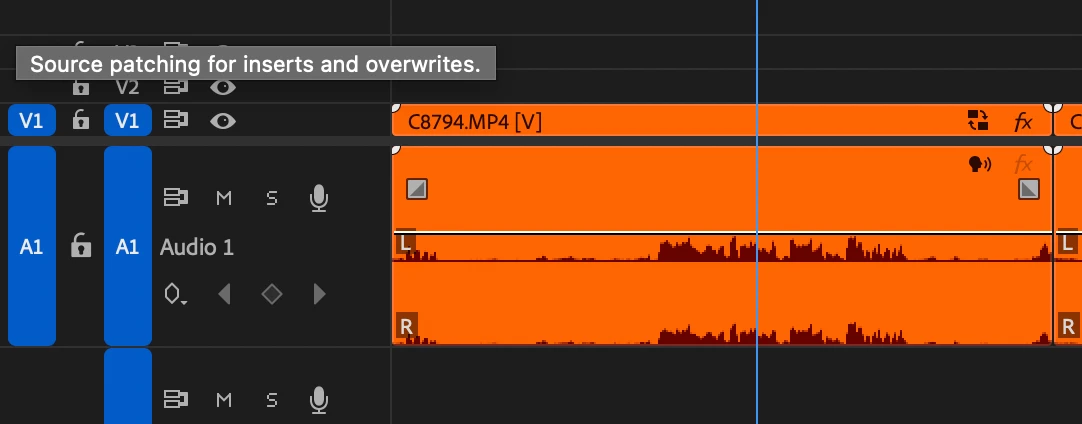
(The attached images show with the timeline vertically expanded - the same thing could be done to label the audio side).
 AdChoices