


edward_237
Participant
January 9, 2019
Open for Voting

Cycle Through Blending Modes | Effect Controls Panel | Seeking Adobe Premiere Keyboard Shortcut

  • January 9, 2019
  • 9 replies
  • 4737 views

Hello.


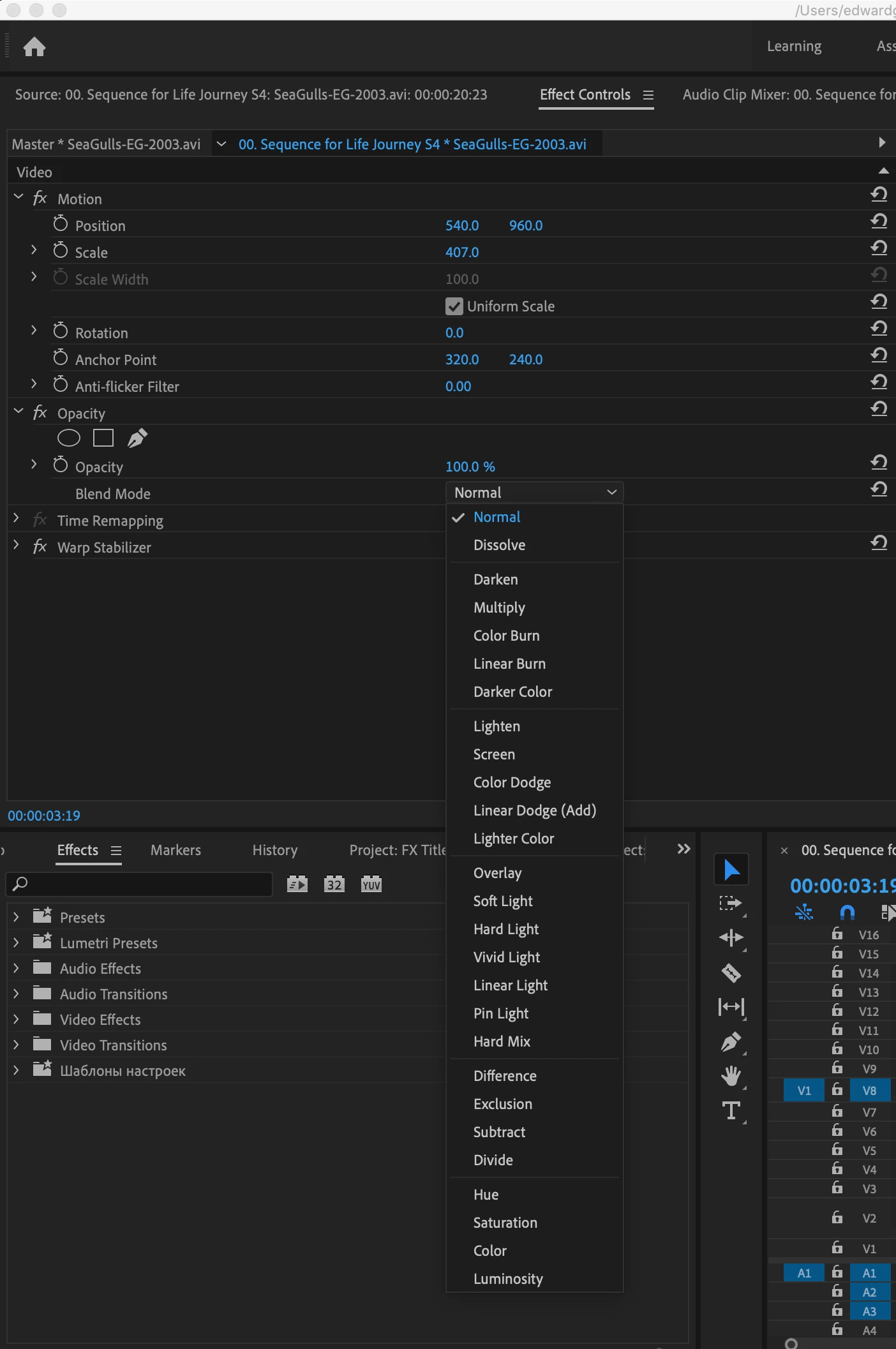
Is it possible to CYCLE THROUGH the Blending Modes in Effect Controls Panel within Adobe Premiere as a keyboard shortcut? I would like to easily cycle through the different options (Normal, Dissolve, Darken, Multiple, etc.). It’s painstakingly painful with the mouse choosing each one at a time!!! : 0


In Photoshop, it’s easy, you just press Shift + or Shift - to quickly cycle through. A life saver.

I can’t find the shortcut to do this within Premier. Mote: I know a scrolling mouse can help but I don’t use scrolling mouses.


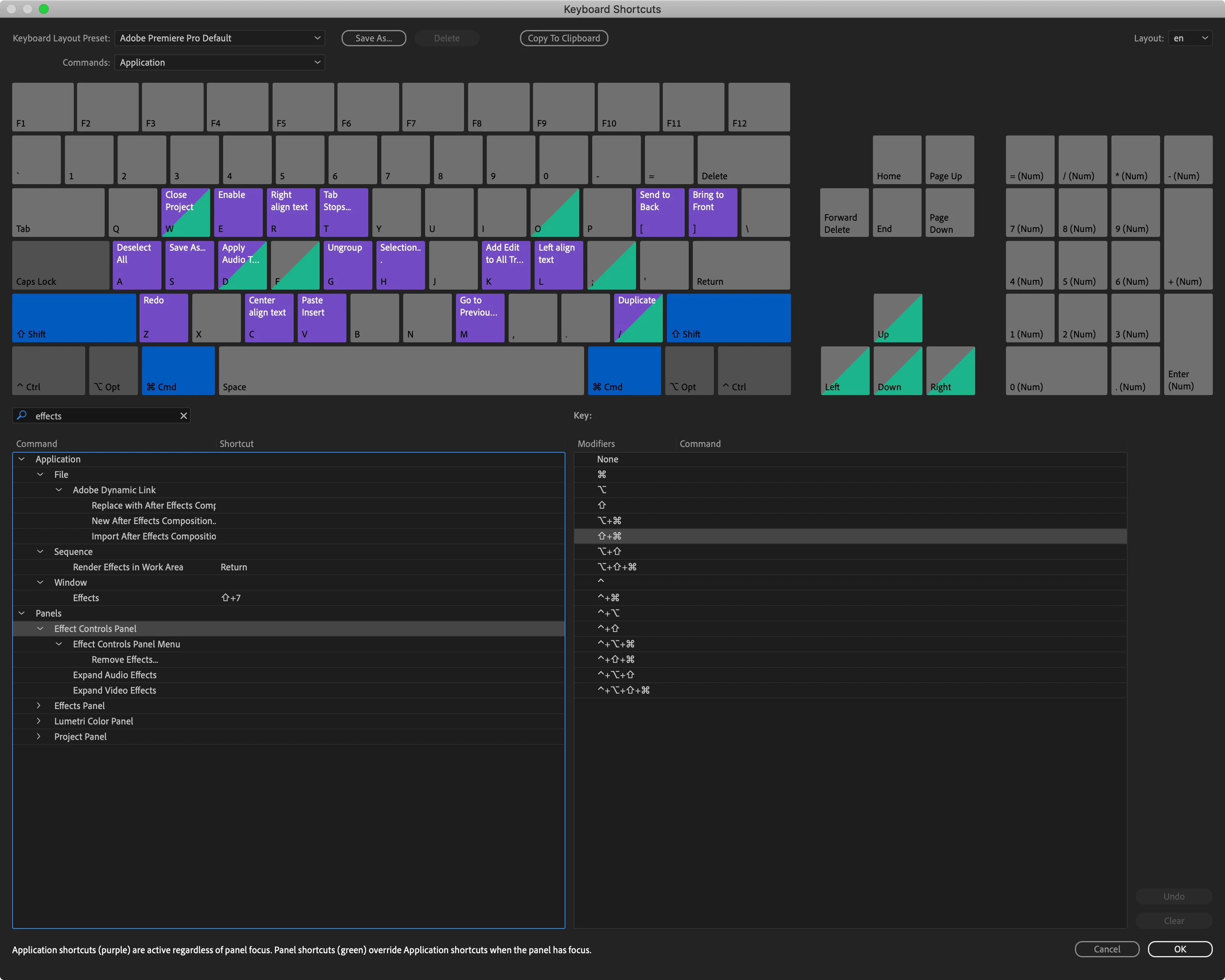
If all fails, is there a way to CUSTOM PROGRAM this to work in some way, shape or form?


See snapshots
 

Thanks!

Edward

9 replies

Inspiring
March 22, 2024

can't you find it for premier pro? i still want this feature. i can do it in after effect but not in pp!

MyerPj
Community Expert
Community Expert
November 15, 2023

You've probably seen this, but you can change the scroll wheel properties in Mouse Properties (from the Control Panel) - Default is 3.


I have a 'macro' keyboard, so I have a shortcut for up and down arrow, so I hover my mouse over the drop-down, then use the keyboard to scroll up/down. But I'd of course prefer PP to do that like essentially all other drop-downs do.

Kevin-Monahan
Community Manager
Community Manager
November 15, 2023

Hi,

In FCP 1-7, I had the modes as keyboard shortcuts. I used my numeric keypad so I could not only cycle modes by 10 key touch, you could also compare modes back and forth, which I think has even better utility than cycling through all of them to find just two or three modes you want to consider. Cycling through modes I don't want to preview is not quite as nice, I think.


Thanks,
Kevin

Kevin Monahan - Sr. Community and Engagement Strategist – Adobe Pro Video and Audio
Legend
November 15, 2023

Ms. Ann.


Thank you very much. I did not know. Hopefully, with the help of Mr.Kevin Monahan, we shall have this feature with Up and Down Arrow, or just like After Effects using Shift+, and Shift-. which is much easier than using the Middle Mouse Scroll.

Thank You Very Much

MyerPj
Community Expert
Community Expert
November 14, 2023

I'd sure like to see Blending Modes change with up/down arrow keys, Fonts do work that way.

Ann Bens
Community Expert
Community Expert
November 14, 2023

As said before you are able to scroll with the mouse. This feature has been around for many, many moons.

Legend
November 14, 2023

This will be a very good feature to have Inside Premiere Pro. It would be nice to be able to change Blend Modes either by Scroll Mouse or Up and Down arrow.

Kevin-Monahan
Community Manager
Community Manager
November 14, 2023

Moving to Ideas. Please upvote there, people!


Thanks,

Kevin

Kevin Monahan - Sr. Community and Engagement Strategist – Adobe Pro Video and Audio
Kevin-Monahan
Community Manager
Community Manager
June 15, 2021

Hi Edward,
Sorry, but no. You can upvote that feature request here. Click the square in the upper left.


Thanks,
Kevin

Kevin Monahan - Sr. Community and Engagement Strategist – Adobe Pro Video and Audio
breadandwaterpro
Known Participant
January 9, 2019

Is there a keyboard shortcut to quickly cycle thru blending modes in Premiere CS6 WITHOUT a mouse on Mac?