Legend
March 9, 2026
Open for Voting

Don't hide Properties > Transform when multiple text layers are selected

  • March 9, 2026
  • 1 reply
  • 34 views

This is a feature request, not a request for workarounds!


1. PROBLEM

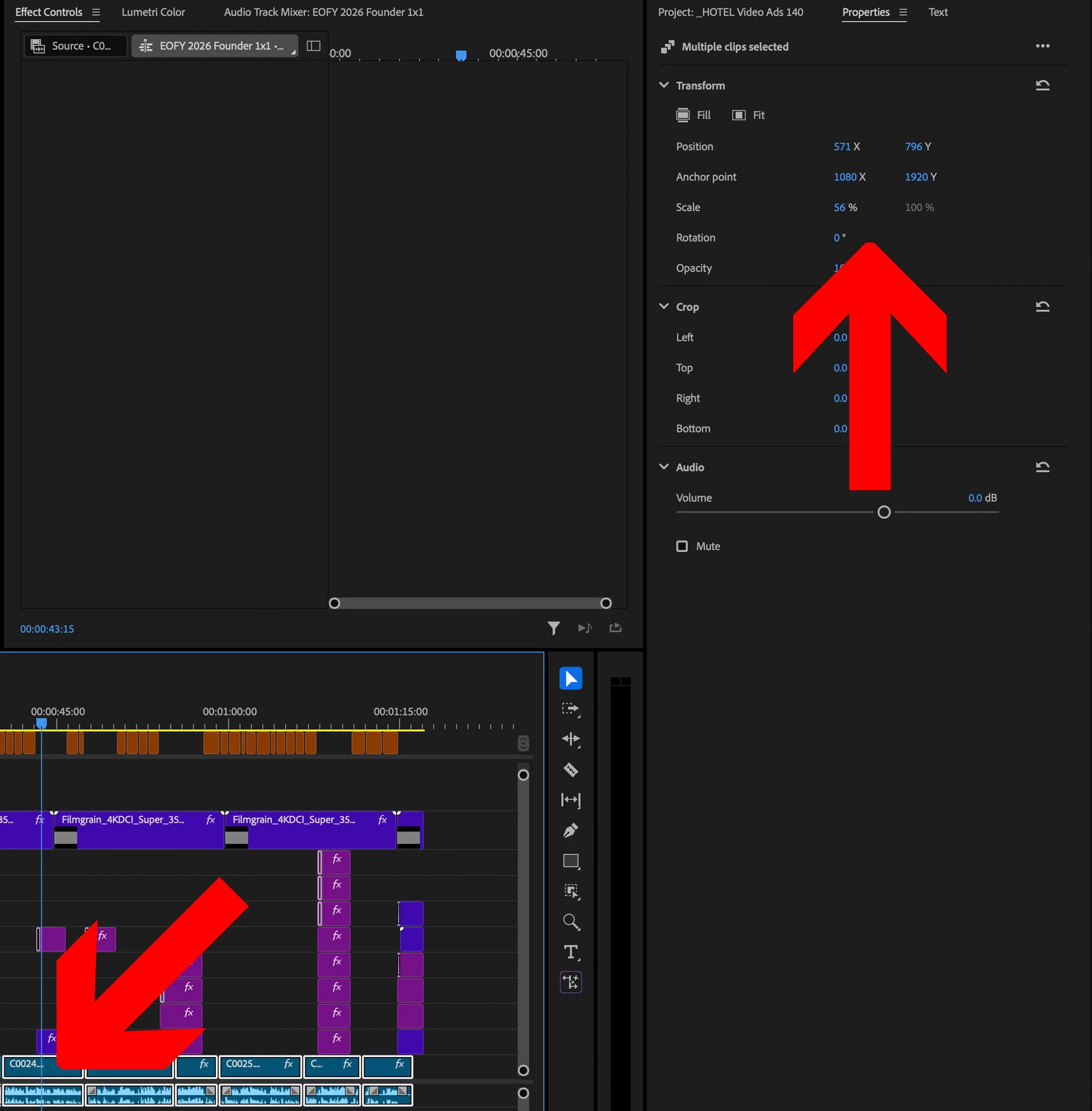
When multiple video clips are selected, we can use the Properties panel to transform multiple clips at once - a huge timesaver when creating 1x1, 4x5, 9x16 from 16x9 material. See attached below.


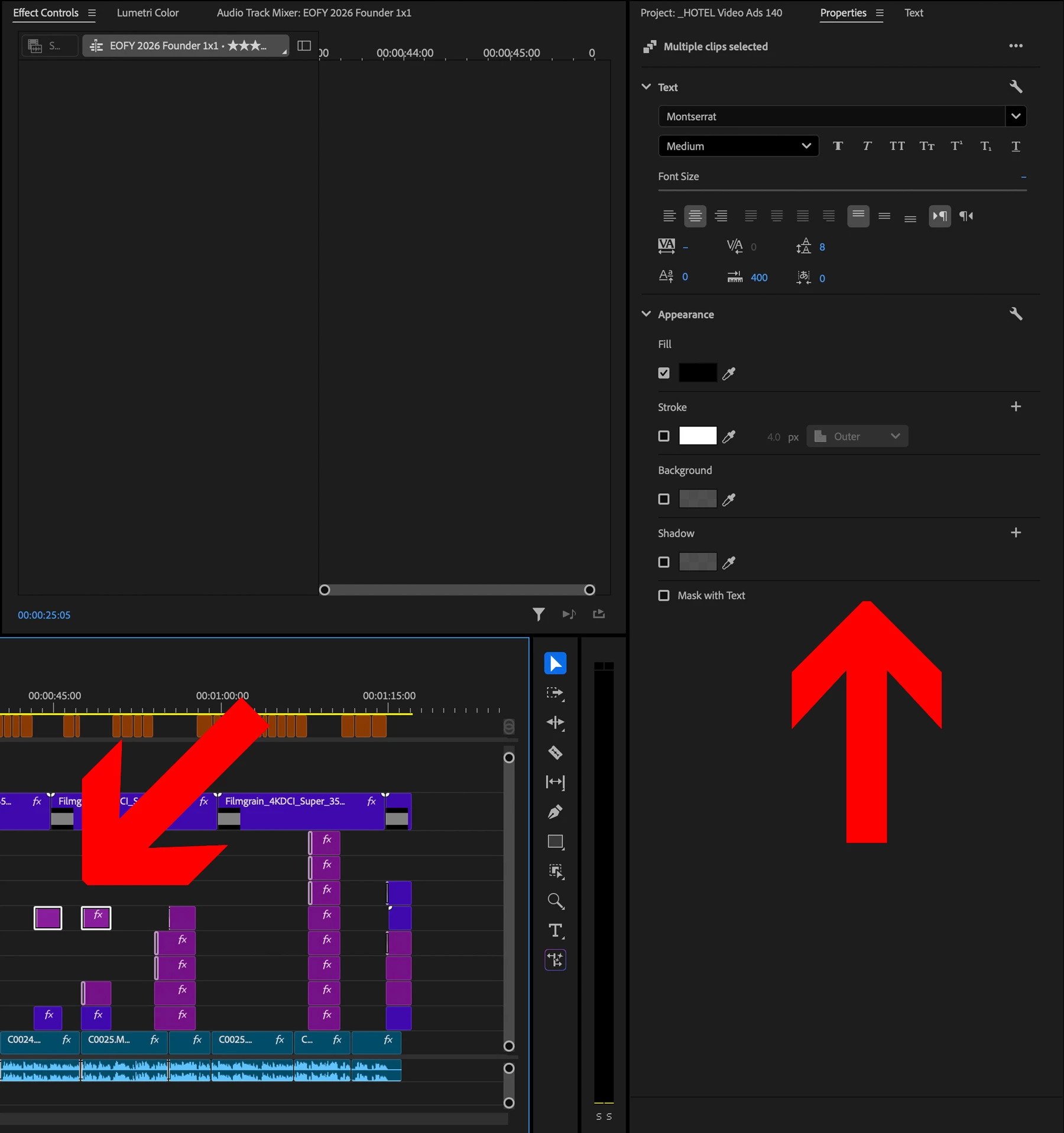
But when multiple text clips are selected, the transform options are hidden (as of Premiere 26). See attached screenshots below.


2. REQUEST

When multiple text clips are selected, don’t hide transform controls and instead, allow us to move multiple text clips by the numbers, simultaneously.


Cheers, Ben
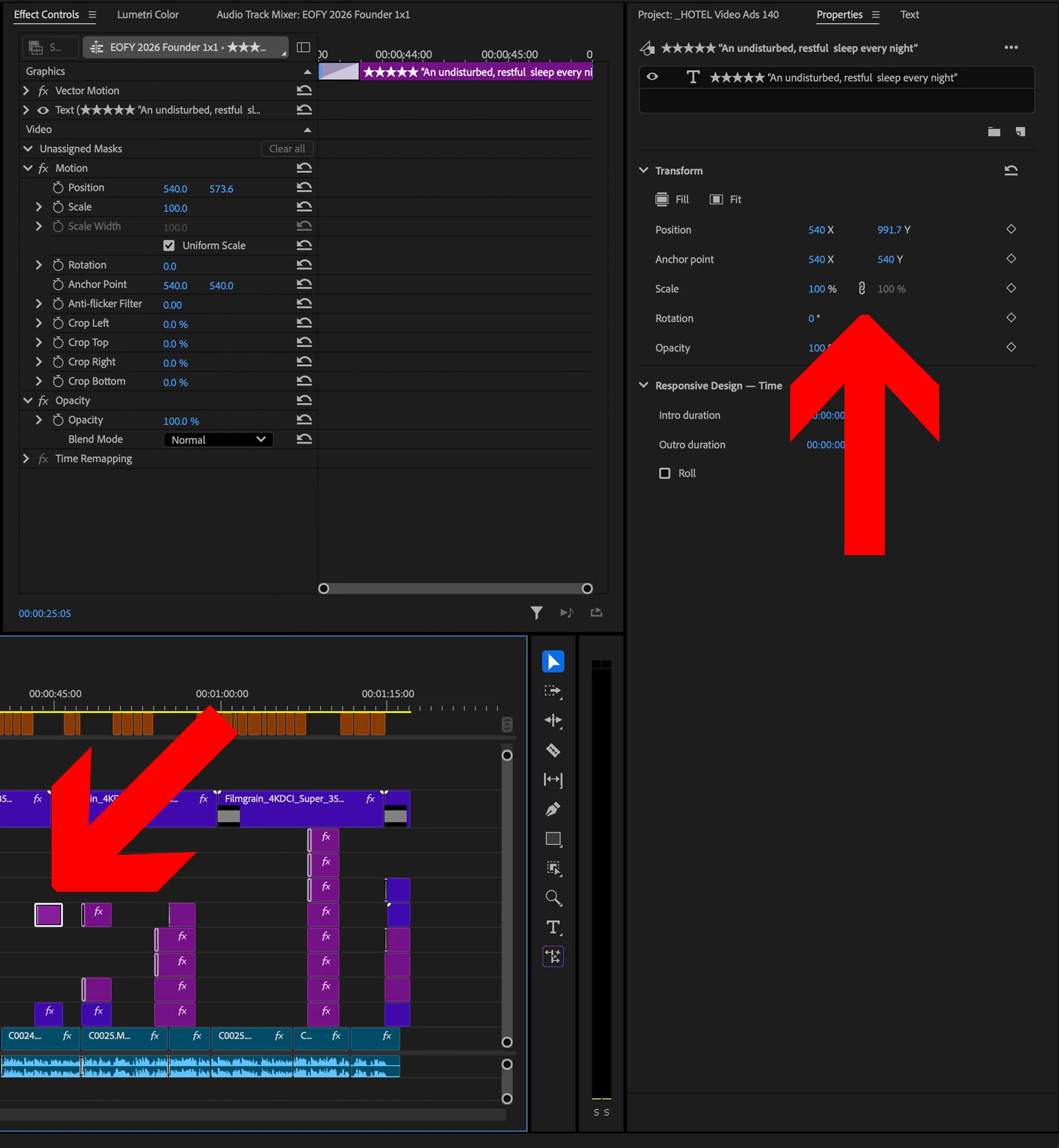
 

Transform controls display when one text clip is selected.
Transform controls hidden when multiple text clips selected.
Transform controls remain active and editable with multiple Video layers selected, allowing us to move multiple video layers simultaneously.


    1 reply

    Ann Bens
    Community Expert
    Community Expert
    March 10, 2026

    I know its a request but what if multiple clips are selected and the all have different transform properties?

    AndrewTheGreat
    Known Participant
    March 10, 2026

    It can easily be solved by displaying “-” instead of number, like it happens when mixed properties are selected, and then changing the properties according to the value selected.

    Stop trying to edit and EDIT!
    Ann Bens
    Community Expert
    Community Expert
    March 10, 2026

    Which properties should have the “-”? Position, scale…………? All of them?