



FEATURE REQUEST: applying tracking data to an object in Premiere Pro
When you track motion inside Premiere Pro, keyframes are created, and although the tracking properties are all the same across the software -position, rotation and scale - they cannot be copied and applied anywhere else.
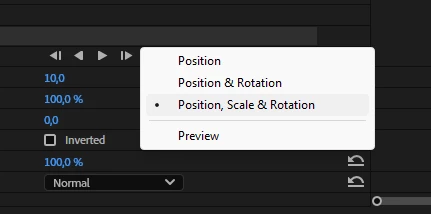
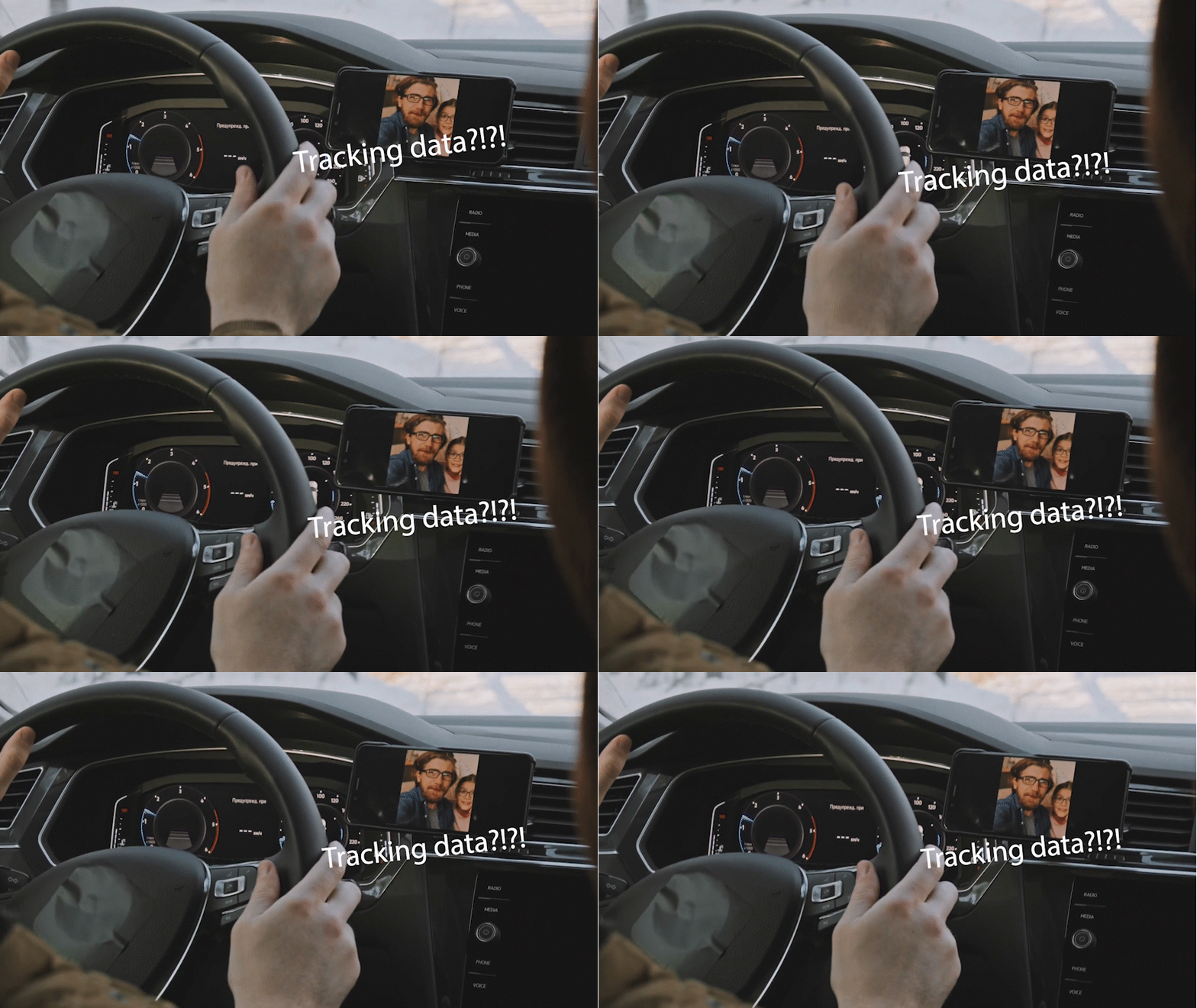
I think it's time to make Premiere Pro be able to use that tracking data for sticking objects to the moving ones on your footage now that every other video editing software has this feature. Right now the only way to do that in Premiere Pro is a third-party plugin called "Auto motion tracking for objects" which costs 25 bucks and I cannot understand why I have to pay for another software to have this feature while I pay for Adobe license MONTHLY and do not have this feature by default. Besides the above mentioned third-party plugin uses - guess what - a command parser that intercepts the position-scale-rotation data in Premiere Pro and applies it to Premiere Pro's own transform effect .
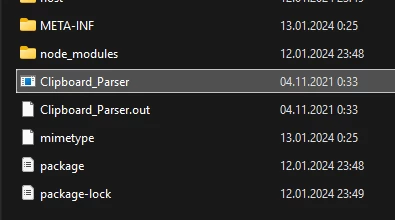
So it basically uses Premiere Pro to make Premiere Pro use Premiere Pro's own data. Why doesn't Premiere Pro do it itself?
Please, Adobe, add a feature that will make it possible to use the position-scale-rotation data obtained from tracking in the same properties in the Transform effect or the Motion section of the Effect controls tab.
At least.
 AdChoices