



Open for Voting
FEATURE REQUEST: Double-click a clip to act as a match frame
In the current version of Premiere Pro (and it’s been always like that) if for some reason you delete audio from a clip on your timeline, double-clicking it reveals the clip in the source monitor without any audio either:
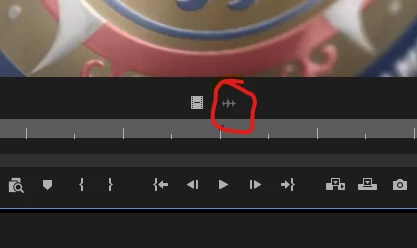
This is kinda strange, because you see the exact source clip with the in and out points set.
What I suggest is to make double-clicking act like Match frame - when you double-click a clip on your timeline it opens in the source monitor in its initial state with the sound track included. It’s just a quality-of-life feature which will reduce the amount of clicks.
 AdChoices