


Fixing trimming in Adobe Premiere Pro (with examples)
PPro had a bad trimming mode. In the example i compare Avid Media Composer and Adobe Premiere Pro trimming.
1) Screen while trimming.
In PPro we can see only in program monitor and when you use laptop, screen is too small to see, what's happening in 2 sides(A-side and B-side). In Avid MC Source monitor is only A-side, Program monitor B-side and it is very usefull when you use laptop(in timeline setting you can choose use source monitor as a trim side or only in program monitor trim A-side and B-side)
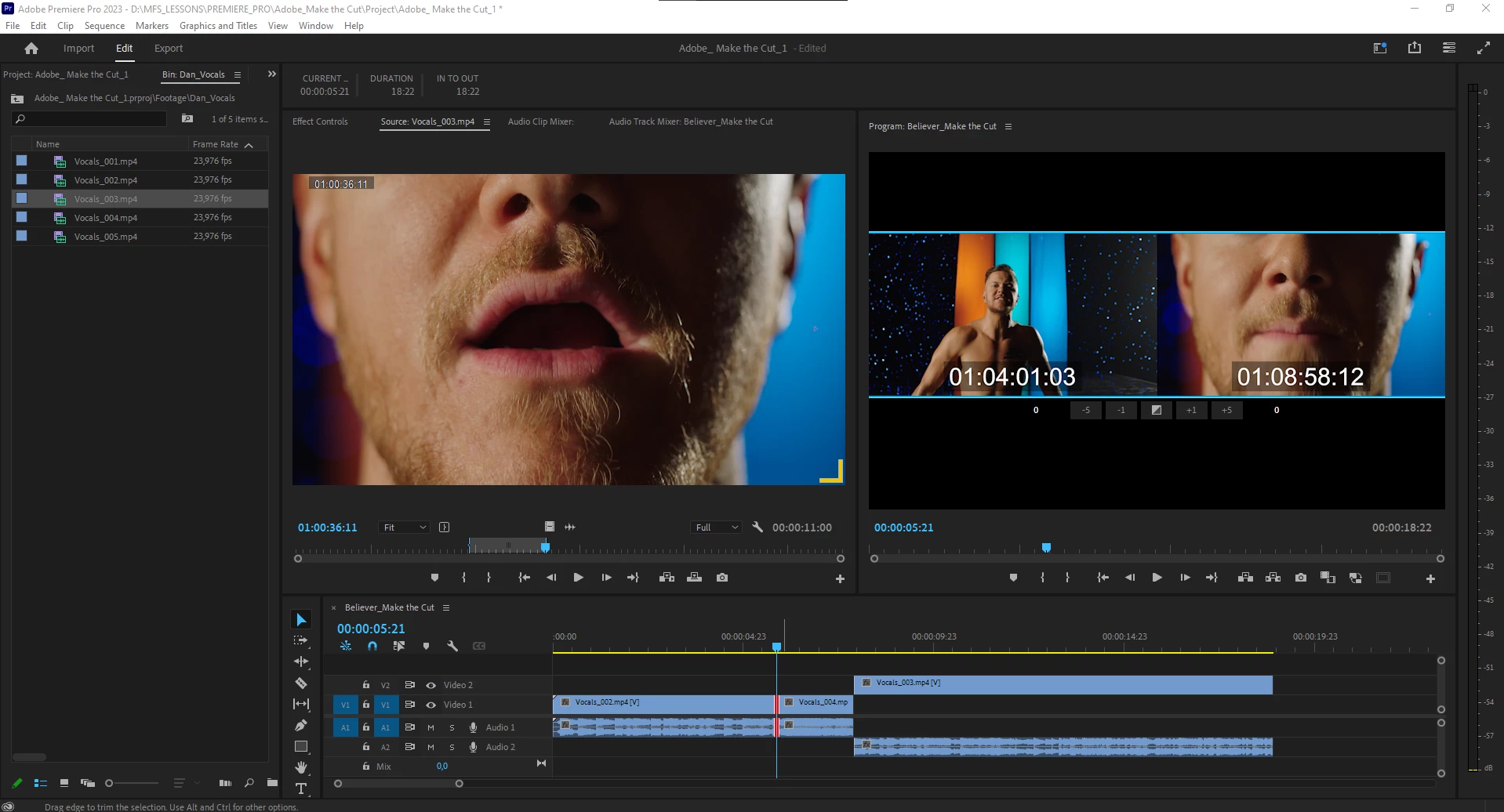
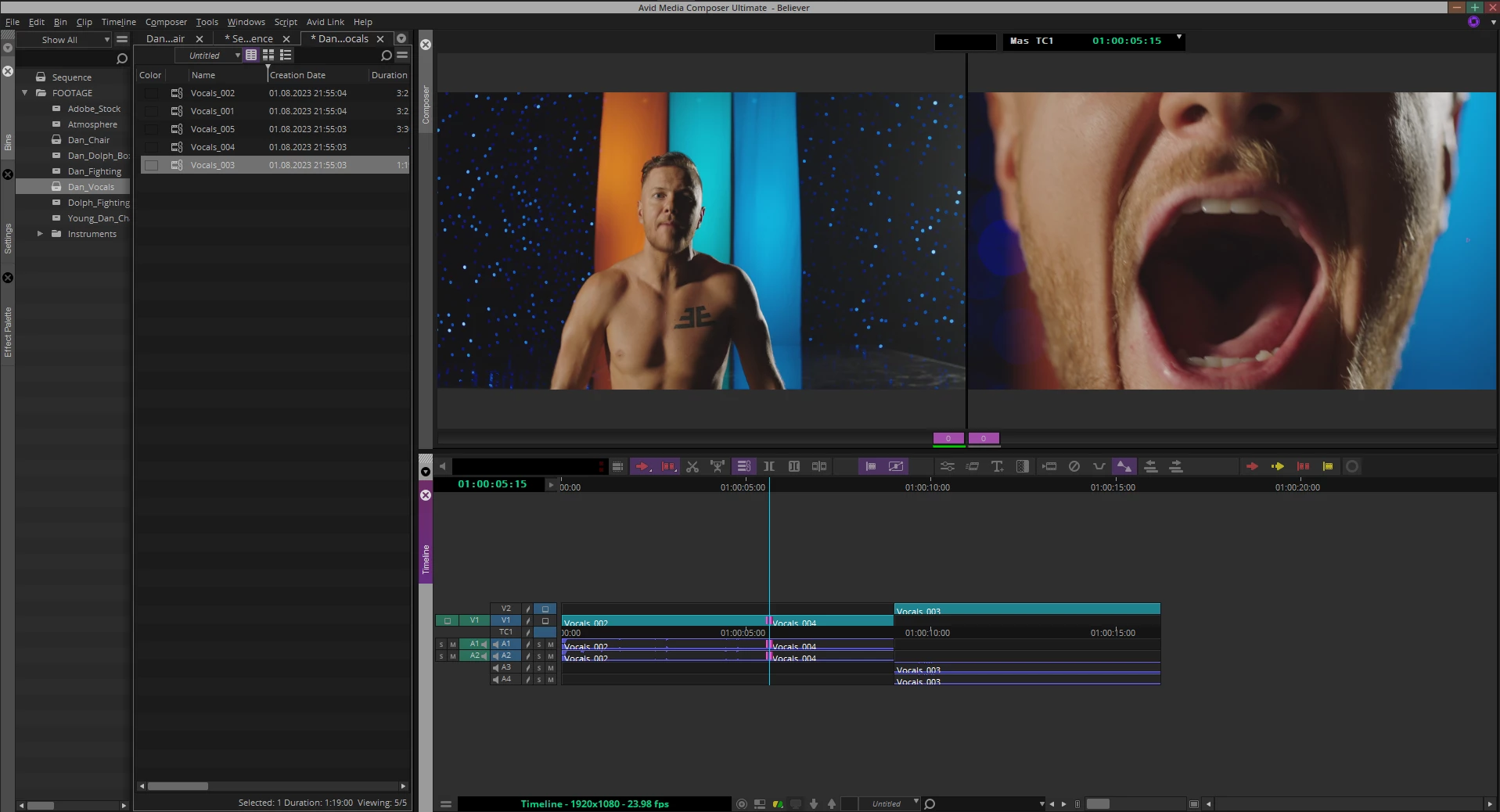
02) LiveTime Trimming (Avid and Premiere Pro Examples: https://youtu.be/XedhKrVLAVk) .
In PPro when you trimming in trim mode(when you use keyboard shortcut) trim red/yellow/roll "thing" it is stuck and a it is annoing when you trimming, because you did not see movement.
In Avid(in DaVinci also) you can see how a "thing" move when you edit, and it is much more convenient.
03) LiveTime Track Selection (Avid and Premiere Pro Examples: https://youtu.be/ZNeVSCv8Jwg )
In PPro I want to edit a "J-cut" or "L-cut" or select only audio or video file. When I am in an edit mode, I cant choose only video or audio tracks in livetime, as an Avid MC. In Premiere U want go out from trim mode, diselect video track, when again press my shortcut to edit my audio files).
In Avid MC I do that in real time, I can select or deselect when I am in trim mode and this made a trimming better and convenient)
 AdChoices