lehestro
Inspiring
June 20, 2025
Open for Voting

Gamma shift with Generative Extend

  • June 20, 2025
  • 5 replies
  • 320 views

This post isn't to find a solution, but simply to let the devs know what I'm experiencing. 


First off, hats off to the devs for getting it this far. It's very promising, and a technological marvel. 


That being said, for this feature to really be useful, it has to be seamless– it has to just work. And though it's slight, there is a gamma shift that's noticeable between the original footage and what is generated by AI. So GE is close, but could use some work. I know I can adjust it, but if I was a dev, I'd want to know if I had hit my target dead on, or slightly missed.


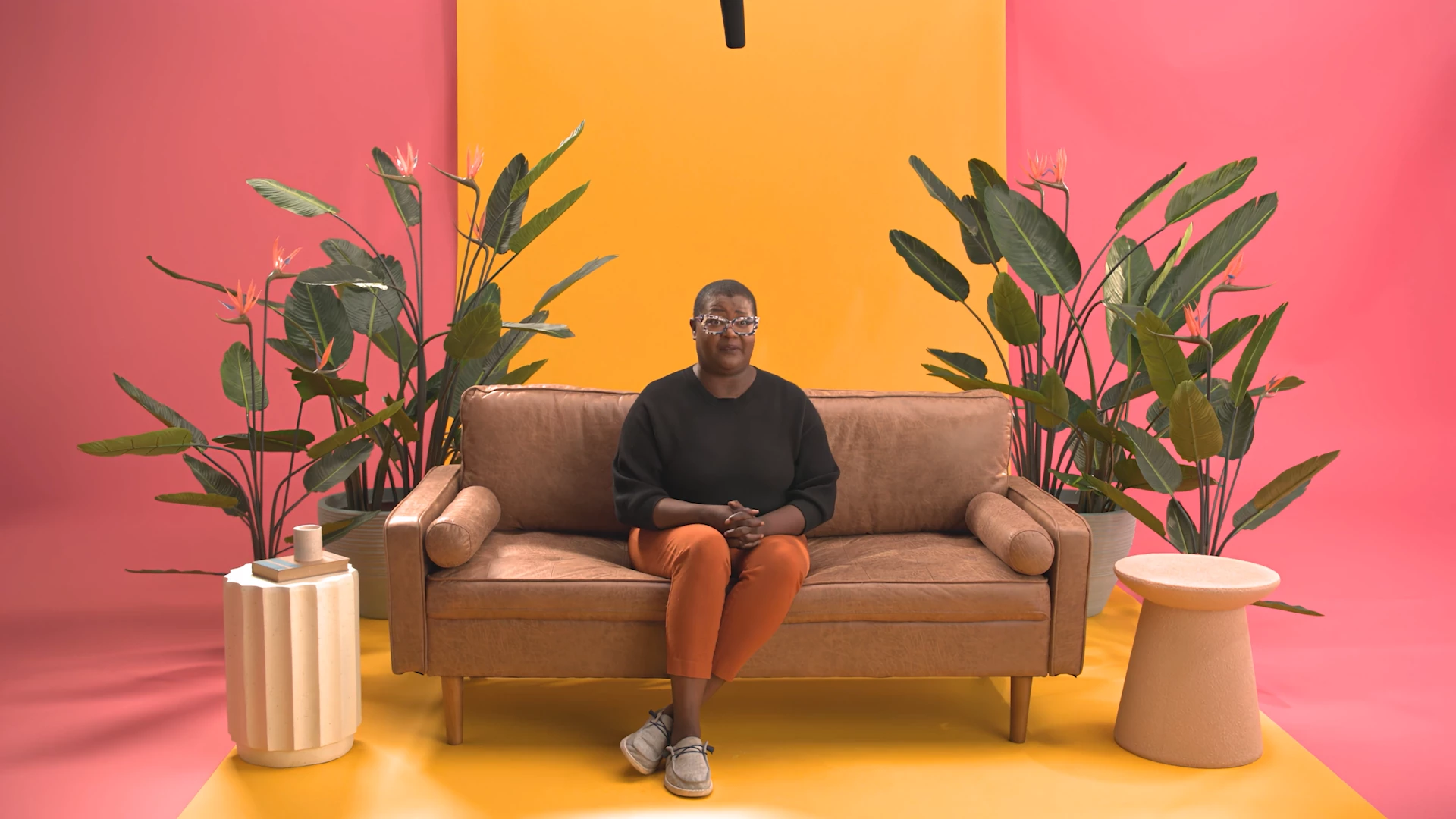
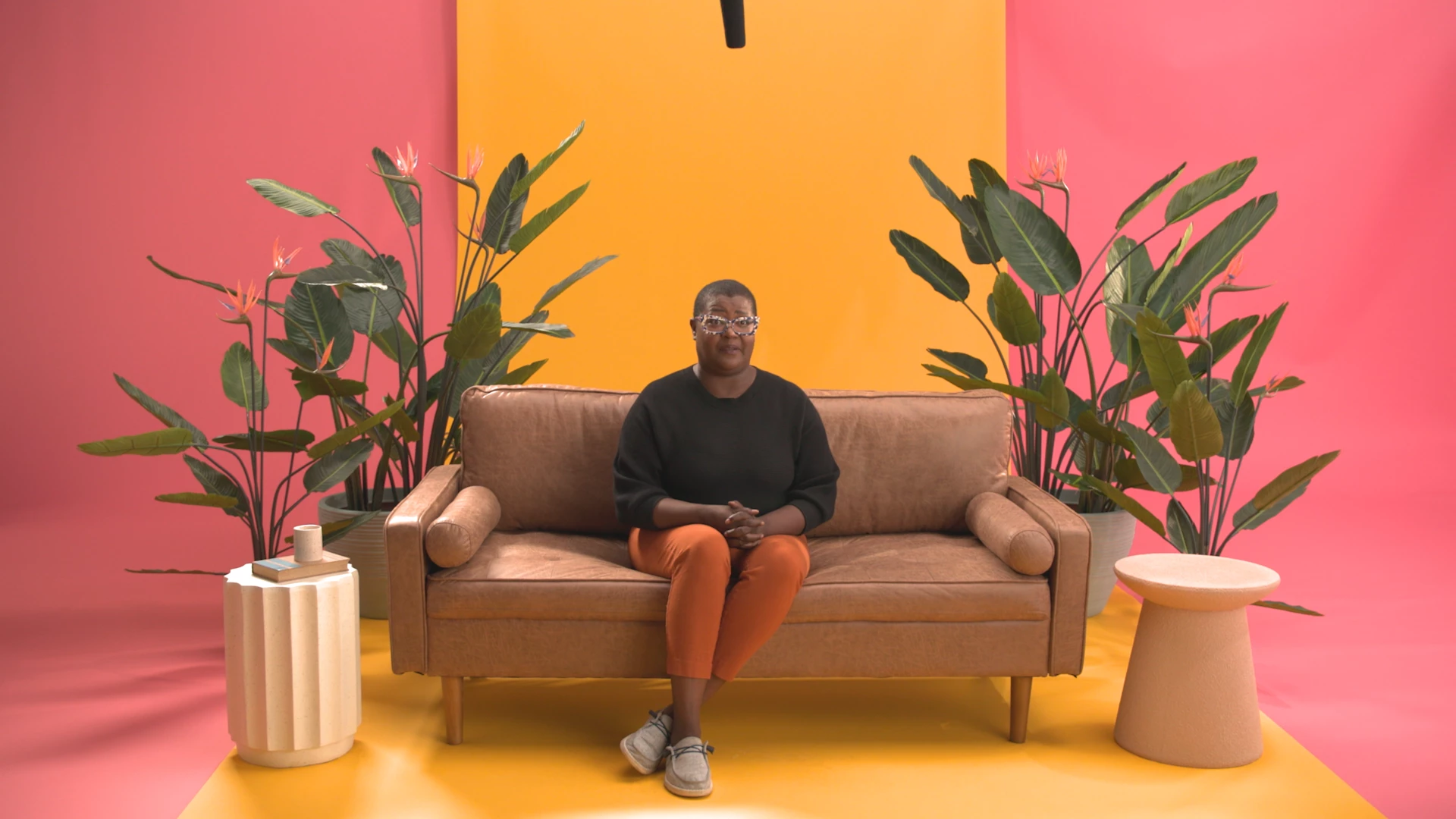
My footage meets all the criteria – 8-bit ProRess 422 at UHD resolution and 23.976 fps. I simply was hoping to extend a woman sitting still on sofa. In the original footage she looks away. I figured this was a real soft use case. 


Why it does an good job extending the footage (it'd be nice to somehow direct the AI to whether I wanted the mouth to open or close), that luminance/brightness/gamma shift kicks in. See images below (they may appear the same, but when played back on a timeline, the shift is noticeable). 


I'm on Premiere 25.3 build 84 for macOS 15.5 running on an M1 Max macbook pro with 64GB memory.
 

5 replies

R Neil Haugen
Legend
July 1, 2025

There's always the gap between what we'd prefer, abd what as a practical thing, gets work out the door as things are today.


And yup that is always a frustration.

Everyone's mileage always varies ...
Known Participant
July 1, 2025

Yes, Iwas using LUTed LOG files, and, as you said, that was the problem. The easy solution is to export the clip in 709  color space and hten replace the LOG clip in the timeline. Then Generative Extend doesn't have the color shift. It's a shame Render & Replace stays in LOG, it would save a step or two but this will work fine for as often as I need touse it.


Thanks for the tip.


Herb Sevush

R Neil Haugen
Legend
July 1, 2025

Was this media log, like in your regular post? Which as noted, Premiere can't yet use correctly in G-E effect working process.


Or was this from a "normal" Rec.709 space file?

Everyone's mileage always varies ...
Known Participant
July 1, 2025

In other words this feature is not ready to be used. I have seen the same gamma shift when trying it on ProRess 422 vlog footage with panasonics 709 conversion LUT and unless someone can give me a formula for correcting this color shift, Generative Extend is unusable for me. It's fantastic that Adobe can do this at all, but it's useless until it actually works.

IanB_360
Community Manager
Community Manager
June 20, 2025

Hi @lehestro 

and thanks for the detailed description of what you are seeing. That sounds a whole lot like matching VFX shots wrapped back from color into an online finishing project. You absolutley must always have that gamma and color space matching or someone will catch that visually. It is a great observation and for now you have the best workaround, use some color science or a colorist to tweak that part of the footage to match.  This feature of course will improve with more feedback from users like yourself.
Here to Help
Ian