



How about getting Synchronize in Premiere to work well
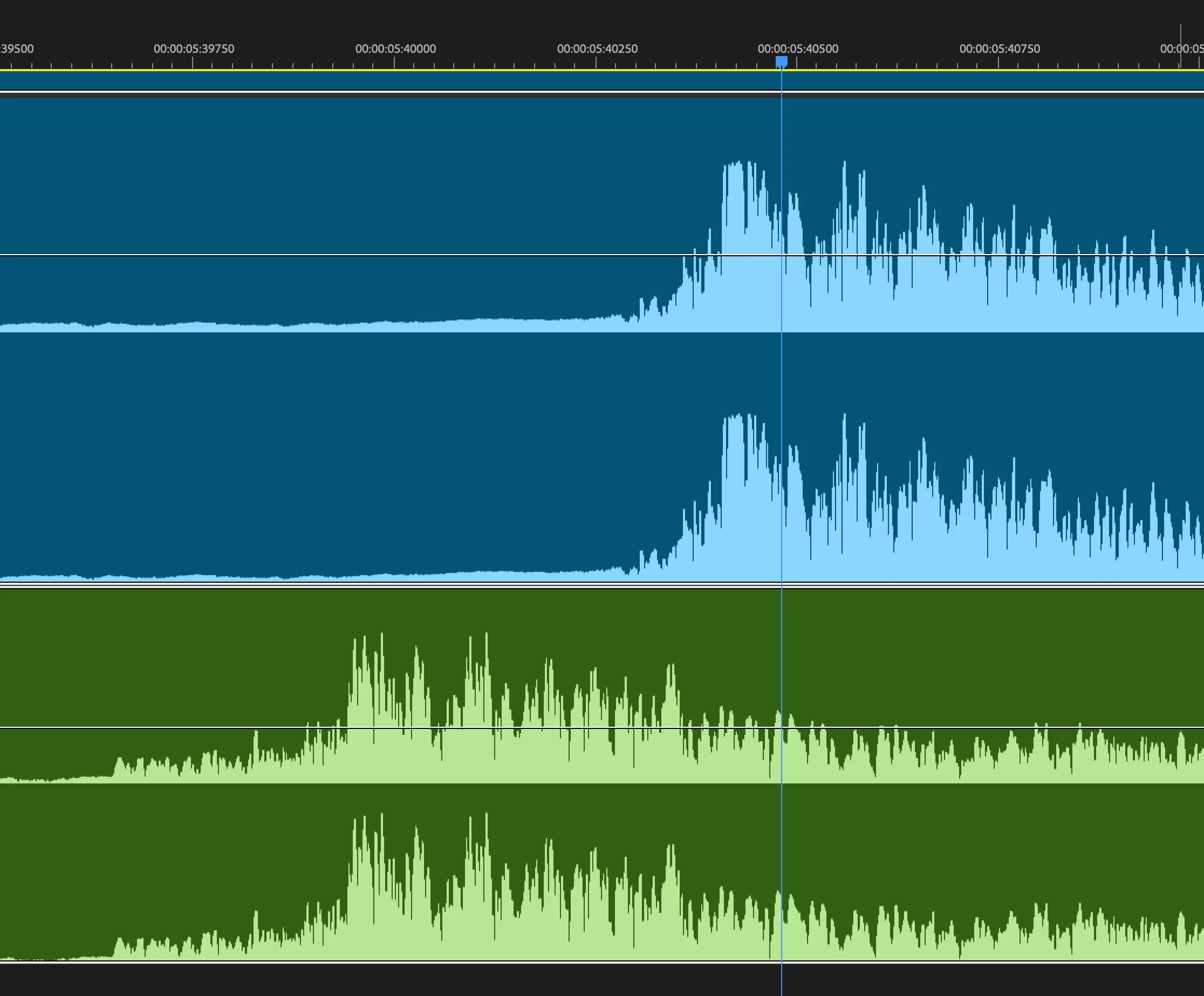
I have a video track with audio from Squadcast. I have an audio wav from a Rodefaster Duo. Add them to Preimere. Select them in the sequence. Select sync and they are off dramatically every single time. I can see the peaks. I can manaully do it, why can’t you?
OK I’m not an video/audio engineer and I get the general idea behind clock speeds and drift as well as FPS and variable vs constant but come on, can’t we at least align the beginning so it’s somewhat in sync?
Maybe I don’t know what I’m doing here but this seem basic, no? Can’t we get this part right?
I get drift is probably complicated. (oh and why do I have to do math myself to get it right?) I also sort of get how audio units are hard to sync with FPS. I’ve also now learned I have to open my vid in handbrake to make it constant rate vs stupid variable. Then bring it into premiere and then go through sync again which will eventually work with maybe some time stretch at the end to get it right, maybe. But for gods sake, can’t we at least get the beginning to sync.
Isn’t there some way for me to like automate this? I can’t be the only one doing this. Let me drop a mp4 and a wav in and just do it? Like make it constant rate (if that’s the problem), sync the start, stretch the end for me with math and be done with it.
Just spent an hour with Gemini trying to instruct me on how to do this but I’m thinking someone (and maybe someone has) is going to figure out how to do this with AI and I won’t need my subscription anymore.
Sorry. Rant over.
 AdChoices