



Open for Voting
in the source monitor I would like to see the numbers of tracks on the left side of the panel. I also would like to be able to mute and solo those tracks in the source monitor.
selecting the right track in the Source Monitor can be very difficult in Adobe Premiere.
If I now open a multi-track clip, I see all the audio tracks labeled with the number one. or L and R.
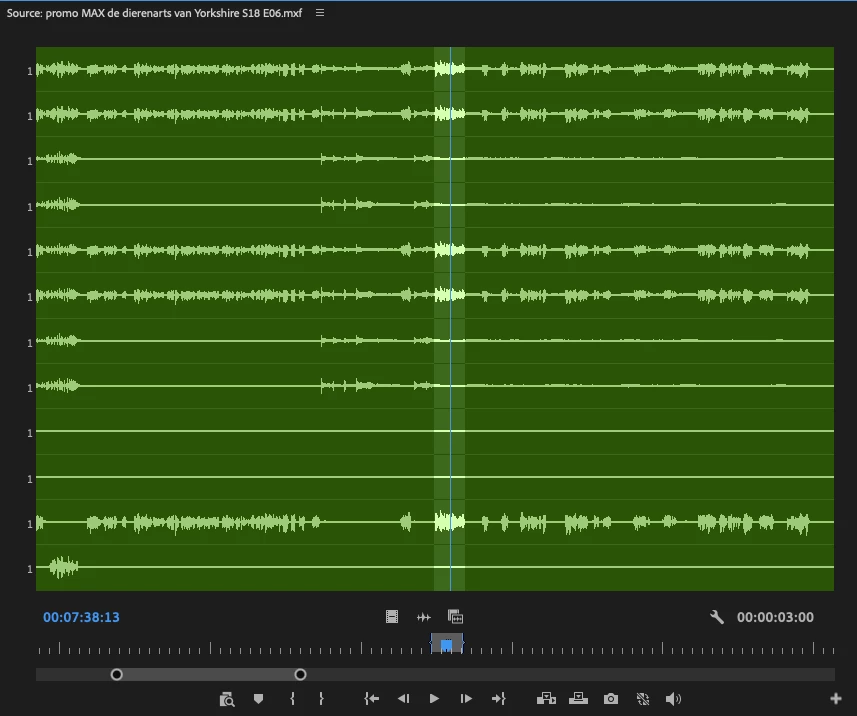
I would like to see it labeled as 1 through 10 or 1 through 16, depending on how many tracks the clip has. I also would like to be able to mute or solo these tracks so I can pick the right track in my edit.
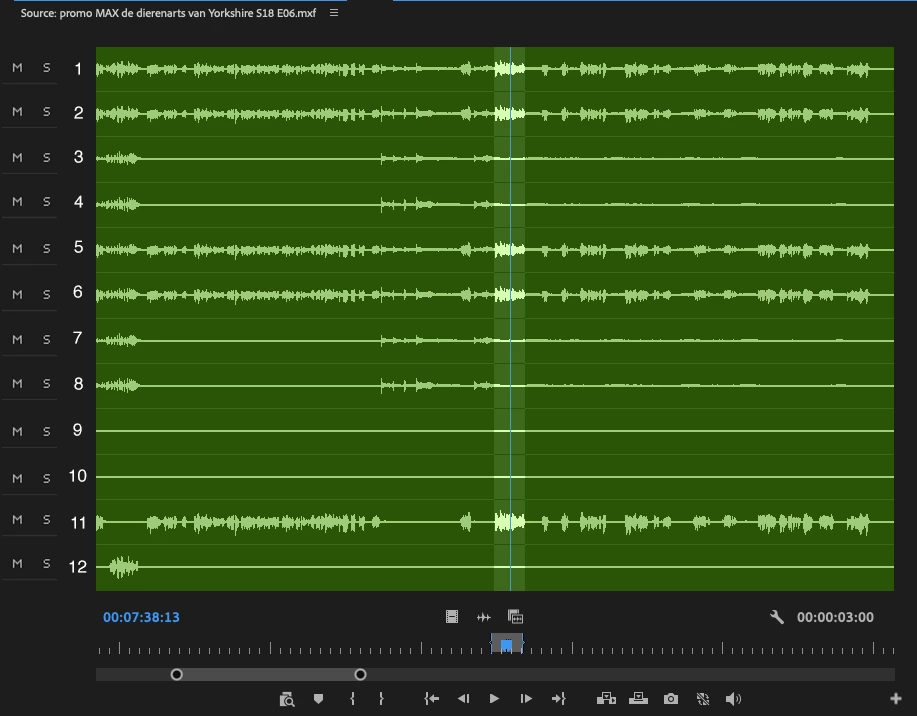
Even more powerful would be when I can do the source patching in the Source Monitor so I wouldn't have to do this in the timeline
 AdChoices