


Keyframe buttons still overlapping value fields in Effect Controls
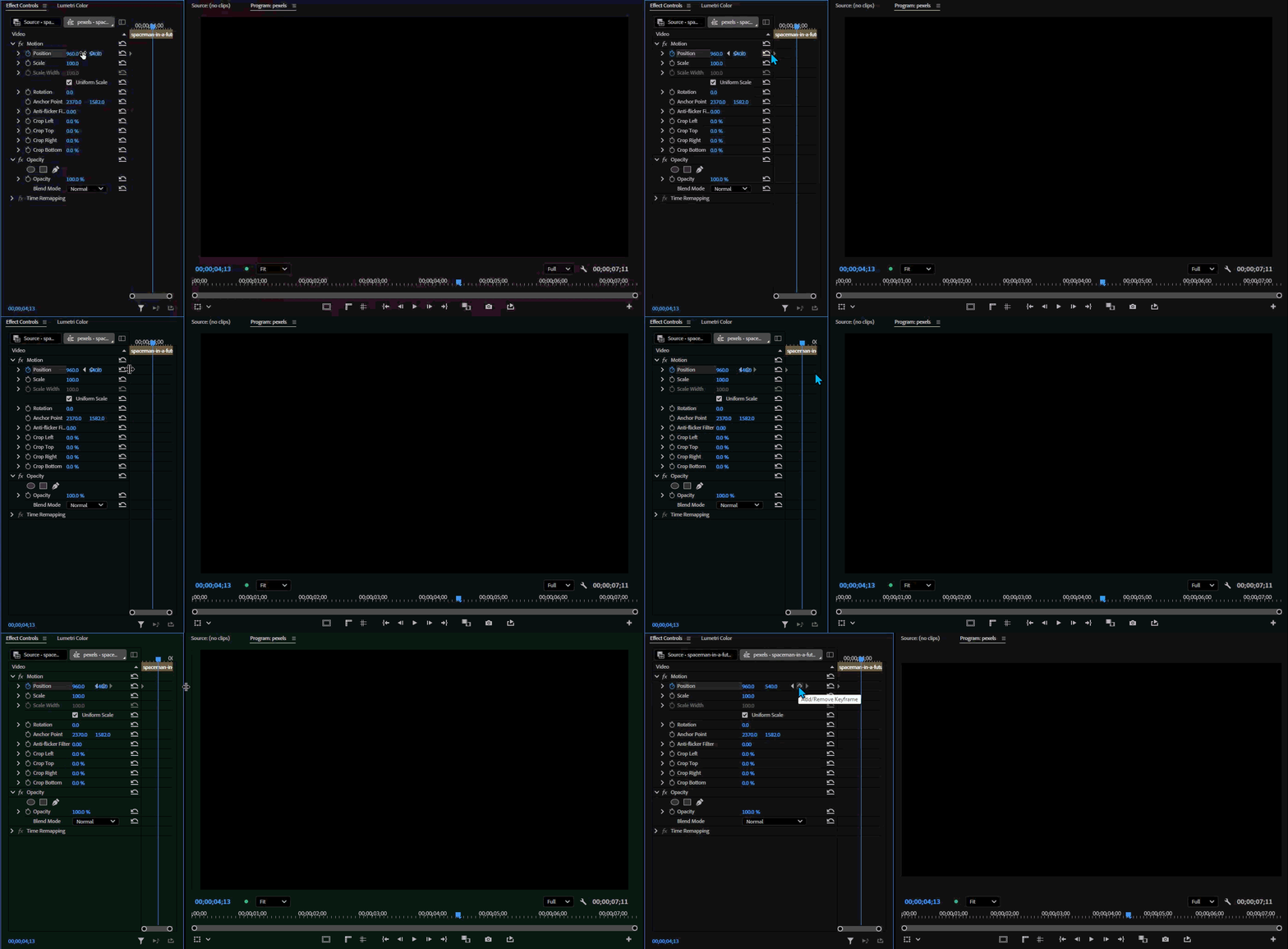
In the Effect Controls panel the keyframe navigation buttons still overlap with the value fields (like Position, Scale, etc.), making the buttons nearly unclickable without resizing the panel. Despite it appearing to be a relatively easy issue to fix, it has persisted through at least a decade of Premiere updates and there are no signs of it changing anytime soon. However, with the increased focus on UI in recent updates, I'm hoping this is a good time to shed some light on the issue.
(appologies for the flickering in the gifs below)
This is what I'm referring to:
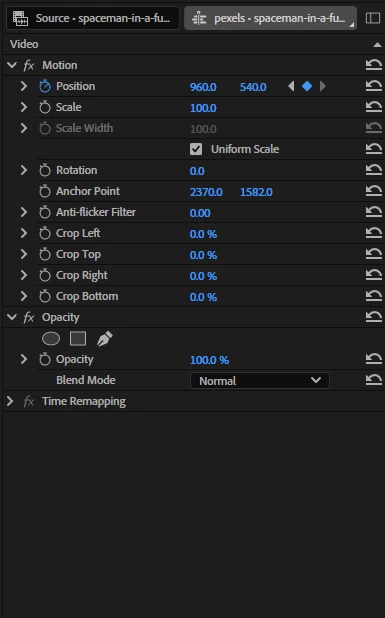
The image below is the minimum possible width the panel must be in order to click all three keyframe buttons:
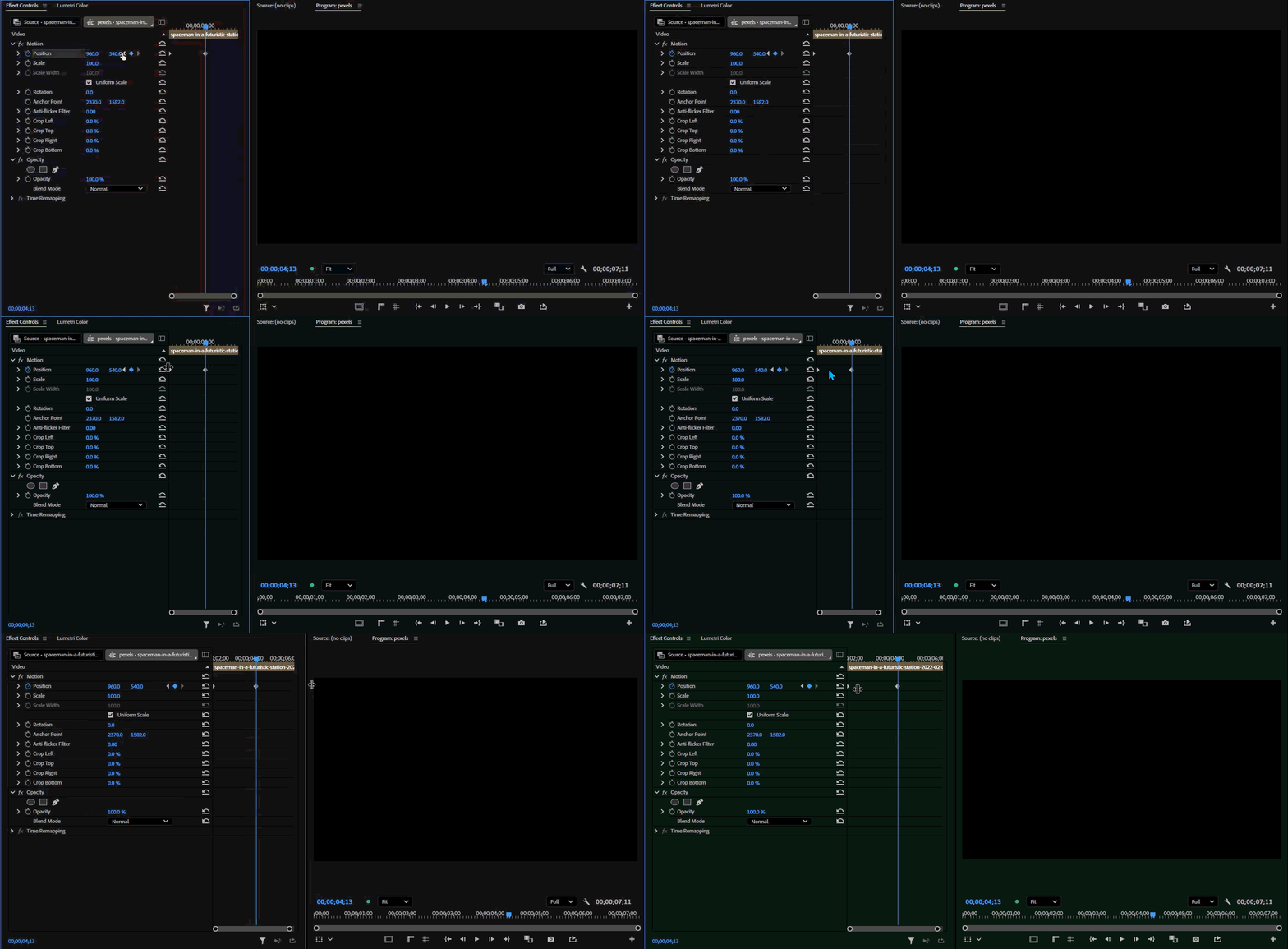
In order to view more of the timeline portion of the panel while still being able to click the keyframe buttons, the Effect Controls panel as a whole ends up taking quite a lot of realestate:
This is obviously not a critical issue and there are many ways to work around it or avoid it, but this doesn't mean it should never be fixed. I have spent many years in this program, and my workflows, shortcuts, and layouts are ever evolving and changing. But this is one issue that I still find myself running into consistently. These keyframe navigation buttons are simply the most obvious, intuitive, and natural way to skip ahead to the next keyframe, and it would be nice to finally see a simple fix to such a long lasting UI issue.
 AdChoices