



Open for Voting
Make it possible to adjust Submix Track levels with keyboard shortcuts
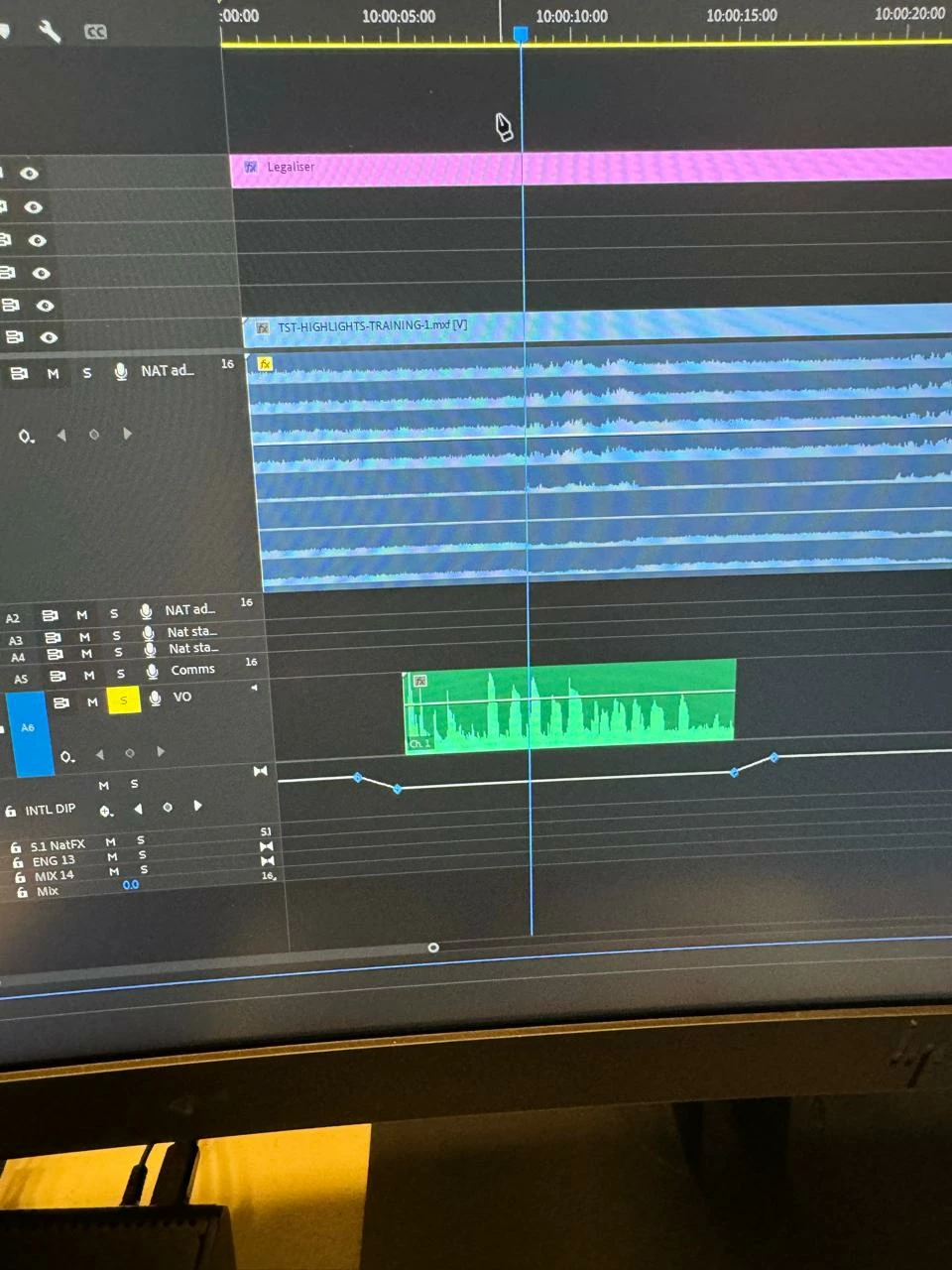 Currently there isn't any way to adjust Submix track volume keyframes with the keyboard. As it a Submix track isn’t a clip, all the usual ones don’t work… 😞
The workflow now is lasso select the keyframes to adjust with the pen tool. And then manually drag them up/down. This is slow and painful for editors in the broadcast space, as submixes are used to deliver both English and international mixes in one sequence.
Request: Please make Submix volume keyframes accessible via keyboard shortcuts.


 AdChoices