



Make keyframes not affected by time-remapping or speed change feature request
Right now (and it has always been) when you apply time-remapping to a clip where any parameters were animated, the keyframes become time-remapped too. Say I want a time-remapped picture to gradually scale up or move - the parameter change will speed up too where the time-remapping is applied even though the last keyframe was placed past the end of the speed change:
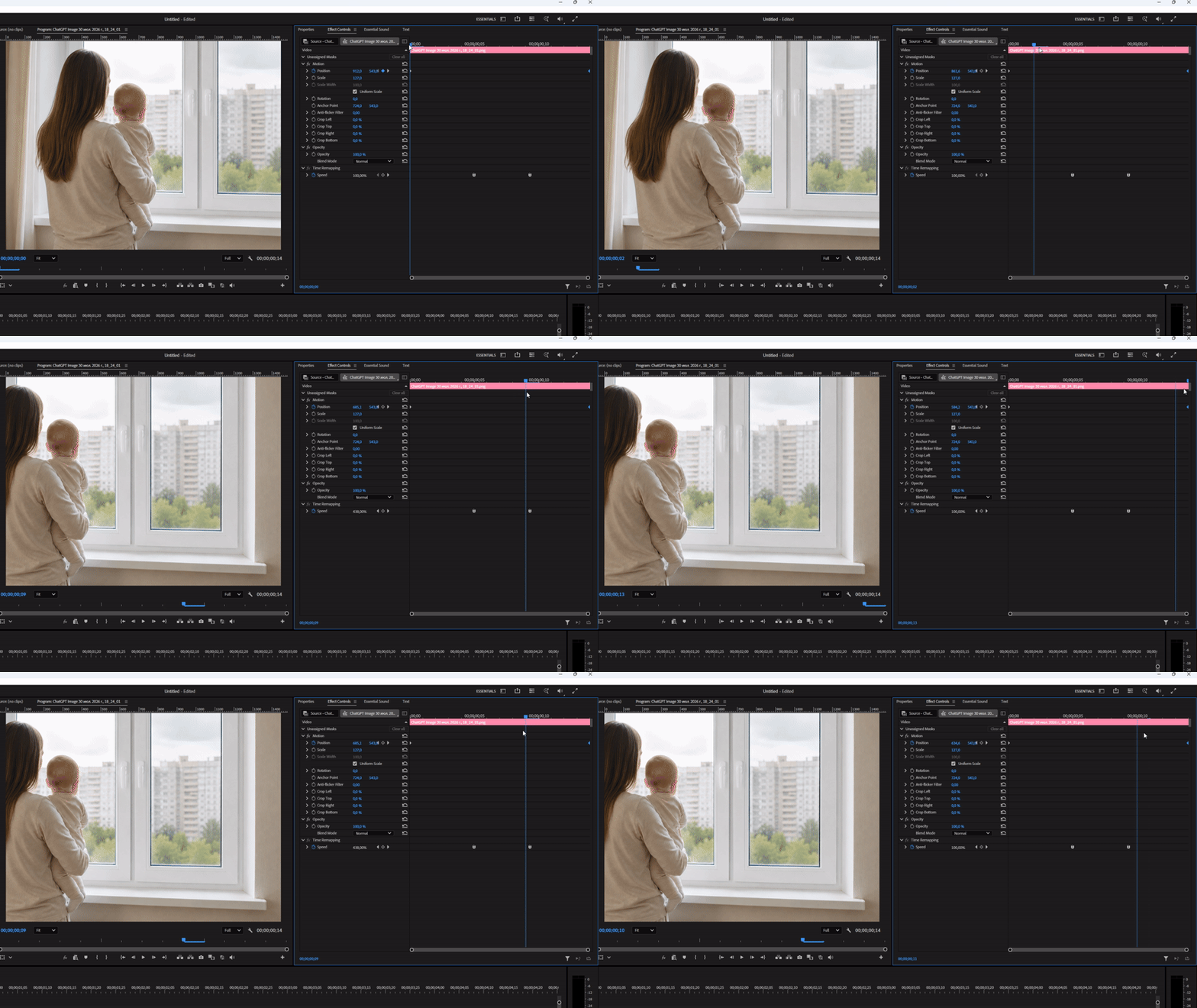
This is way inconvenient because to make the animation even you have to set additional keyframes and move the last keyframe farther\closer to compensate for the speed change. Or use other effects like grow\shrink\move that may not do the job, or nest which totally ruins the quality because nesting resamples the image.
Plus if a keyframe is set in the part where the speed was changed (at the beginning of the clip a remapped the clip speed to 50%, the keyframes are ignored at all:
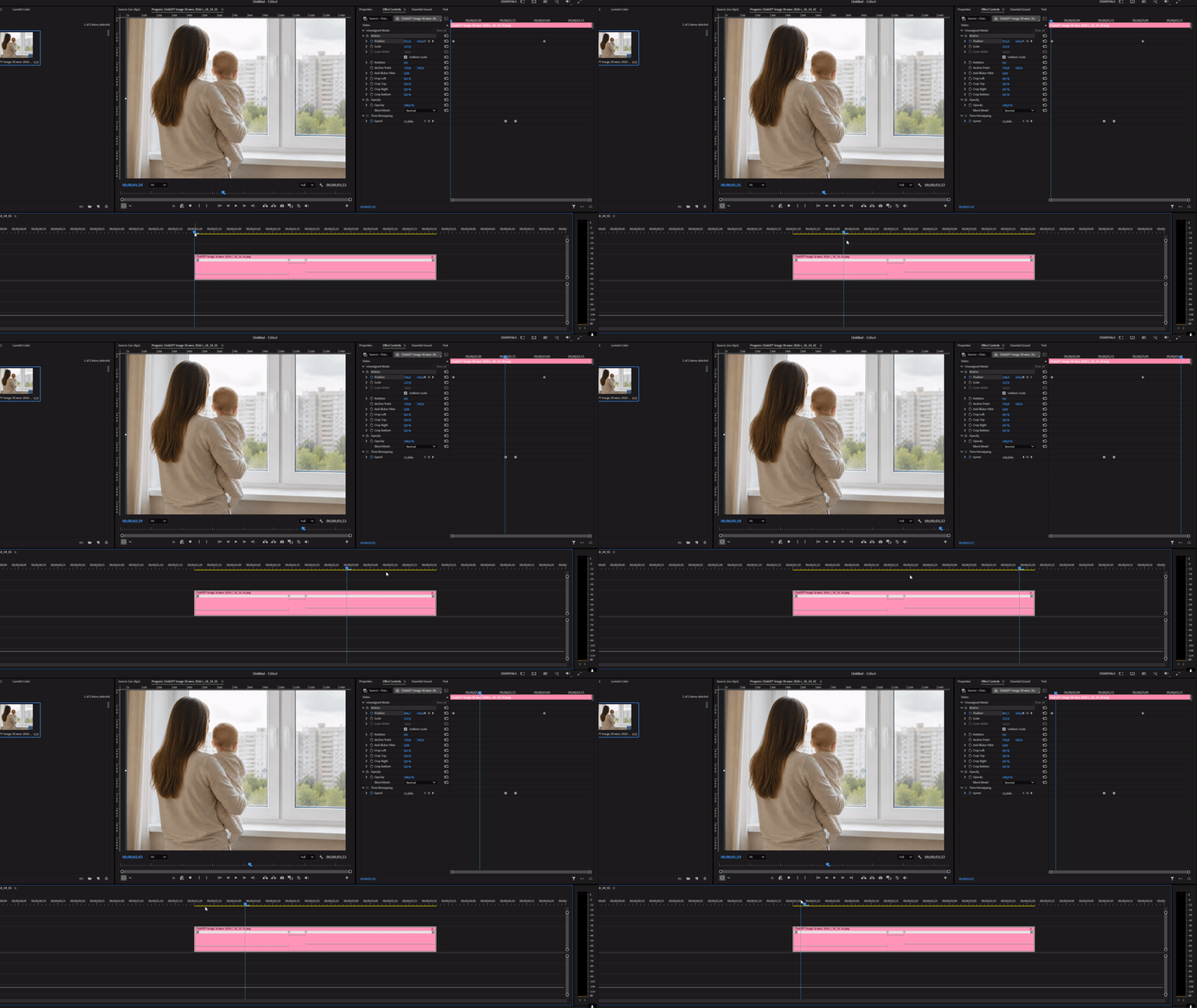
What I request is either make it final or add a Preferences option for keyframes to not be influenced by any speed changes made either with the time-remapping feature. In case one needs a parameter to change with the speed of the clip, one can Nest it and loose any quality because such a thing as scaling up will happen inside the nest and the nest itself may be time-remapped. If you do it in the opposite way the scaling will affect the nest, not the original clip. And all nests adhere the size of the parent sequence and not the media itself.
 AdChoices